

YouTube SEO: A Ten-Step Guide to Ranking Your Business Videos

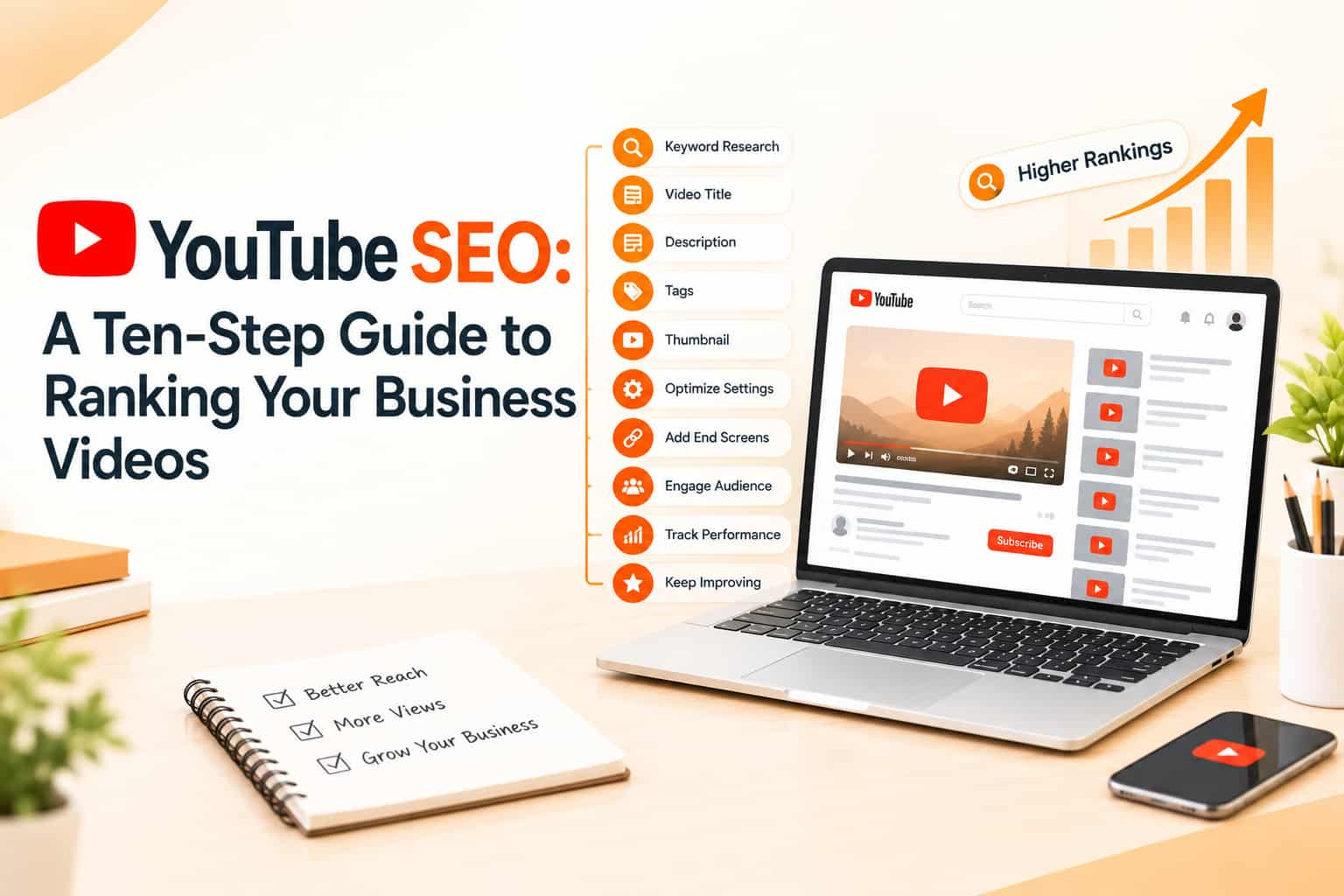
YouTube is the second place many Indians go to search, after Google itself. People watch videos to learn how to fix a washing machine, compare phones, prepare for exams, pick a school or understand a financial product. For a business, that means a video can bring the right customer at the exact moment of need. But YouTube is crowded. Hundreds of hours of video are uploaded every minute, and a good video with no search optimisation can sit unseen for years. YouTube SEO, which some people search as YouTube SCO, is the practice of helping the right viewers find your videos through YouTube search, suggested videos and Google results.
How YouTube decides what to show
YouTube's systems try to show viewers videos they will want to watch and be satisfied with. Search results, the home feed and suggested videos all draw on signals such as how well a video matches the query, how many viewers click it, how long they watch, whether they like, comment and share, and whether they come back for more. The platform does not publish an exact formula, and it changes over time, but the broad goal is stable: match intent, hold attention, satisfy the viewer.
Step one: find topics people search for
Start with the questions your customers ask. Use YouTube's own search bar and autocomplete to see popular phrases. Check the suggestions that appear as you type, look at titles of videos already ranking and read comments for unanswered questions. Google's Keyword Planner and Search Console can show related demand. Choose topics where you have real expertise and can add something new, such as local examples, clearer explanations or honest comparisons. Prefer specific phrases, such as "how to choose a solar inverter for home in India", over broad ones like "solar".
Step two: write a title that earns clicks
Put the main keyword near the start of the title and make the benefit clear. Keep it readable, not stuffed with keywords. Titles that promise a specific outcome tend to attract clicks, but they must deliver. Avoid misleading clickbait: viewers who leave quickly send negative signals. Keep the title short enough to display fully on mobile.
Step three: design a strong thumbnail
A thumbnail is your advertisement. Use a clear image, large readable text with a few words, high contrast and an expressive face or a relevant object. Stay consistent in style so viewers recognise your channel. Test different designs on videos that are underperforming, since YouTube allows you to change thumbnails after publishing.
Step four: hook viewers in the first seconds
Most viewers decide quickly whether to stay. Open with the answer or the promise, not a long intro or logo animation. Tell people what they will learn and why it matters, then deliver in a logical order. Cut pauses and repetition. Retention, meaning how much of your video people watch, is one of the strongest signals of quality. Use chapters to help viewers navigate longer videos and to appear in search results for specific sections.
Step five: write a useful description
Place the main keyword and a clear summary in the first two lines, since they show before the "more" cut. Then add details: what the video covers, links to related videos and playlists, your website or WhatsApp link, chapter timestamps and relevant contact details. Write naturally in full sentences instead of repeating keywords. Include the language your audience uses, which may be Hindi, Punjabi or English.
Step six: use captions, tags and language settings
Upload accurate subtitles or captions. They help viewers who watch without sound, help people with hearing difficulties and give YouTube text to understand your content. For videos in regional languages, correct captions can open them to wider audiences. Tags play a minor role now, but they can help with common misspellings or alternative names. Set the right language, category and location, and add end screens and cards linking to your next video.
Step seven: organise playlists and series
Playlists group videos by topic and encourage viewers to continue watching, which increases session time. Build series around a theme, such as a beginner's guide or a customer story series. Link videos to each other using end screens and spoken suggestions. A clear channel structure, with a trailer for new visitors and sections for popular topics, helps people understand what you offer.
Step eight: encourage genuine engagement
Ask a specific question to invite comments, reply to viewers quickly and pin a helpful comment. Encourage people to subscribe if they like the content, but avoid begging. Do not buy views, likes or subscribers, which violates YouTube's policies and can damage your channel. Share videos through WhatsApp, email and social media so that early viewers arrive from relevant audiences.
Step nine: connect YouTube with Google search
Videos can appear in Google results for many informational queries. Embed videos in relevant blog posts and service pages, and add video structured data where appropriate. Write a blog post that complements the video, and link both ways. This improves time on page and gives search engines more signals about the topic.
Step ten: study analytics and improve
YouTube Studio shows impressions, click-through rate, average view duration, audience retention graphs, traffic sources and returning viewers. A low click-through rate suggests the title or thumbnail needs work. A drop in retention at a certain point suggests you should cut or change that part. Compare videos, learn which topics work and make more of them. Update older videos by improving titles, thumbnails and descriptions when topics change.
Common mistakes
Businesses often post sales pitches instead of helpful content, ignore thumbnails, use long introductions, upload inconsistently, skip captions and measure only views. Another mistake is not including a clear next step, such as visiting a page or sending a message.
Frequently asked questions
How long should my video be?
As long as needed to answer the question well. Retention matters more than length.
How often should I upload?
Choose a rhythm you can sustain. Quality and consistency beat daily low-quality uploads.
Are Shorts useful for SEO?
They can bring discovery and subscribers, but long videos often serve detailed search queries better.
Get found on YouTube
OM Enterprises plans video topics, optimisation and distribution so your channel reaches customers. Talk to our video marketing team.