

WhatsApp Status Ads in India: How They Work, Who Should Use Them, and How to Start

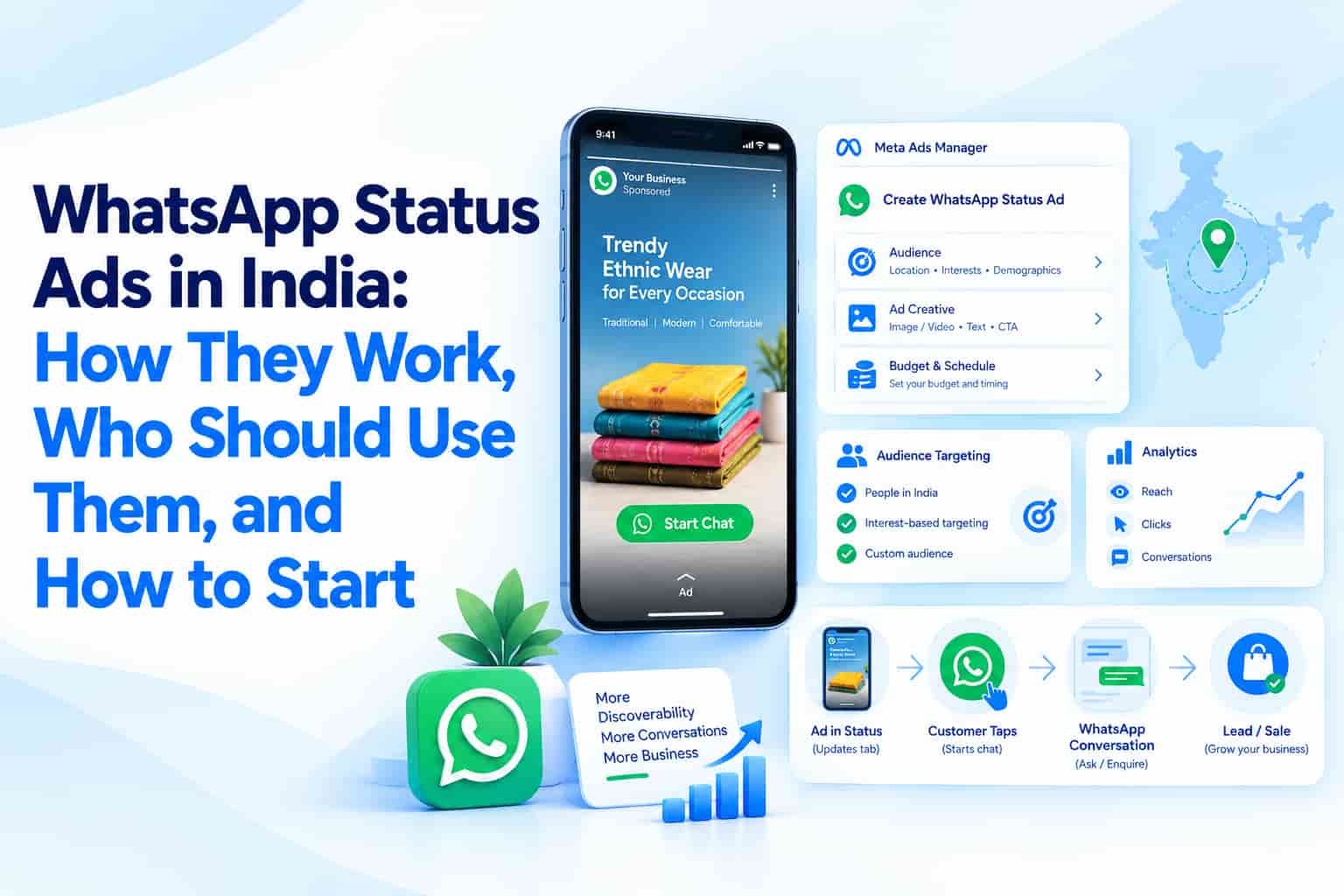
For years, the only way to "advertise on WhatsApp" was indirect: run a Facebook or Instagram ad that opened a WhatsApp chat. That changed when Meta started showing ads inside WhatsApp itself — in the Updates tab, between people's Status posts and in the Channels directory.
Brands like Maruti Suzuki, Air India and Flipkart were among the early testers in India. Now the format is available to advertisers through Meta Ads Manager. Here's how it works and whether it makes sense for your business.
Where WhatsApp ads appear (and where they don't)
Meta has been careful to keep ads away from personal conversations:
- Status Ads appear as full-screen vertical image or video ads between Status updates in the Updates tab, labelled as sponsored.
- Promoted Channels appear in the Channels directory, helping businesses and creators get discovered and followed.
- Not in chats, calls or groups. Personal messages remain end-to-end encrypted and are not used for ad targeting.
Meta says the Updates tab is used by around 1.5 billion people every day globally — a large audience that, until recently, brands could only reach organically.
How targeting works
Targeting on WhatsApp is more limited than on Facebook or Instagram. According to Meta, ads in the Updates tab use signals such as:
- Country or city
- Language
- Channels the user follows
- How the user interacts with ads they see
If a user has linked WhatsApp to Meta's Accounts Centre, information from other Meta apps may also be used. Meta states it does not share phone numbers with advertisers.
Practically, this means Status Ads behave more like broad reach and discovery placements than precision-targeted ads. Your creative does a lot of the targeting work.
Status Ads vs Click-to-WhatsApp Ads
| Click-to-WhatsApp (CTWA) | WhatsApp Status Ads | |
|---|---|---|
| Where it shows | Facebook and Instagram feeds, Stories, Reels | Inside WhatsApp's Updates tab |
| Targeting depth | Full Meta targeting options | Limited (location, language, channels, ad interactions) |
| Best for | Lead generation and sales conversations | Awareness, discovery, time-bound offers |
| User mindset | Scrolling social feeds | Catching up on friends' updates |
They're complementary. CTWA is still the stronger lead-generation tool for most businesses. Status Ads add reach among people who spend more time on WhatsApp than on Instagram — which, in many Tier 2 and Tier 3 markets, is a large share of your audience.
Which businesses should test Status Ads first?
- Local retail and restaurants running short offers — Status content feels temporary and urgent by nature.
- Festive and seasonal campaigns — Navratri, Dussehra and Diwali offers fit the 24-hour Status rhythm well.
- Consumer brands targeting smaller cities where WhatsApp usage outpaces other social apps.
- Publishers, creators and community brands who want to grow a WhatsApp Channel through Promoted Channels.
Businesses selling complex B2B services are less likely to see strong results here; LinkedIn, Google Search and CTWA will usually serve them better.
Creative tips for the Status format
- Design for vertical, full-screen viewing. Use 9:16 creatives with key text away from the edges.
- Look native. Polished TV-style ads can feel jarring between friends' photos. Simple, warm, real visuals tend to fit better.
- Make the message obvious in two seconds. People tap through Status quickly.
- Use local language where it fits. Language is one of the few targeting signals available — match your creative to it.
- Plan the conversation. If the ad opens a chat, have a WhatsApp Business API flow ready with quick replies, catalogue links and fast human handover.
How to set them up
Status Ads are created through Meta Ads Manager, alongside Facebook and Instagram campaigns. You'll need a Meta business account and a WhatsApp Business account linked to it. Choose placements that include WhatsApp Status, upload vertical creative, set your audience and budget, and decide what action a tap should trigger (usually opening a chat).
Measuring results
Don't judge Status Ads only on last-click sales. Track:
- Conversations started and the quality of those conversations
- Cost per conversation compared with your CTWA campaigns
- Channel follower growth (for Promoted Channels)
- Lift in branded searches and direct WhatsApp enquiries during campaign periods
Frequently asked questions
Are WhatsApp Status Ads available in India?
Yes. Meta has rolled out ads in the Updates tab in India, and businesses can manage them in Ads Manager with their Facebook and Instagram campaigns.
Will my ads appear inside people's chats?
No. Ads only appear in the Updates tab, in Status and Channels.
Can I target by age and interests like on Instagram?
Targeting is more limited. Meta describes using location, language, followed Channels and ad interactions, plus Accounts Centre data where users have linked their accounts.
Do I need the WhatsApp Business API?
You need a WhatsApp Business account to receive chats. For handling many conversations, automation and catalogues, the API is the better fit.
Plan your WhatsApp advertising
OM Enterprises helps businesses combine Status Ads, Click-to-WhatsApp campaigns and WhatsApp Business API automation into one funnel — from creative to conversation handling. Contact us to set up your first WhatsApp ad campaign.