

WhatsApp Opt-In Best Practices: Consent, Templates & Quality

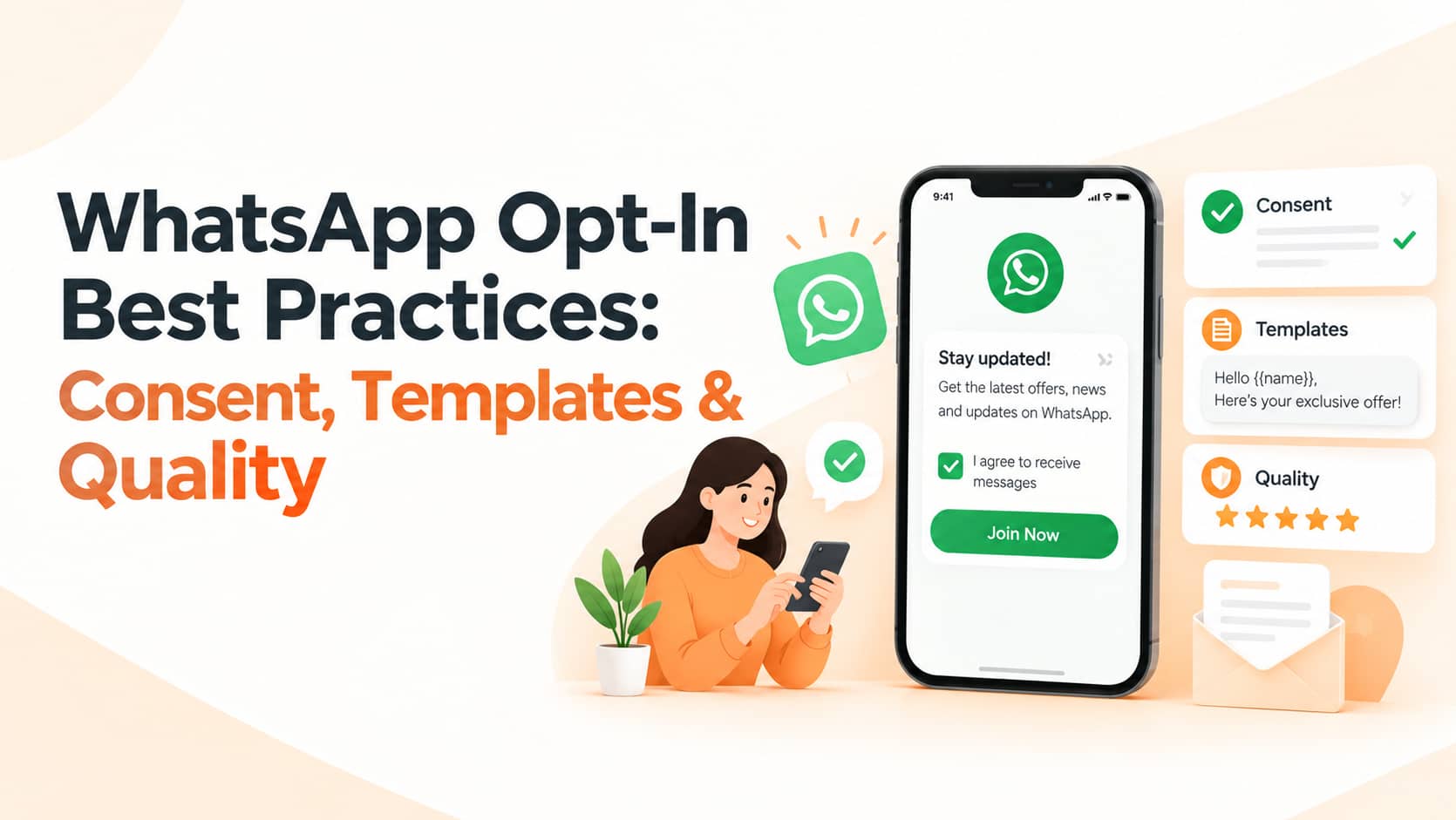
WhatsApp is a personal space. Customers who feel spammed will block your number, and enough blocks and reports damage your quality rating and can limit how many people you are allowed to message. Permission-based messaging protects both your customers and your channel. This guide explains WhatsApp opt-in best practices for Indian businesses: how to collect consent properly, how templates and categories work, how to make opting out easy and how to protect your WhatsApp Business quality rating.
Why Opt-In Matters
WhatsApp requires businesses to obtain permission before sending business-initiated messages on the WhatsApp Business Platform. Beyond the policy itself, there are practical reasons to take it seriously. Blocks, reports and low engagement lower your number's quality rating and can restrict your messaging limits, while willing subscribers read and respond far more than cold contacts. If you are still deciding between the free app and the API, our guide on business messaging channels including WhatsApp and RCS will help you compare the options.
What Counts as a Valid Opt-In
A valid opt-in means the person clearly agreed to receive messages from your business on WhatsApp and understood what kind of messages to expect. Permission does not have to be collected on WhatsApp itself. Website forms and checkout pages can include a clear checkbox such as "Send me order updates and offers on WhatsApp". Click-to-WhatsApp ads and buttons let the customer start the conversation, which opens a customer service window. QR codes in store or on packaging invite people to scan and chat, customer service conversations can be used to ask permission before adding someone to promotional messaging, offline forms at billing counters or admissions desks can record signed consent and SMS or email invitations can ask existing customers to join with a link.
Make Consent Clear and Specific
Tell people exactly what they will receive, such as order updates, appointment reminders, offers or newsletters, and how often. Avoid vague wording, hidden pre-ticked boxes and burying WhatsApp consent inside long terms and conditions. Keep a record of the date, time, source and wording of each opt-in so you can show permission if it is ever questioned.
Never Message from Purchased or Scraped Lists
Sending business-initiated messages to numbers collected without consent violates WhatsApp policy and risks restrictions or a ban on your number. It also produces high block and report rates that damage your quality rating. Build your list through genuine value and clear permission instead.
Use Approved Templates Properly
Business-initiated messages sent outside the 24-hour customer service window must use pre-approved templates. Choose the right category for each: utility for order updates and reminders, authentication for one-time passwords and marketing for offers, announcements and re-engagement. Do not disguise promotional content as utility messages, because misclassified templates can be rejected or recategorised and may lead to policy action. Keep wording honest, specific and consistent with what the customer agreed to receive, and submit templates early, especially before festive campaigns.
Understand the 24-Hour Window
When a customer messages you, a 24-hour window opens in which you can reply with free-form messages. Outside that window you need an approved template. Encourage customers to start chats through buttons, QR codes and ads so that you can respond quickly and naturally. Pricing and billing rules for each category change over time, so check Meta's current rate card and your provider's terms. Our guide on messaging APIs explains how automated messaging systems fit together.
Make Opting Out Easy
Include simple instructions in marketing templates, such as a Stop button or "Reply STOP to unsubscribe", and process requests immediately by removing the number from marketing lists. Respect blocks, and never try to reach people through alternative numbers after they have declined.
Protect Your Quality Rating
Segment your audience so each person receives relevant messages, and control frequency, since too many promotions increase blocks. Keep transactional and promotional use separate: a customer who only agreed to order updates should not receive offers. Monitor block rates, read rates, replies and your quality status in WhatsApp Manager, and reply promptly to customer questions to maintain engagement and trust. Also remember the difference between broadcast lists in the free app, which reach only contacts who saved your number, and API campaigns, which reach opted-in users at scale through templates.
Privacy and Common Mistakes
Collect only the data you need, store it securely, explain its use in your privacy policy and follow India's data protection requirements. Avoid sending sensitive personal or financial details in messages. The most common mistakes are adding people to groups or broadcast lists without asking, using enquiry form numbers for promotions without telling customers, sending the same promotion to everyone every week, ignoring opt-out requests and using templates that do not match the actual message content.
Frequently Asked Questions
Can I message people from a purchased list?
No. Doing so violates WhatsApp policy and risks restrictions on your number.
Does a phone number on an enquiry form count as consent?
Only if the person was clearly told they would receive WhatsApp messages and agreed to it.
How long does an opt-in last?
There is no fixed expiry, but you must stop messaging anyone who opts out, and you should refresh consent if you change the type of messages you send.
Conclusion
Strong WhatsApp opt-in practices combine clear consent, honest templates, relevant segmentation, easy opt-out and careful monitoring of your quality rating. Businesses that respect permission earn higher engagement, better delivery and a channel they can rely on for years.
OM Enterprises helps businesses set up compliant WhatsApp opt-in flows, templates and automation. Talk to our WhatsApp team and start messaging with permission and confidence.