

WhatsApp Flows Explained: Build Forms, Bookings and Lead Capture Inside WhatsApp

"Please share your name, city, budget, preferred date and the service you need." Anyone who has used a basic WhatsApp chatbot knows what happens next. The bot asks one question, waits, asks the next, waits again, and somewhere around the fourth question the customer gets distracted and stops replying. The lead goes cold, and your team never even learns what the person wanted.
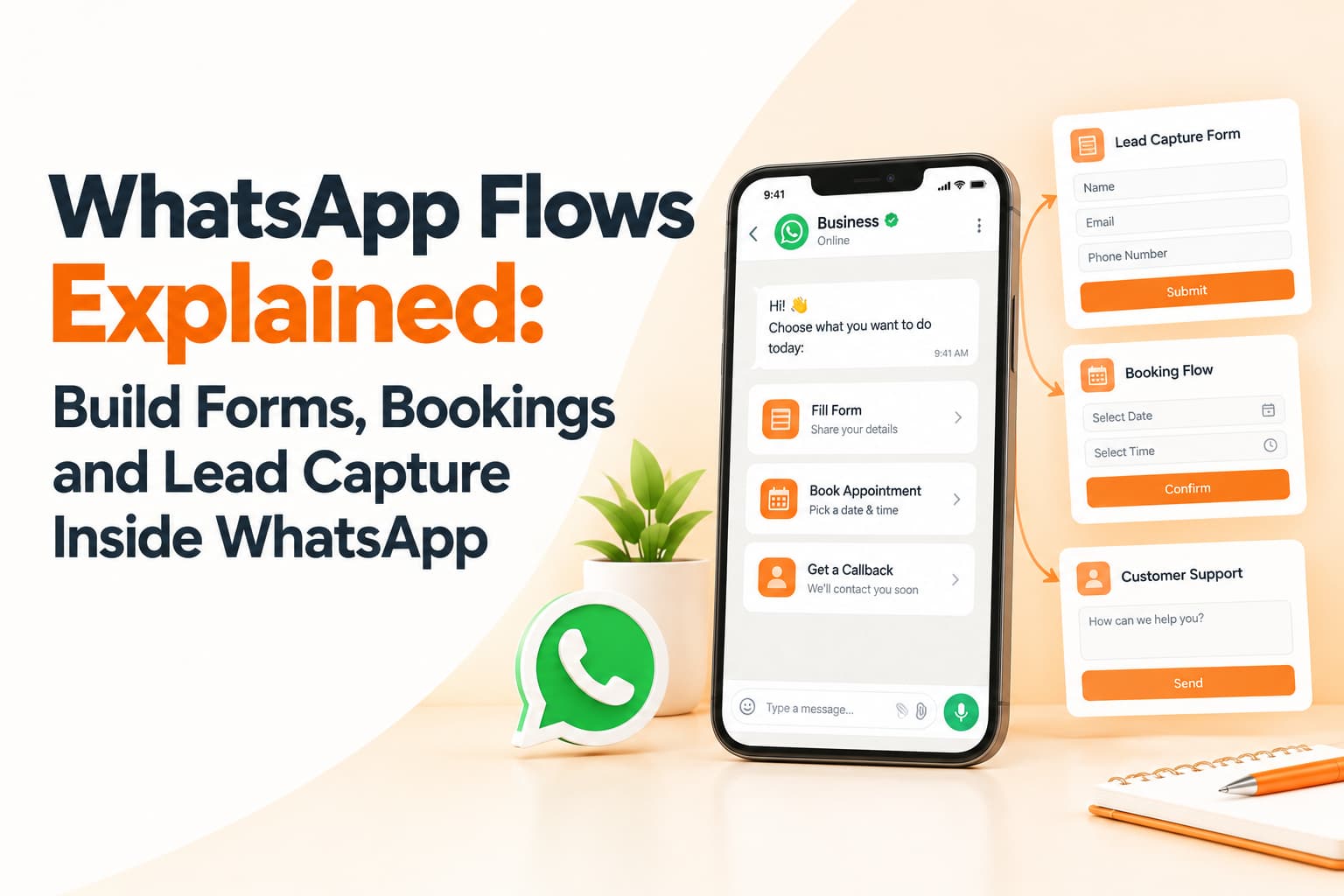
WhatsApp Flows are designed to fix this. Instead of a long back-and-forth, the customer taps a button and a clean, app-like screen opens inside WhatsApp, with dropdowns, date pickers and checkboxes. They complete it in seconds and never leave the chat. For businesses that depend on WhatsApp for enquiries, that small change can make a large difference.
What WhatsApp Flows are
Flows are a feature of the WhatsApp Business Platform that lets businesses build structured, multi-screen interactions within a conversation. A flow can include text fields for names, emails or addresses, dropdown menus and radio buttons for choices, date and time pickers, and checkboxes for preferences or consent. Screens can follow conditional logic, so a customer who chooses "home loan" sees different follow-up questions from one who chooses "car loan".
When the customer submits the flow, the responses come back to your systems in a structured format. That means the data can go straight into your CRM, booking software or lead management sheet without anyone retyping information from a chat transcript.
Where Flows make the biggest difference
Lead qualification is the most common use. A real estate developer can capture budget, preferred location, apartment size and possession timeline in one screen. An education institute can collect course of interest, city, current qualification and intended intake. An insurance agency can ask about product type, age band and existing cover. Sales teams then receive leads that are already qualified, rather than a list of names with no context.
Appointment booking is another strong fit. Clinics, salons, service centres and consultants can show available slots and confirm a booking instantly, without staff manually checking calendars and replying. E-commerce brands can use flows for product selection, letting customers choose size, colour, quantity or delivery slot before checkout.
Flows also work well for feedback. A short rating screen after a service tends to get far higher completion than an emailed survey, because it arrives in an app customers already have open. Event organisers can use flows for registrations, capturing name, organisation and session preferences, then confirming in the same thread and sending a reminder closer to the date. Some businesses use flows for simple onboarding steps, collecting non-sensitive details before handing customers over to secure systems for regulated verification.
Why Flows beat chatbot questionnaires
The first advantage is reduced friction. One structured screen replaces ten separate messages, so more people finish. The second is cleaner data. Dropdowns and pickers prevent the misspellings and ambiguous answers that plague free-text chats, such as a city typed three different ways or a budget written as a question. The third is speed of follow-up: because responses are structured, they can be routed automatically to the right team or salesperson. And finally, customers stay inside WhatsApp, which many Indians find more comfortable and trustworthy than filling in forms on unfamiliar websites.
Designing flows that people complete
Keep flows short and ask only what you need for the next step. A flow that asks twelve questions will lose people just like a long chatbot does. If you need sensitive information, explain why you are asking and collect consent clearly; India's Digital Personal Data Protection framework expects purpose-specific consent, and customers appreciate transparency. Use the customer's language where possible, because a flow in Hindi or Punjabi can perform very differently from one in English for some audiences.
Always confirm immediately after submission with a short summary and a clear next step, such as "Our counsellor will call you between 4 and 5 pm today." Connect the flow to your CRM so that leads are acted on within minutes rather than hours. And avoid collecting regulated information such as full card numbers or passwords inside a flow; those belong in secure, purpose-built systems.
Where to trigger Flows
Flows can be launched from many places. Click-to-WhatsApp ads on Facebook and Instagram can open a flow as soon as someone starts a chat. Website WhatsApp buttons and QR codes in stores or on packaging work the same way. Approved marketing or utility templates sent to opted-in customers can include a flow button, and existing chatbot journeys can hand over to a flow when structured information is needed.
Frequently asked questions
Do I need the WhatsApp Business API to use Flows?
Yes. Flows are part of the WhatsApp Business Platform and are usually set up through a solution provider.
Can Flows replace website forms?
They can complement them. Many businesses see higher completion on WhatsApp, but keeping a web form for customers who prefer it is sensible.
Are Flows expensive to run?
Costs depend on Meta's messaging pricing and your provider. The main investment is usually in designing and integrating the flow well.
Launch your first WhatsApp Flow
OM Enterprises designs WhatsApp Flows for lead capture, bookings and feedback, connected to your CRM and supported by SMS and RCS follow-ups. Book a WhatsApp automation demo.