

WhatsApp Business App vs WhatsApp Business API: Which One Does Your Business Need?

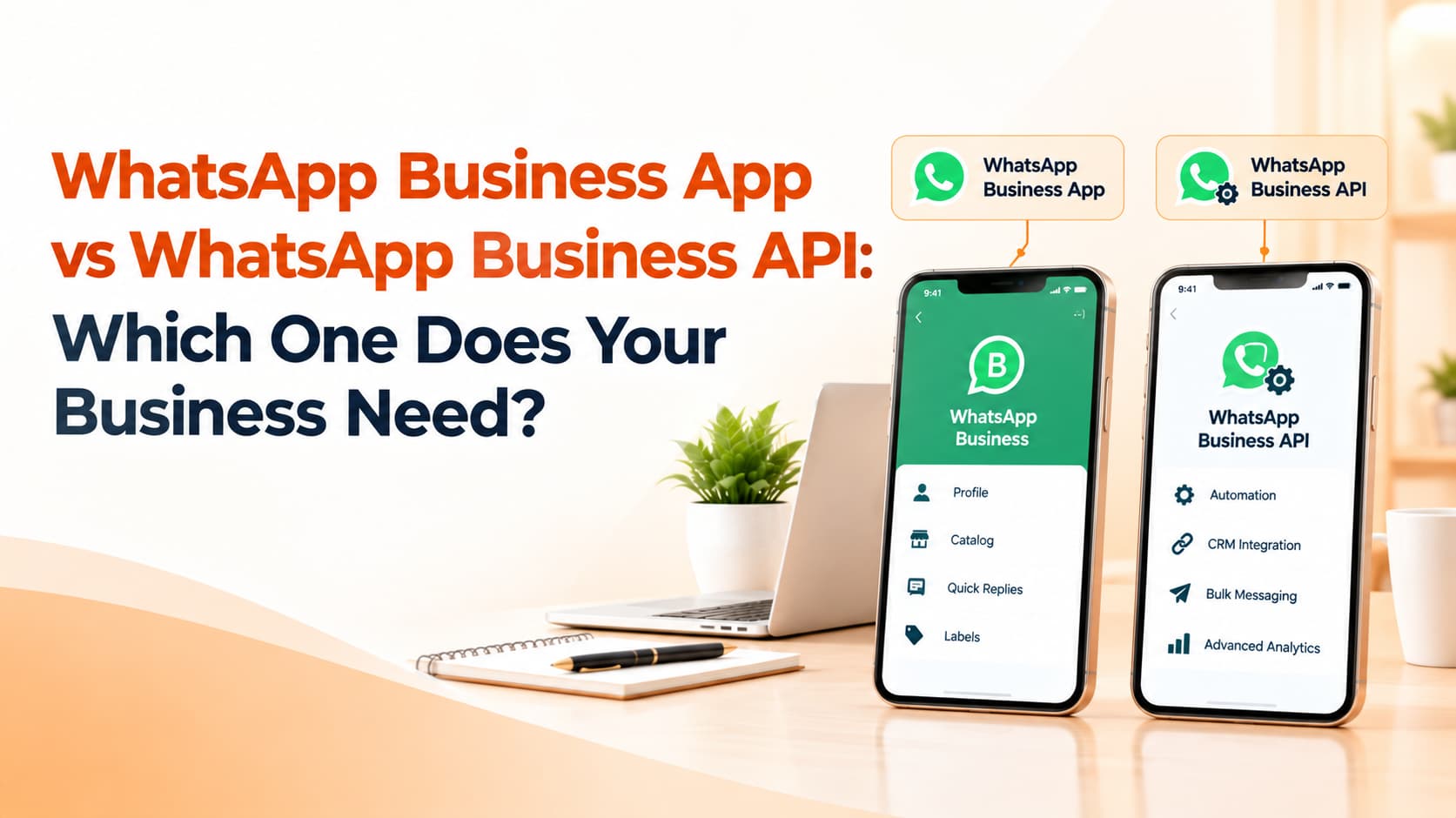
Almost every Indian business uses WhatsApp in some way. A boutique owner replies to customers from her phone between sales. A clinic receptionist confirms appointments on a shared handset. A distributor's salesperson sends price lists to dozens of retailers every morning. At some point, as conversations multiply, the same question comes up: should we keep using the free WhatsApp Business App, or move to the WhatsApp Business API that vendors keep recommending?
Both are official products from Meta, but they are designed for very different stages of business. Choosing the right one saves money, protects your number from being restricted and makes customer conversations far easier to manage.
What the WhatsApp Business App offers
The WhatsApp Business App is a free app you download on a phone, much like regular WhatsApp. It lets you create a business profile with your address, hours, website and description. You can set up a product catalogue, use quick replies for common answers, label chats to keep track of customers, and set greeting and away messages so people receive an automatic response when you are busy or closed.
For small businesses with a manageable number of conversations, the app is often all they need. It is simple, costs nothing and works on a phone, with support for linking a few additional devices. A home baker, a local salon or a neighbourhood tutor can run their customer communication comfortably on the app.
What the WhatsApp Business API offers
The WhatsApp Business API, part of what Meta calls the WhatsApp Business Platform, is designed for businesses that need scale, automation and integration. There is no app to download. Instead, you connect through a Business Solution Provider or directly through Meta's cloud API, and manage conversations through a dashboard, CRM or helpdesk.
The API allows many agents to handle conversations from one number at the same time, which is impossible on a single phone. It supports chatbots and automated flows that answer questions, qualify leads and book appointments. It integrates with your website, e-commerce platform, CRM and payment systems, so order confirmations, delivery updates and payment reminders can be triggered automatically. Businesses can send approved template messages to customers who have opted in, including utility updates and marketing campaigns, and they can use advanced features such as WhatsApp Flows for structured forms and, in eligible markets, calling.
Key differences that matter in practice
The first difference is scale. The app works well when a handful of people handle conversations. Once you have multiple team members, hundreds of daily chats or customers expecting quick replies around the clock, the app becomes a bottleneck. The API is built to handle that volume.
The second difference is automation. The app's greeting and away messages are basic. The API supports genuine automation, from chatbots that handle frequently asked questions to automated notifications triggered by events in your systems.
The third difference is messaging at scale. Sending bulk messages from the app, for example by broadcasting to large lists or using unofficial tools, risks your number being restricted or banned. The API provides an approved way to message opted-in customers using templates, with clear rules about consent and content.
The fourth difference is cost. The app is free. The API involves per-message charges set by Meta, which vary by message category, plus whatever your solution provider charges for its platform and support. For businesses with serious volumes, the efficiency gains usually outweigh these costs, but small businesses should calculate carefully.
Signs it is time to move to the API
Several signals suggest you have outgrown the app. If customers regularly wait hours for replies because one phone cannot keep up, if several staff members need to reply from the same number, or if you want to send order updates and reminders automatically, the API is worth considering. The same applies if you run click-to-WhatsApp ads that generate more leads than you can handle manually, if you want to connect WhatsApp conversations to your CRM, or if you have ever worried about being blocked for sending too many messages from the app.
Things to know before you switch
Moving a number to the API is a deliberate decision. A phone number registered on the API is typically no longer used on the regular app in the same way, so plan how your team will work after the change. You will need a verified Meta business account, a display name that follows WhatsApp's rules and clearly written opt-in processes. Message templates must be approved before use, and your account's quality rating depends on how customers respond, so sending irrelevant messages can limit your reach.
It is also wise to choose a solution provider carefully. Look for clear pricing, a dashboard your team finds easy to use, reliable support and integrations with the tools you already use. Ask how they help with template approvals, chatbot setup and reporting.
Frequently asked questions
Is the WhatsApp Business API free?
No. Meta charges per message according to category, and solution providers usually charge for their platform. Some service conversations have more favourable pricing, so check current rates.
Can a small business use the API?
Yes, but it makes most sense when volumes, team size or automation needs justify the cost.
Can I send bulk messages from the WhatsApp Business App?
Broadcast lists exist, but mass messaging from the app carries a high risk of restrictions. The API is the approved route for messaging at scale.
Choose the right WhatsApp setup
OM Enterprises helps businesses decide between the app and the API, then sets up WhatsApp Business API with templates, chatbots and CRM integration. Book a WhatsApp consultation.