

WhatsApp Blue Tick for Business: How Verification Works Now That the Green Tick Has Changed

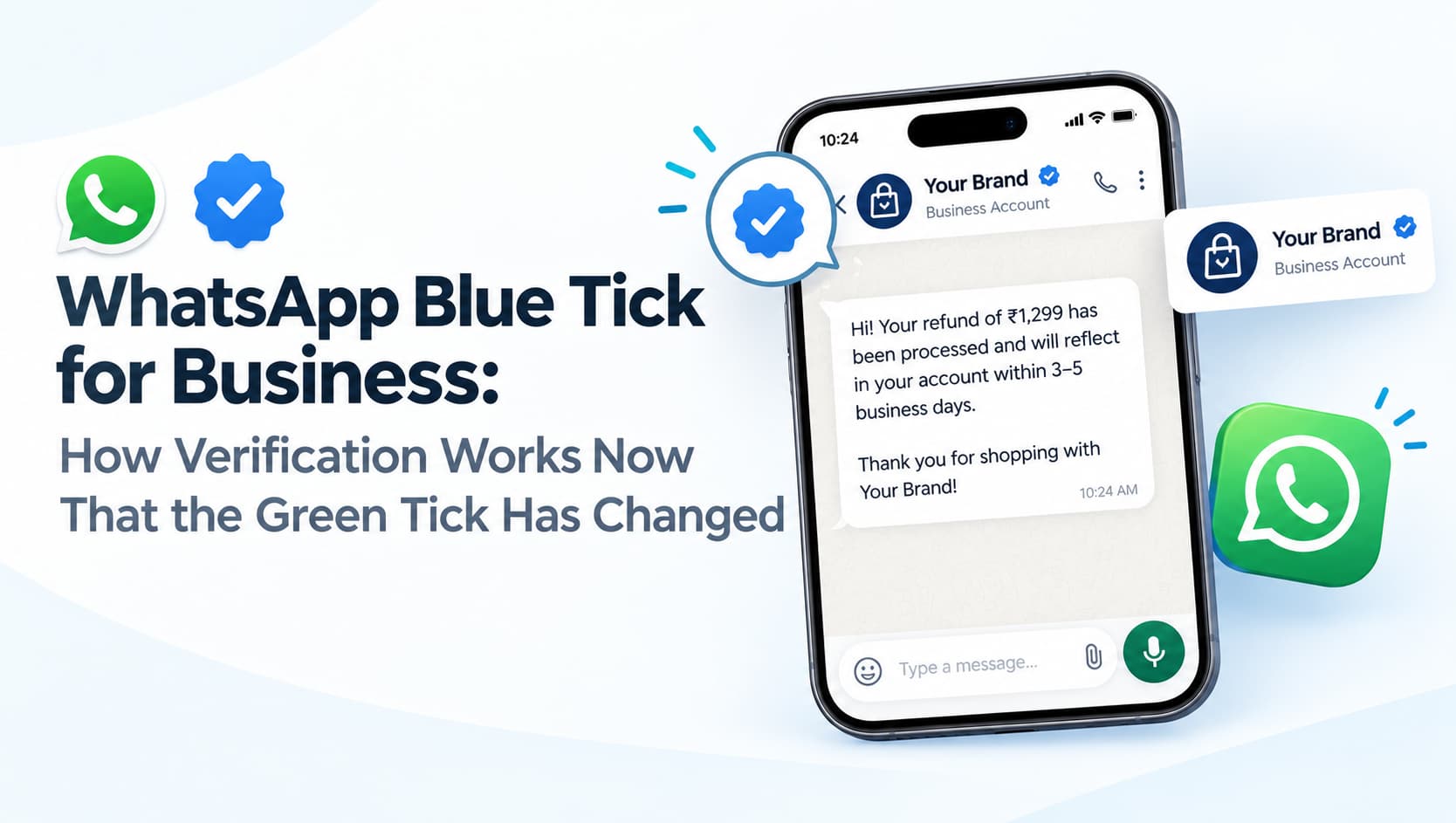
A customer receives a WhatsApp message about a refund from a number using your brand's logo. Is it really you, or is it a scammer who copied your display picture? For years, businesses using WhatsApp's official channels could earn a green tick that helped customers tell the difference. That badge has changed. WhatsApp's verification mark for businesses has moved from green to blue, as part of Meta's wider verification programme across its apps.
For Indian businesses dealing with fake customer care numbers, impersonation and wary customers, understanding the WhatsApp blue tick has become important.
From green tick to blue tick
Historically, businesses on the WhatsApp Business API could apply for an Official Business Account, which displayed a green tick beside the business name once approved. Approval was selective and typically favoured well-known brands with significant public recognition.
Meta has since aligned WhatsApp with Facebook and Instagram, where verified accounts carry a blue checkmark. WhatsApp's verification badge for businesses and verified channels has changed from green to blue, and business verification on WhatsApp is now tied closely to Meta Verified for Business. Industry reports indicate that some businesses with an existing green tick may see it updated to blue as the rollout reaches their region. As with all Meta programmes, eligibility, features and availability can vary by country and change over time, so check Meta's current documentation before applying.
What the blue tick tells customers
The blue tick signals that Meta has verified the business behind the account. For customers, it is a quick visual cue that the message really comes from the brand it claims to represent. That matters in India, where impersonation scams using fake WhatsApp accounts and copied logos are common, particularly around banking, deliveries, refunds and job offers.
A verified badge can also improve how customers respond to legitimate messages. People are more likely to open, read and act on messages from an account they recognise as genuine, whether it is an order confirmation, an appointment reminder or a reply to their enquiry. Meta Verified for Business has also been positioned with additional benefits such as impersonation protection and enhanced support, though the exact package depends on the programme in your region.
Who can get verified
Verification generally requires a legitimate, established business with a verified Meta business portfolio, consistent information across its Meta presence and compliance with WhatsApp's commerce and business policies. Businesses must typically show that they are authentic and, in some cases, notable. Accounts with policy violations, inconsistent business details or very little public presence may struggle to qualify.
Before applying, make sure your Meta Business portfolio is verified, your display name matches your real business name and branding, your business profile on WhatsApp is complete with address, website and description, and your Facebook and Instagram presence is consistent with your WhatsApp profile.
How to approach the application
The route to verification depends on how you use WhatsApp. Businesses on the WhatsApp Business Platform usually work through their solution provider or Meta Business Suite to request verification, while Meta Verified for Business is offered as a subscription in supported markets and apps. Your solution provider can usually advise on the current process and eligibility for your account. Be wary of anyone who promises a guaranteed blue tick for a fee; verification decisions rest with Meta.
Verification is not the only trust signal
Even without a blue tick, businesses can build trust on WhatsApp. Use a consistent display name and professional logo. Complete your business profile fully. Publish your official WhatsApp number on your website, Google Business Profile and social media profiles so customers can check it. Send messages only to customers who have opted in, and keep your quality rating healthy by avoiding irrelevant or excessive messages.
Across other channels, use DLT-registered sender headers for SMS and verified sender profiles for RCS Business Messaging, so customers learn what genuine communication from your brand looks like everywhere. Tell customers clearly what you will never ask for, such as OTPs or payments to personal accounts. A consistent, recognisable presence across channels is one of the strongest defences against impersonation.
Frequently asked questions
Is the WhatsApp green tick still available?
WhatsApp has moved to a blue verification badge for businesses as part of Meta Verified. Check current Meta documentation for your region.
Can small businesses get the blue tick?
Eligibility depends on Meta's criteria, which generally include verified business details and an authentic, consistent presence.
Does the blue tick improve message delivery?
It does not change delivery itself, but it can improve trust and engagement with your messages.
Build a trusted WhatsApp presence
OM Enterprises helps businesses set up WhatsApp Business API, complete business verification steps and build trusted communication across WhatsApp, SMS and RCS. Talk to our messaging team.