

WhatsApp Advertising in India: Click-to-WhatsApp Ads, Status Ads and Channels Explained

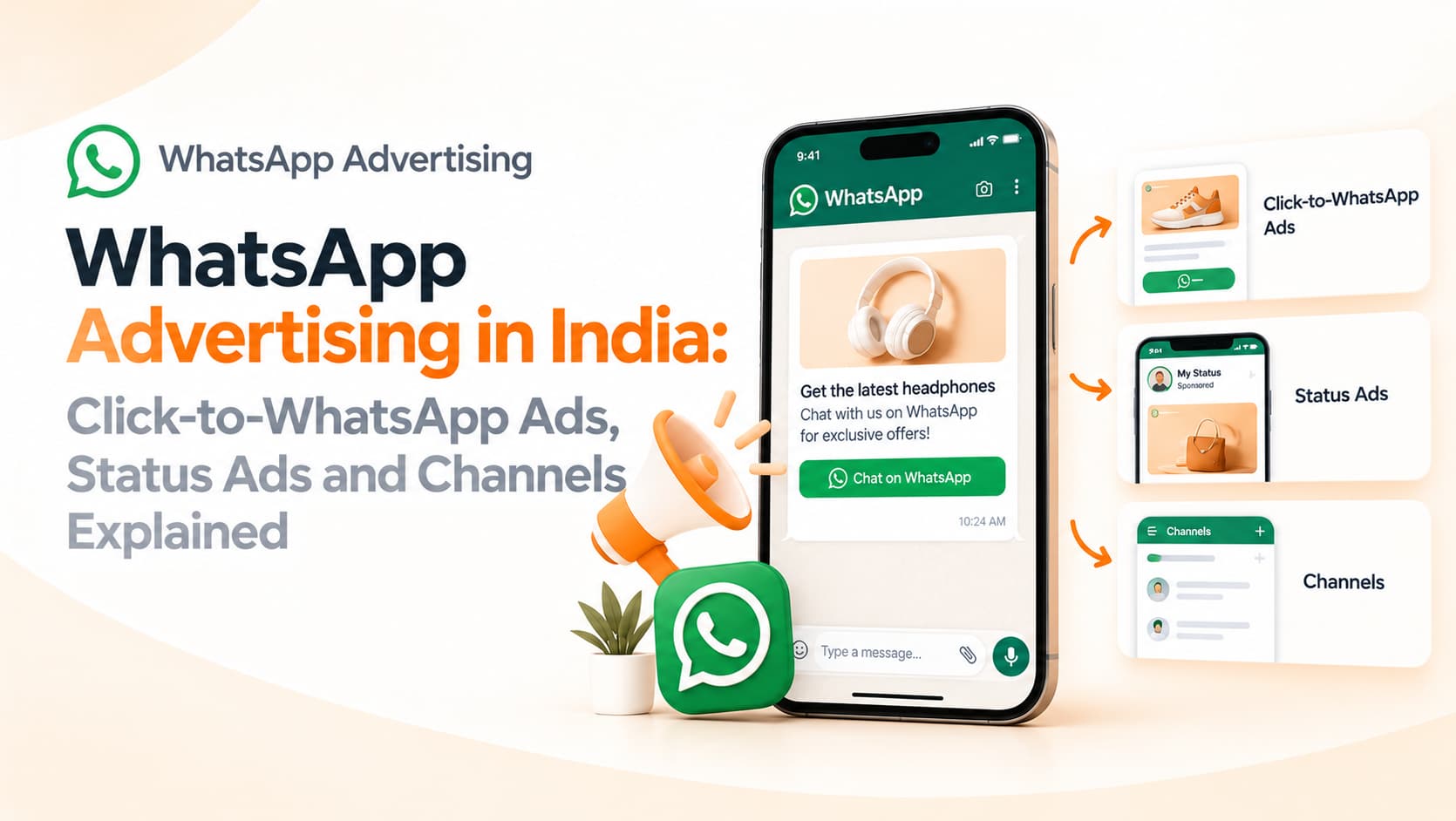
For most Indian customers, WhatsApp is the app opened first in the morning and last at night. Marketers have noticed. For years, businesses used it mainly for conversations and notifications, but advertising on and around WhatsApp is now a serious part of the media mix. If you are searching for how WhatsApp advertising works, the first thing to know is that there is not one single "WhatsApp ad". There are several formats, and each solves a different problem.
Click-to-WhatsApp ads
This is the most established and most useful format for Indian businesses. You create ads on Facebook and Instagram through Meta's ad tools, and instead of sending people to a website, the call-to-action button opens a WhatsApp chat with your business. The person taps, sees a pre-filled message and starts a conversation.
The strength of this format is intent plus convenience. Someone who sees a tutoring, real estate, cosmetic clinic or furniture ad can ask a question immediately, without filling in a form or waiting for a callback. Your team or chatbot replies, qualifies the lead, shares a brochure or location and moves towards a booking. For businesses with considered purchases, this often produces richer conversations than a website form.
Meta's rules also give businesses a window to reply freely when a person starts a chat from an ad, though conditions and pricing for conversations are set by Meta and change from time to time, so check the current terms in your business account.
Ads inside WhatsApp
Meta has been introducing advertising inside the WhatsApp app itself, but in a deliberately limited form. Rather than showing ads in personal chats, the approach centres on the Updates tab, where users view Status updates and follow Channels. Options discussed publicly include ads within Status, promoted Channels that help people discover them and paid subscriptions for Channel owners. Availability varies by country and has been rolling out in phases, so confirm what is open to advertisers in India before building a plan around it.
The practical lesson is that the personal chat area remains private, and placements are likely to sit where people browse content rather than talk to friends.
Marketing messages through the API
Another channel is not an ad in the traditional sense. Businesses using the WhatsApp Business Platform can send approved template messages to customers who have opted in. These may announce offers, restock alerts, appointment reminders or festive greetings. Because they land in the same inbox as personal messages, they can achieve strong attention, but they also demand discipline: opt-in is required, templates must be approved and poor customer reactions can lower your quality rating and sending limits.
Choosing the right format
Match the format to the goal. If you need new enquiries from cold audiences, click-to-WhatsApp ads on Facebook and Instagram are the natural starting point. If you want to reach existing customers with an offer or reminder, API template messages work better. If you want to build a following around helpful content, a Channel supports one-to-many updates. Many brands combine all three: ads bring people into chat, the conversation captures consent and preferences, and later messages bring them back.
Setting up a click-to-WhatsApp campaign
Connect your WhatsApp Business account or number to your Facebook page and Instagram profile. In Ads Manager, choose an objective that supports messaging, such as engagement or leads, and pick WhatsApp as the message destination. Define your audience by location, age and interests, or use lookalike and retargeting audiences built from your customer lists, following consent rules.
Write a clear creative promise: what the person gets by messaging you. "Get a free site visit quote", "Check batch timings" and "See today's price list" work better than a vague "Contact us". Set a helpful pre-filled message and add a welcome message, quick replies and a short question flow so your team can qualify leads fast.
Respond quickly and track properly
Speed decides results. Leads who message from ads expect a reply within minutes. Use a shared inbox or WhatsApp API platform so several agents can respond, add automated greetings outside working hours and route enquiries by city or product. Tag each chat by source and outcome, and connect your conversions back to the ad platform where possible so the system learns which conversations lead to sales. Measure cost per conversation, cost per qualified lead, response time, conversation-to-sale rate and revenue, not clicks alone.
Creative and compliance tips
Use short videos and clear images that explain the offer quickly on mobile screens. Include price ranges or starting prices where possible so people who message are prepared for the conversation. Do not make misleading claims, and follow advertising rules for regulated categories such as health and finance. Never add people to marketing broadcasts without permission; a chat started from an ad is not blanket consent for promotional messages forever, so ask clearly and offer an opt-out.
Common mistakes
Businesses often send traffic to chat without anyone ready to reply, use a personal number that cannot scale, ignore night-time enquiries, fail to tag leads or push offers too aggressively after a single conversation. Each wastes the effort and spend that went into earning the chat.
Frequently asked questions
Is WhatsApp advertising free?
No. Click-to-WhatsApp campaigns are paid through Meta's ad system, and API messages have their own charges.
Can small businesses run these ads?
Yes. Even modest budgets can work with tight local targeting and a clear offer.
Do I need the WhatsApp API?
Not to start, but API access helps teams scale, automate replies and run compliant campaigns.
Turn chats into customers
OM Enterprises sets up click-to-WhatsApp campaigns, API messaging and automated lead qualification so every enquiry gets a fast, helpful reply. Talk to our WhatsApp team.