

Website Accessibility for Indian Businesses: Why It Matters and How to Make Your Site Usable for Everyone

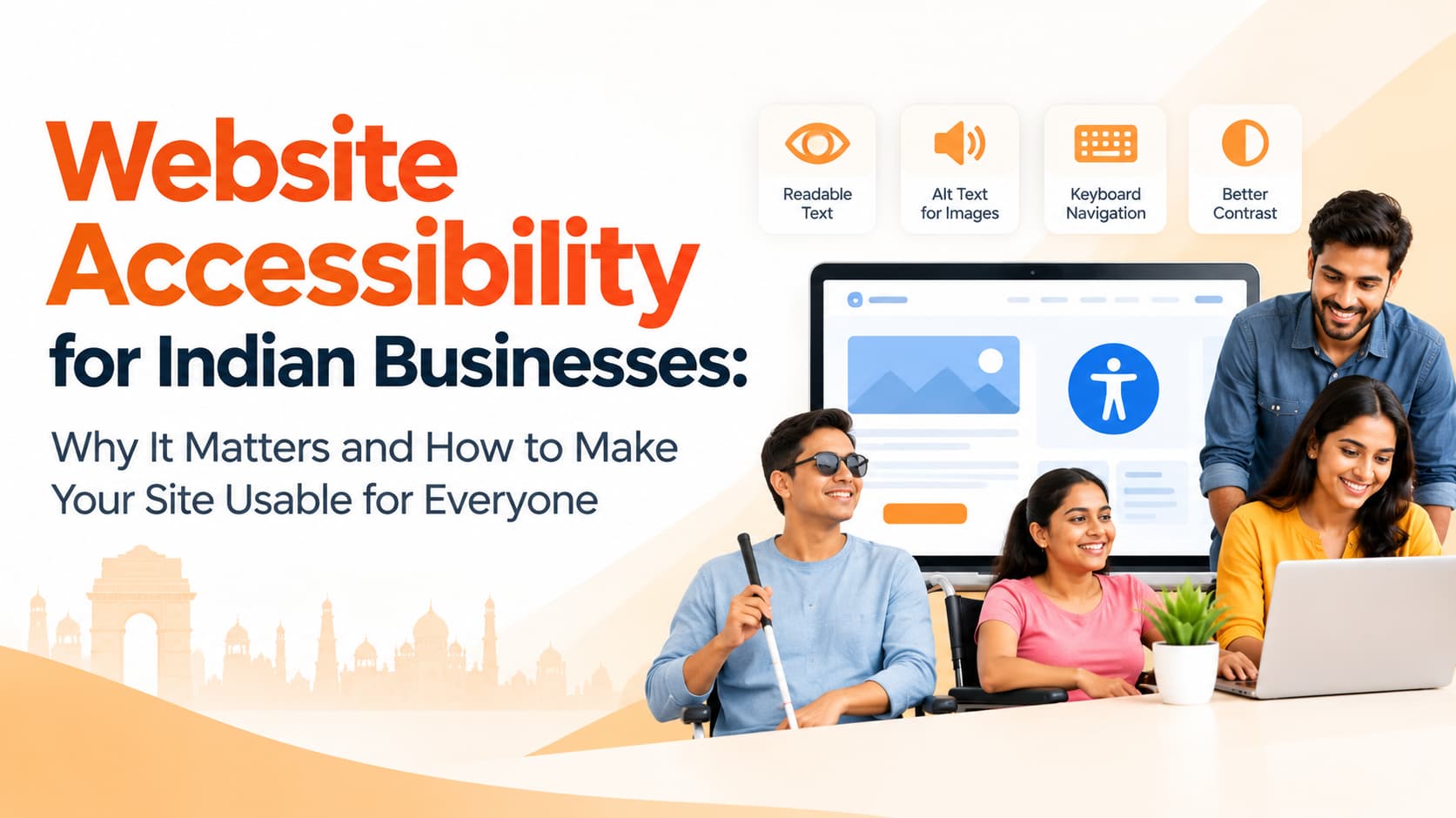
Think for a moment about who visits your website. An elderly parent with weakening eyesight trying to book a doctor's appointment. A visually impaired professional using a screen reader to compare insurance plans. A customer with a tremor in their hand trying to tap a tiny "Submit" button. Or simply someone reading on an inexpensive phone in bright afternoon sunlight. If your site is difficult for any of them to use, they leave, and many will not come back.
Web accessibility means designing and building websites that people of all abilities can use. It is often discussed as a compliance issue, but for most businesses it is really about something simpler: not turning customers away.
Why accessibility matters for business
The most direct benefit is reach. People with disabilities are a significant part of the population, and older users, who increasingly shop and bank online, often face similar challenges with small text, low contrast and fiddly controls. Then there are temporary limitations: a broken arm, a noisy train where audio cannot be heard, or a bright screen glare. An accessible website works better in all of these situations.
Accessibility also improves usability for everyone. Clear layouts, readable text and simple forms help every visitor find information and complete actions, which usually means more enquiries and sales. There is a strong overlap with SEO as well. Descriptive image alt text, a logical heading structure and meaningful link text help search engines understand your pages, just as they help screen reader users.
Finally, there is the regulatory direction. India's Rights of Persons with Disabilities Act and government accessibility guidelines have pushed accessibility forward, particularly for public-facing digital services. Expectations for private businesses are rising too, and it is far easier to build accessibility in now than to retrofit it under pressure later.
Understanding WCAG in plain language
The Web Content Accessibility Guidelines, usually called WCAG, are the most widely used international standard. They rest on four principles. Content should be perceivable, meaning users can see or hear it, which involves text alternatives for images, captions for video and sufficient colour contrast. It should be operable, meaning people can navigate it with a keyboard, have enough time to complete tasks and are not exposed to flashing that could trigger seizures. It should be understandable, with clear language and predictable controls. And it should be robust, working reliably with assistive technologies such as screen readers.
Quick fixes with a big impact
Many of the most valuable improvements are straightforward. Start with alt text on images. Meaningful images deserve a short, natural description, such as "dentist explaining an X-ray to a patient", while purely decorative images can use empty alt text so screen readers skip them.
Next, check colour contrast. Light grey text on a white background may look elegant, but it is hard to read for many people and almost impossible in sunlight. Buttons and links need strong contrast too. Then review your heading structure. Each page should have one main heading, followed by subheadings in a logical order, rather than paragraphs of bold text styled to look like headings. Screen reader users rely on headings to navigate.
Links and buttons should describe what they do. "Download price list" is far more useful than "Click here". Forms deserve special attention: every field needs a visible label rather than placeholder text that disappears when someone starts typing, error messages should explain exactly what went wrong, and tap targets should be large enough for real fingers.
Keyboard navigation is another essential. A visitor should be able to move through menus, forms and buttons using the Tab key and see clearly where they are on the page. Videos should have captions, which also help the many people who watch without sound. Text should be large enough to read comfortably and pages should allow zooming on mobile. Finally, set the page language correctly and write in plain, short sentences wherever possible.
How to test your website
Automated tools are a good starting point. Lighthouse in Chrome includes an accessibility audit, and browser extensions can highlight common issues. But automated checks catch only part of the picture, so manual testing matters. Try using your website with only a keyboard. Turn on TalkBack on an Android phone or VoiceOver on an iPhone and attempt to complete a purchase or submit an enquiry. Zoom pages to 200 percent and see whether content still fits and works. These simple tests often reveal problems your team has never noticed.
A word of caution about overlays
Some vendors sell "one-click accessibility" widgets that promise instant compliance by adding a toolbar to your site. These overlays often fail to fix the underlying problems and can even interfere with the assistive technologies people already use. The reliable approach is to fix the actual code, design and content.
Frequently asked questions
Is website accessibility mandatory for private businesses in India?
Requirements are clearest for government and certain public services. For private businesses it is increasingly expected and good practice, so seek legal advice for your sector.
Does accessibility help SEO?
Yes. Practices such as alt text, logical headings and descriptive links also help search engines understand your content.
Is it expensive to fix?
Basic fixes are often inexpensive, especially when they are planned as part of a redesign rather than added afterwards.
Build a website everyone can use
OM Enterprises designs and develops accessible, fast and SEO-friendly business websites, and audits existing sites for accessibility issues. Request a website accessibility review.