

Still Using Passwords? It's Time to Upgrade to Passkeys Now

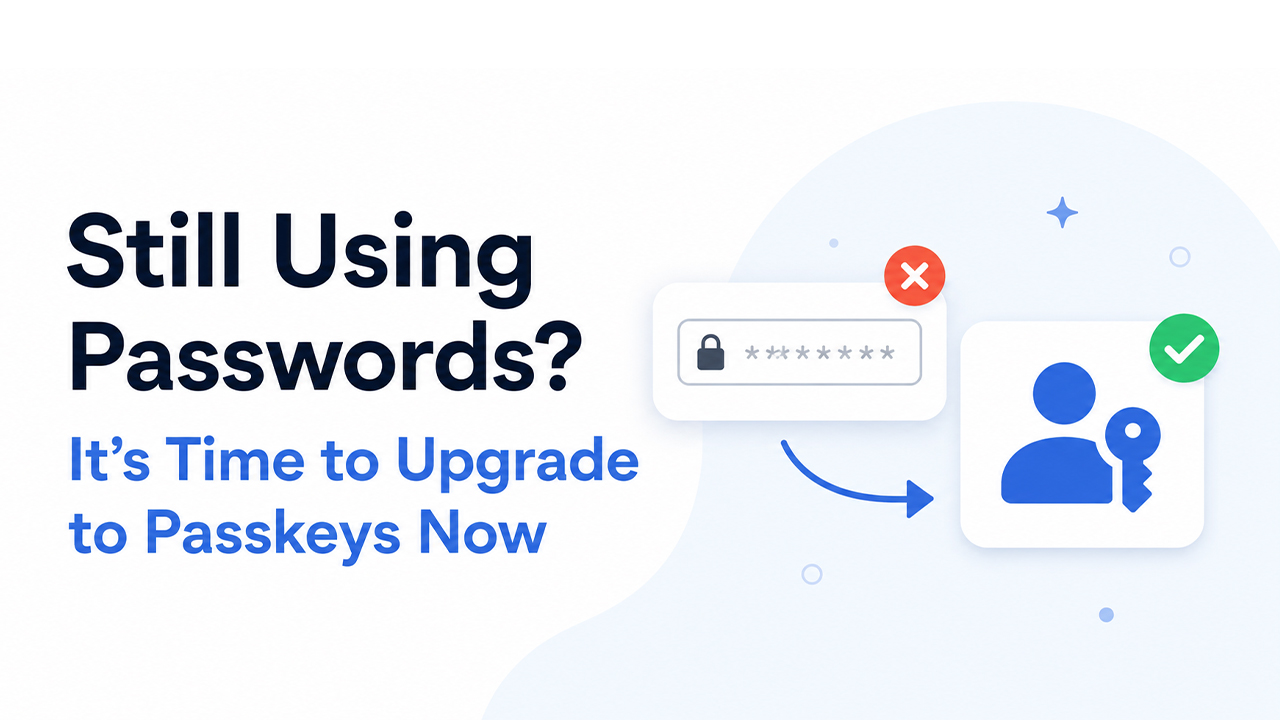
Picture this: you open your favourite app, tap your fingerprint or glance at your phone camera, and you're in — no password typed, no SMS code waited on, no "forgot my password" spiral. That's not a futuristic fantasy. That's passkeys, and they're already live on hundreds of websites and apps right now.
The password has ruled our digital lives for over 60 years, and in that time it has become one of the biggest vulnerabilities in cybersecurity. Weak passwords, reused passwords, stolen passwords — the problem never really got solved, it just got managed. Passkeys are the first serious attempt to fix the root cause entirely.
What Is a Passkey?
A passkey is a digital credential that replaces your password entirely. Instead of a string of characters you have to remember (and an attacker can steal), a passkey uses a pair of cryptographic keys: one stored securely on your device, and one held by the website. When you log in, your device proves its identity using the private key — and the website never sees it. Not once.
What you do to trigger that proof is familiar: face scan, fingerprint, or device PIN. No new hardware required.
Key distinctionPasswords are something you know. Passkeys are something you have — your device — plus something you are, your biometric. That's multi-factor authentication baked in, by default.
Are Passkeys Really More Secure Than Passwords?
Yes — and not just marginally. Passkeys are immune to the two most common attack vectors: phishing and credential stuffing. Because nothing shareable ever travels over the internet during login, there's nothing for a phishing page to capture. And because the cryptographic key never leaves your device, there's nothing in a data breach to steal and reuse elsewhere.
The security community broadly agrees passkeys represent a step-change improvement. Apple, Google, Microsoft, and the FIDO Alliance have been jointly developing the standard precisely because the threat landscape demanded something better than passwords and one-time codes combined.
Common Passkey Complaints
Not everyone has embraced passkeys with open arms, and some of the criticisms are fair.
Passkey terminology can be confusing. "FIDO2", "WebAuthn", "synced passkey", "device-bound passkey" — the jargon pile is real, and different companies explain it differently. The short version: a synced passkey lives in your cloud keychain (iCloud, Google Password Manager) and travels with you across your Apple or Google devices. A device-bound passkey stays on one hardware key or device only.
Passkeys may not be accessible on all computers or devices. Older browsers, legacy operating systems, and shared or public computers don't always support passkeys smoothly. If you use a work PC running an outdated OS, or regularly borrow devices, you may hit friction. This will improve rapidly over the next few years, but it's a genuine limitation today.
How can I keep track of my passkeys? Most people naturally worry about this — and it's a reasonable concern. The good news is that passkeys sync across your ecosystem automatically (Apple → iCloud Keychain; Android/Chrome → Google Password Manager), so you're less likely to "lose" them than you are to lose a password. But if you leave an ecosystem entirely, migration tooling is still maturing.
The Best Password Managers With Passkey Storage
If you want passkey storage that works across ecosystems — not just within Apple or Google — a dedicated password manager is your best bet.
NordPass
Clean UI, strong zero-knowledge architecture, passkey support across all major platforms.
Proton Pass
Privacy-first, open-source, end-to-end encrypted. Passkeys stored alongside email aliases.
Dashlane
Polished experience with built-in breach monitoring and full passkey sync.
How to Start Using Passkeys
Getting started is simpler than most people expect:
Check if your device is ready iPhone (iOS 16+), Android 9+, Windows 10/11 with Windows Hello, and modern Macs all support passkeys natively.
Pick a supported site Google, Apple, GitHub, PayPal, WhatsApp, Amazon, LinkedIn, and many others already support passkeys. Check passkeys directory for the full list.
Create your passkey in account settings Look for "Security" → "Passkeys" or "Sign-in methods". The setup takes under a minute.
Log in with your face or fingerprint Next time you visit, choose passkey instead of password. Your device prompts for biometric confirmation and you're in.
Passkeys vs Passwords: Key Differences
Passwords
Phishable and stealable
Reusable across breach dumps
Require memorisation or a manager
Universally supported today
Passkeys
Phishing-resistant by design
Nothing to steal from servers
No memorisation needed
Not yet on every site or device
Which Apps and Websites Support Passkeys?
Adoption has grown dramatically since 2023. As of 2026, over 1,000 services support passkeys — including Google, Apple ID, Microsoft, Amazon, GitHub, PayPal, WhatsApp, Shopify, LinkedIn, TikTok, Nintendo, and many banking apps. The directory at passkeys.directory keeps a current, searchable list.
Why Passkeys Are the Future of Login Security
The password era isn't ending because someone had a clever idea — it's ending because the threat model finally outgrew what passwords could cope with. Data breaches expose billions of credentials each year. Phishing attacks grow more convincing every month. Passwords with even the best manager and MFA bolted on are still fundamentally fragile.
Passkeys don't patch these problems. They sidestep them entirely. No shared secret means no shared secret to steal. The login experience is also — genuinely — more pleasant. Fewer steps, no typing, no waiting for a code. Security that's easier to use tends to actually get used.
If you're waiting for the "right time" to switch, this is it. Start with one account — Google or Apple ID is the easiest entry point — and within a few minutes you'll understand why the security industry considers passkeys the most important authentication advance in decades. The future of login is already here. It just requires a tap.