

Sending WhatsApp Messages to Many Contacts: Broadcast Lists, Groups, Communities, Channels or API?

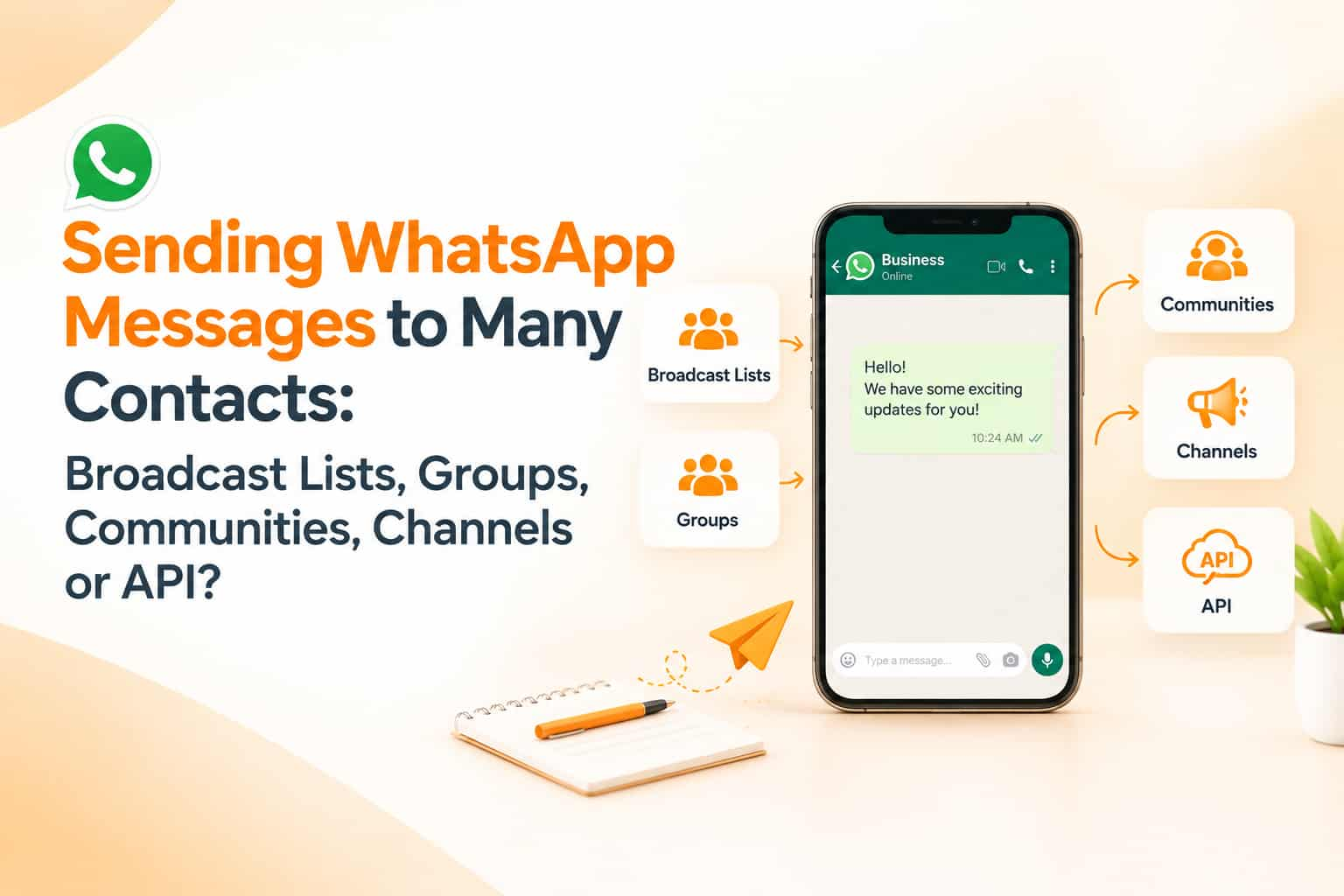
Every festival and sale season, thousands of people type the same question into Google: how do I send one message to all my contacts on WhatsApp? Shopkeepers want to announce a new collection, coaching institutes want to share batch timings, and community leaders want to inform members. WhatsApp offers several tools for reaching many people, and they behave very differently. Choosing the wrong one leads to messages that never arrive, accounts that get restricted, or conversations that become chaos. This guide explains the options for sending WhatsApp messages to many contacts and when each makes sense.
Option one: broadcast lists
A broadcast list lets you send a single message to many people, who each receive it as a normal one-to-one chat. Recipients do not see each other, and when they reply, the reply comes to you privately. This feels personal and avoids group noise.
There are important limits. WhatsApp has long capped broadcast lists at 256 recipients per list. More importantly, only contacts who have saved your number in their phone will receive the message. If a customer has not saved you, the broadcast silently does not reach them. This is the most common reason people complain that their broadcast was only delivered to a few contacts. You can create several lists, but sending very large volumes of unsolicited messages from a personal or ordinary business app account can trigger spam detection, so keep recipients limited to people who expect to hear from you.
Broadcast lists suit small businesses with a modest, known customer base, such as a local tailor announcing a new fabric collection to regular clients.
Option two: groups
Groups let many people chat together, and every member can see who else is present and, depending on settings, can message everyone. Group sizes have grown over the years, and the maximum has been around a thousand members, though limits can change, so check the current figure in the app.
Groups work for communities that want discussion, such as a parents' group or a hobby club. For marketing, they have drawbacks. Members see each other's phone numbers, which raises privacy concerns, and busy groups quickly become noisy. People leave or mute them if they feel spammed. Adding people to groups without their consent is poor practice and may be reported.
Option three: communities
Communities bring several related groups under one umbrella, with an announcement group where admins can post updates to everyone. They are useful for organisations with different sections, such as a residential society with groups for each block, or a school with groups for each class. Admins can send one announcement that reaches all member groups, while members can still chat in their own smaller groups. Communities suit organisations with defined memberships more than retail promotions.
Option four: channels
Channels are a one-way broadcasting feature. People follow a channel, and the admin posts updates, which appear in the Updates tab separate from personal chats. Followers can react to posts, but they cannot message everyone, and their phone numbers are not shown to other followers or to the admin. A channel can have a very large number of followers, and anyone can discover it through search or a link.
Channels suit brands, creators and publishers who want to share regular updates: new arrivals, tips, news or offers. They work on a "follow if you are interested" basis, which means better consent but less direct control. Because they sit away from the personal chat inbox, attention depends on how often people open the Updates tab.
Option five: WhatsApp Business Platform (API)
For larger-scale and automated communication, the WhatsApp Business Platform, commonly called the API, is the proper route. Businesses send approved message templates to customers who have opted in, and they can use shared inboxes, chatbots, analytics and integrations with CRM systems. Unlike broadcast lists, delivery does not depend on whether the customer saved your number, though customers must have agreed to receive messages and templates must be approved. Meta charges businesses for template messages according to its pricing categories, which have changed over time, so review the current rates through your provider. For anyone sending to thousands of customers, this is the sustainable choice.
A simple way to decide
If you have fewer than a few hundred regular customers and want a personal feel, use broadcast lists, and ask customers to save your number first. If you want ongoing discussion in a defined community, use a group or a community. If you want to publish regular updates to anyone interested, including people you have never met, use a channel. If you need scale, automation, tracking and compliance, use the API through a provider.
How to build a message list the right way
Ask for permission clearly at the point of contact: on your website, at the counter, on invoices and at events. Tell people what they will receive and how often. Offer an easy way to stop messages, such as replying with a keyword. Ask new customers to save your business number, and tell them why, for example to receive order updates. Segment your list by interest or location so that messages stay relevant.
Avoid getting restricted
WhatsApp can limit or ban accounts that send unwanted bulk messages, especially if recipients block or report them. Do not buy contact lists. Do not use unofficial automation tools or modified apps that promise unlimited broadcasting; they violate WhatsApp's terms and put your number at risk. Keep messages short, relevant and infrequent, and respond promptly to replies. If many people block you, stop and review your list.
Write messages people welcome
Start with who you are, because not everyone has saved your name. Give one clear piece of information, such as a new offer or timing change, and one clear action. Personalise with a name where possible. Avoid forwarding chain-style content and avoid sending at night. Spread campaigns so you do not send the same message to everyone at once.
Frequently asked questions
Why did my broadcast not reach everyone?
Broadcast lists deliver only to people who have saved your number in their contacts.
Is there a limit on broadcast lists?
Lists have had a cap of 256 recipients, though you should check the current limit in your app.
Is a channel better than a broadcast list?
They serve different goals. Channels reach anyone who follows, while broadcast lists reach saved contacts personally.
Reach your audience properly
OM Enterprises sets up WhatsApp Business Platform messaging with opt-in capture, templates and reporting. Talk to our WhatsApp team.