

SCO for YouTube: How to Make Your Videos Discoverable in YouTube Search, Google and AI Answers

When someone in India wants to learn how to file a GST return, compare two scooters, fix a leaking tap or understand what RCS messaging actually is, there is a good chance they will search on YouTube. Or they will search on Google and see a YouTube video near the top of the results. Video has become one of the most important ways people discover businesses, products and expertise, and it shapes buying decisions long before anyone visits a website or picks up the phone.
That is why YouTube deserves a dedicated place in a Search Channel Optimization strategy. SCO is about making your business discoverable across every place people search, not only on your website. YouTube is one of the most powerful of those channels, and it connects to several others.
Three ways a YouTube video gets discovered
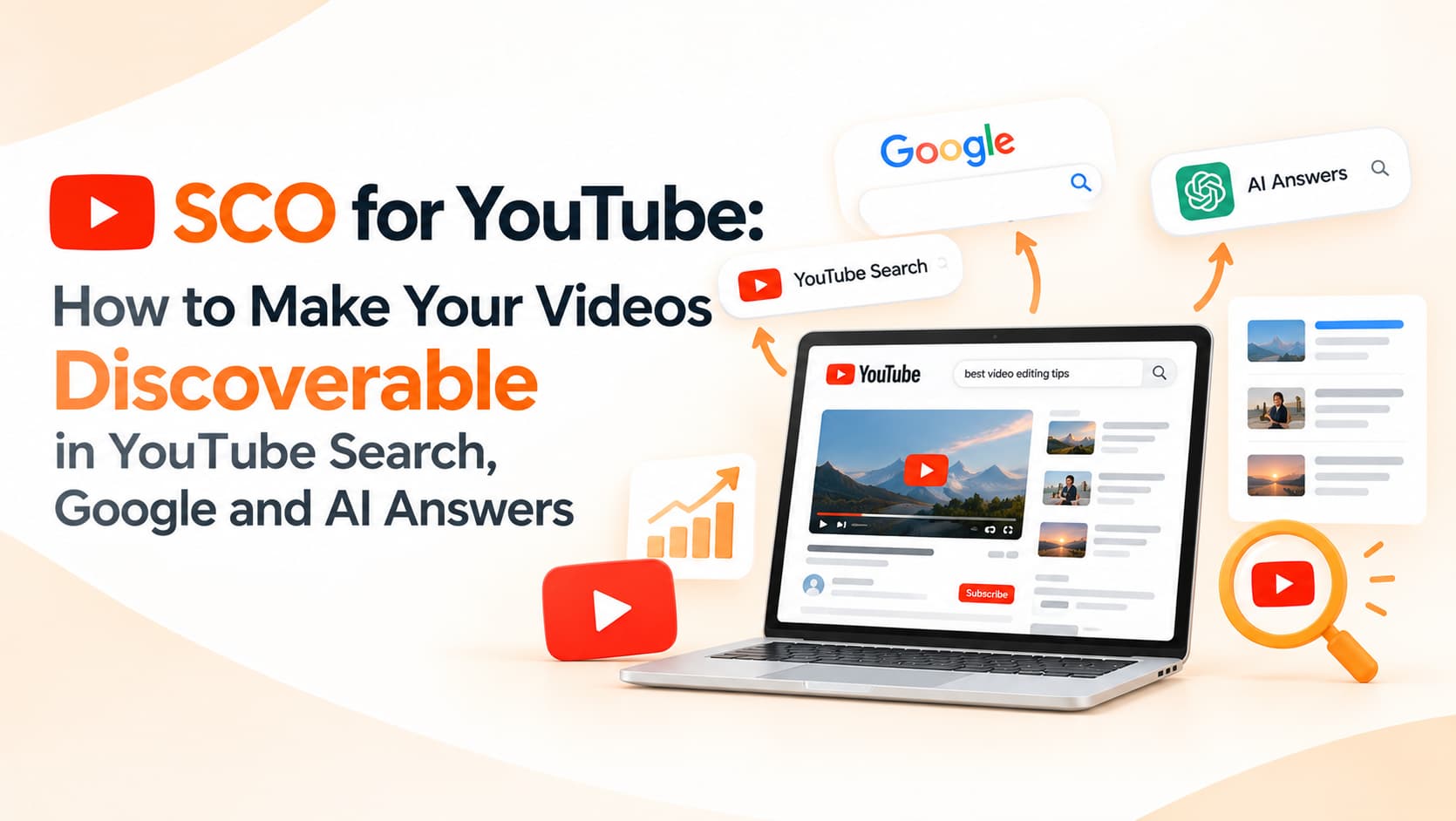
The first route is YouTube itself, through its search results, suggested videos and home feed. The second is Google Search, where videos can appear in video results, short-video carousels and "key moments" that jump to the relevant part of a video. The third is AI-powered answers, as AI search experiences increasingly draw on and cite a range of sources, which can include video content. The encouraging news is that optimising for all three relies on many of the same principles: clear topics, helpful content and well-structured information.
Choose topics people actually search for
Good YouTube visibility starts long before recording. Type topics related to your business into YouTube's search box and note the suggestions that appear, because they reflect real searches. Review the questions customers ask your sales team, WhatsApp support and in reviews; those questions are ready-made video topics. Formats such as "how to", comparisons, cost explanations, "best for" recommendations, common mistakes and plain-language explainers tend to match the way people search when they are trying to make a decision.
Write titles and descriptions that explain the video
A title like "RCS vs SMS for Indian Businesses: Which Should You Use in 2026?" tells viewers and search systems exactly what to expect. "Our New Video!!" tells them nothing. Put the main topic near the beginning, keep it honest and avoid clickbait that the video does not deliver.
Descriptions deserve more attention than most businesses give them. Use the first couple of lines to summarise the answer the video provides, then add useful links to the relevant page on your website, your WhatsApp number or a booking page. Include related terms naturally where they fit, but avoid stuffing descriptions with keywords.
Add chapters, captions and strong thumbnails
Chapters, created by adding timestamps to the description, help viewers jump to the section they need. They also help Google display key moments from your video in search results, which can attract clicks from people looking for a specific answer.
Captions are equally important. Upload accurate captions, correcting auto-generated ones for names, technical terms and brand words. Text versions of what you say make your content easier to understand for viewers watching without sound and for systems that process video content. Where your audience speaks Hindi or regional languages, captions in those languages can widen your reach.
Thumbnails strongly influence clicks, both on YouTube and in Google results. A clear face or product, a few bold words and high contrast usually perform better than busy designs with small text.
Connect YouTube to your website
Embedding relevant videos on matching service pages and blog posts links your YouTube and website visibility together. Surround the video with helpful written content explaining the topic, so both the page and the video support each other, and consider adding video structured data where appropriate. This helps visitors who prefer watching to reading, and it strengthens the page as a complete resource.
Use Shorts and long videos together
Shorts can introduce your brand to new viewers quickly and work well for quick tips, product highlights and behind-the-scenes moments. Longer videos build trust and answer detailed questions, which is often where purchase decisions happen. Linking Shorts to related longer videos guides interested viewers deeper. Organising videos into playlists by topic or service, and uploading consistently, helps your channel develop a clear identity that both viewers and recommendation systems can understand.
Measuring YouTube's contribution
YouTube Analytics shows where views come from, including YouTube search, suggested videos and external sources, along with the search terms bringing viewers to your videos. Average view duration and audience retention reveal whether your content keeps attention. Clicks to your website and WhatsApp show business impact, and Google Search Console can show how pages with embedded videos perform in search.
Frequently asked questions
How is SCO different from YouTube SEO?
YouTube SEO focuses on ranking within YouTube. SCO looks at how videos support visibility across YouTube, Google, AI answers and your website together.
Do small businesses need professional video production?
No. Clear audio, decent lighting and genuinely useful answers matter more than expensive production.
How long should business videos be?
As long as needed to answer the question well, often three to ten minutes for explainers and under a minute for Shorts.
Get your videos found everywhere
OM Enterprises plans, produces and optimises YouTube content as part of a complete Search Channel Optimization strategy. Talk to our SCO team.