

RCS Business Messaging API: A Practical Integration Guide for Marketers and Developers

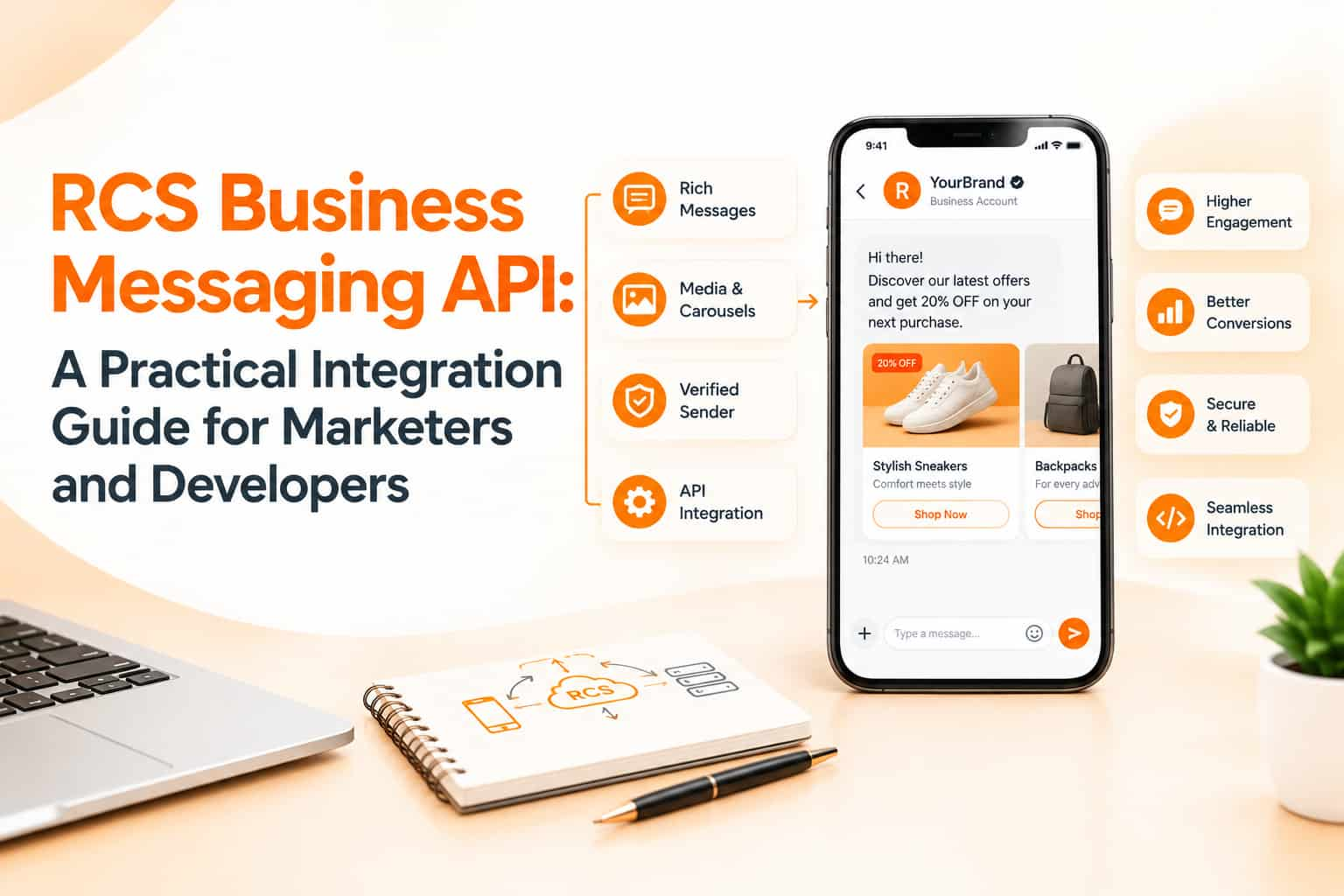
Marketing teams love the idea of RCS: branded sender, rich cards, buttons inside the default messaging app. But the people who actually make it work are often developers, who need to know how messages are created, how the system knows whether a phone can receive RCS, what happens when it cannot and how replies and button taps come back. If your team is evaluating an RCS business messaging API for customer communication, this guide explains the moving parts in plain language, so marketers and developers can plan together.
How the RCS architecture fits together
There are four parties. The business, with its application or CRM, sends messages. A messaging provider or aggregator offers an API, and often a dashboard, that your systems connect to. Behind the provider sits the RCS business messaging infrastructure operated through Google and mobile operators, which handles agent registration and message routing. Finally, the customer's phone with a compatible messaging app receives the message. Most businesses connect to a provider's API rather than directly to the underlying platform, because providers handle verification, operator relationships, billing and support.
The agent: your verified sender
Every RCS message is sent by an agent, a registered brand identity with a name, logo, colour, description, contact details and privacy policy. Agents go through verification before they can message customers. Plan for this step early, because approval takes time and requires accurate business documents and brand assets. Agents are typically created for specific use cases, such as transactional alerts or marketing, and you may need separate agents for different purposes. Ask your provider which launch regions are supported and what approval timelines they see in practice.
Checking whether a number supports RCS
Not every phone can receive RCS. It depends on the device, the messaging app version, the network and user settings. A good API lets you check capability for a phone number before sending, often called a capability or reachability check. The result tells you whether to send an RCS message or fall back to another channel. Without this step, messages can fail silently or customers can miss important content. Capability can change, since users may turn RCS chat features on or off, so checks should be repeated and not stored forever.
Message types you can send
Typical options include plain text, rich cards with an image, title, description and buttons, carousels of several cards, standalone images and files, and suggested replies and actions. Buttons can open a link, dial a number, show a location, create a calendar event or send a predefined reply back to your system. Your provider's documentation will list supported formats and size limits for images and text. Design with the lowest common denominator in mind, and test how each format looks on several devices.
Sending messages through the API
A typical request includes the recipient's phone number in international format, the agent identifier, the message content in a structured format such as JSON and sometimes a template or campaign reference. The API responds with a message ID and an initial status. Use unique request identifiers so that retrying a failed request does not send a duplicate. For marketing campaigns, check whether the provider offers batch endpoints or scheduling to avoid hitting rate limits. Respect throttling rules and design your queue to slow down gracefully when the API returns rate-limit errors.
Receiving delivery receipts and replies
Webhooks are how the provider notifies your system about events. Common events include message sent, delivered, read, failed, a customer reply, a button or suggestion tap and the customer starting a new conversation. Build a secure endpoint that verifies the signature or token of each webhook, responds quickly with a success code and processes events asynchronously. Store message IDs so you can match events to your records. Expect events to arrive late or out of order and make your logic tolerate that.
Fallback design
Because RCS coverage is incomplete, plan fallback from the start. Common strategies are to send SMS if the capability check fails, or to send RCS first and follow with SMS if the message is not delivered within a time window. Some providers offer built-in fallback rules, while others need you to orchestrate it. Be careful not to send duplicates when both channels succeed. SMS fallback still needs DLT-registered templates and headers in India, so prepare them in parallel. Make the SMS version carry the key information and a short link, since it lacks rich cards.
Pricing and billing considerations
Pricing models vary: per message, per session or conversation, with different rates for basic and rich content, plus fees for fallback SMS. Ask how failed RCS attempts, undelivered messages and fallback sends are billed. Track costs per campaign in your own reporting so you can compare RCS with SMS and WhatsApp on cost per conversion, not only cost per message.
Security, consent and compliance
Store API keys in secure secrets storage, rotate them regularly and restrict access. Use HTTPS only. Send marketing messages only to customers who have given consent, keep records of opt-in, and honour opt-outs quickly. Limit personal data in messages and logs, and define retention periods in line with India's data protection requirements. For regulated sectors, check whether additional rules apply to automated customer communication.
Testing checklist
Test with several devices and networks, including phones that do not support RCS. Test every message format and button action. Simulate failed deliveries, delays and duplicate webhook events. Check how long images take to load on slow connections. Confirm that links open correctly and that tracking parameters work. Review everything in dark mode and with large fonts. Do a pilot with a small audience before scaling.
Questions to ask providers
Which regions and operators are supported? How long does agent verification take? Is a capability check endpoint available? What formats and limits apply? How are webhooks secured and retried? Is sandbox access available? How is fallback handled and billed? What reports can I export? What uptime and support commitments do you offer?
Frequently asked questions
Can I connect directly without a provider?
Direct access is possible for some use cases, but most businesses use a provider for registration, support and billing.
Do I need a developer to use RCS?
Not always. Many providers offer dashboards, but automation and CRM integration usually need technical help.
What happens if a customer cannot receive RCS?
Use fallback to SMS or another channel so the message still arrives.
Plan your RCS integration
OM Enterprises helps teams integrate RCS APIs with CRM and e-commerce systems, with SMS and WhatsApp fallback. Talk to our integration team.