

Negative Keywords in Google Ads: Cut Wasted Ad Spend

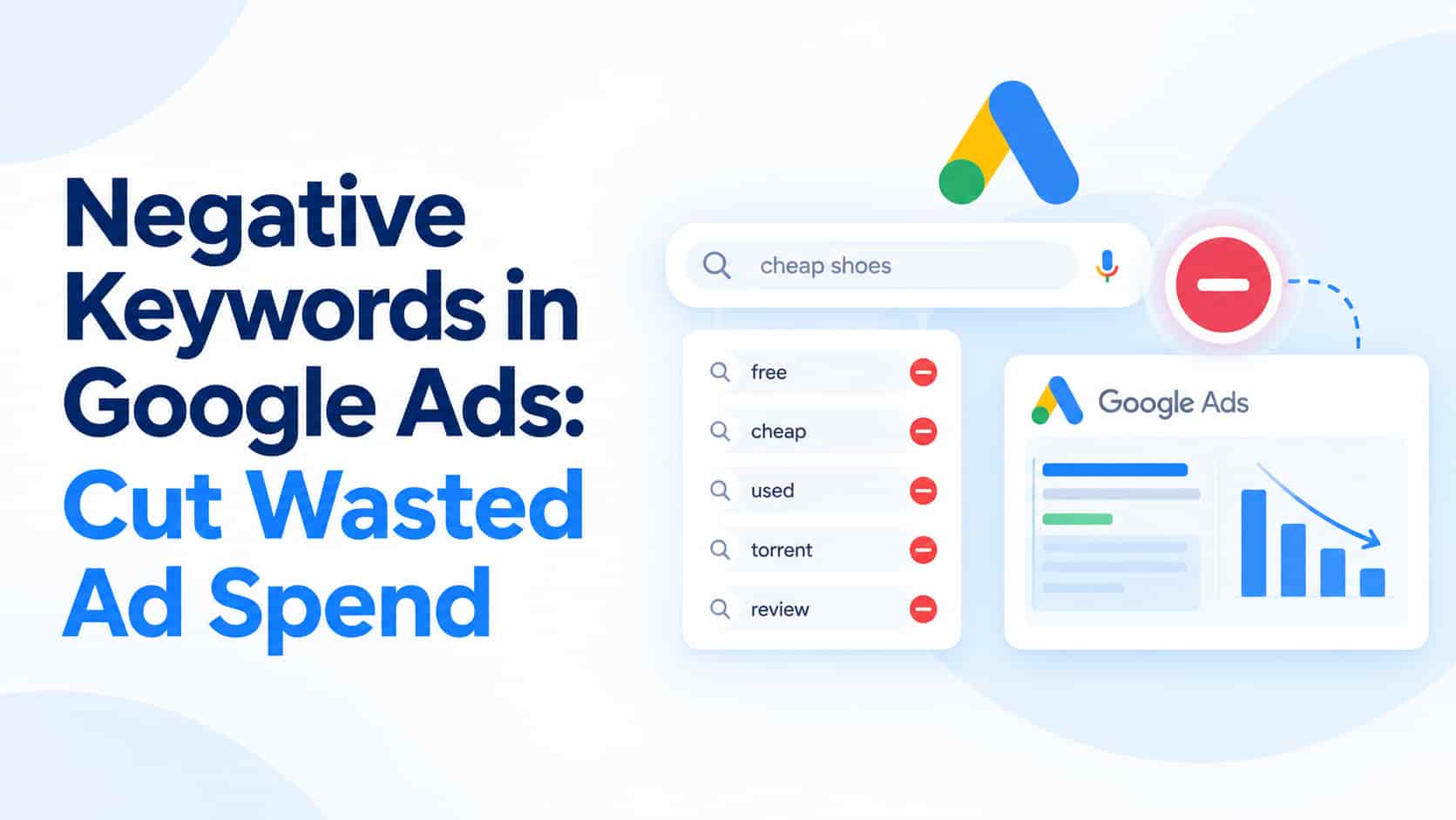
Every irrelevant click on a Google Ad costs real money. If you run Google Ads in India, a share of your budget is probably going to searches that will never turn into customers. Negative keywords tell Google which searches should not trigger your ads, and they are among the fastest and cheapest ways to cut wasted ad spend and improve your return on ad spend. This guide explains what they are, where to find them and how to use them without blocking good traffic.
What Negative Keywords Do
A negative keyword is a word or phrase that stops your ad from showing when a search contains it. Imagine a physiotherapy clinic bidding on "physiotherapy clinic". Without negatives, the ad may also appear for "physiotherapy jobs", "physiotherapy colleges" or "free physiotherapy exercises at home". Those searchers want a job, an education or a free tip, not treatment, yet each click still costs money. By adding "jobs", "college" and "free" as negatives, the clinic focuses its spend on people who might actually book an appointment, and its click-through rate and conversion rate usually improve as a result.
Where to Find Negative Keywords
The best source is your own data. Open the search terms report in your Google Ads account, which shows the actual queries that triggered your ads. Sort the list by cost or clicks and look for searches that spent money without producing a lead or sale and clearly do not match what you offer. Select those terms and add them as negative keywords at the ad group, campaign or account level. In the first month of a new campaign, review this report every week, because Google often matches your keywords to a wider range of searches than you expect. After that, a monthly review is usually enough to keep waste under control.
Choosing the Right Match Type
Negative keywords come in three match types, and the difference matters. A broad match negative blocks a search only when it contains all of your negative terms, in any order, and it does not catch close variants or synonyms. A phrase match negative blocks searches that contain your phrase in the same order, even if other words appear around it. An exact match negative blocks only that precise search with nothing added. Unlike regular keywords, negatives do not automatically cover plurals or misspellings, so you need to add common variations yourself. If you are unsure, start with phrase or exact match for any term that could also appear in a valuable search.
Common Themes Worth Blocking
Most businesses find waste in a handful of predictable areas. Searches about jobs, salary, internships, courses and training attract people looking for work or education rather than customers. Words such as free, DIY, template, download and tutorial signal people who do not want to pay, which hurts if you sell a paid service. Terms like second hand, wholesale or repair can reveal a mismatch with what you actually sell, and place names outside your service area bring clicks you cannot serve. Research-style searches containing words like meaning, definition or images also tend to convert poorly, though you should check your own data before blocking them.
Use Shared Lists and Avoid Over-Blocking
Once you have a set of useful negatives, group them into shared lists such as "jobs and careers" or "free and DIY" and apply those lists across several campaigns. This saves time and keeps your account consistent. Be careful not to go too far, though. A word that looks irrelevant, such as "cheap", may still convert for some businesses, and too many negatives can shrink your reach and starve good campaigns of traffic. Before blocking a term, check its conversion history, and review the effect of new negatives after a few weeks.
Negatives in Performance Max and Other Campaigns
Standard Search campaigns give you full control over negative keywords, but options differ in automated campaign types such as Performance Max. Google has changed the available controls over time, including account-level negatives and brand exclusions, so check the current options in your account rather than assuming. Whatever the campaign type, use the search terms and insights reports to understand where your money is going, because that is the foundation of every good negative keyword list.
Pair Negatives with Strong Ads and Landing Pages
Negative keywords filter traffic, but conversions still depend on what visitors see after they click. Write ad headlines that match the search, include a clear call to action and send people to a fast, relevant landing page. Our guide on sales funnels explains how each stage of the buying journey should support the next one.
Frequently Asked Questions
How many negative keywords should I add?
There is no fixed number. Add the terms your search terms report shows are irrelevant and keep building your lists over time as new queries appear.
Do negative keywords reduce impressions?
Yes, but they remove low-quality impressions, which usually improves click-through rate and lowers the cost of each conversion.
How often should I review search terms?
Weekly for new campaigns and at least monthly for established ones.
Conclusion
Negative keywords are the simplest way to stop wasting your Google Ads budget. Review your search terms report regularly, choose match types carefully, build shared lists and check conversion data before blocking anything. Small, steady clean-ups compound into lower costs and better leads over time.
OM Enterprises audits and manages Google Ads for local and growing businesses. Ask for a free ad account review and find out how much of your budget is being wasted.