

Multi-Location Local SEO: Rank Every Branch Locally

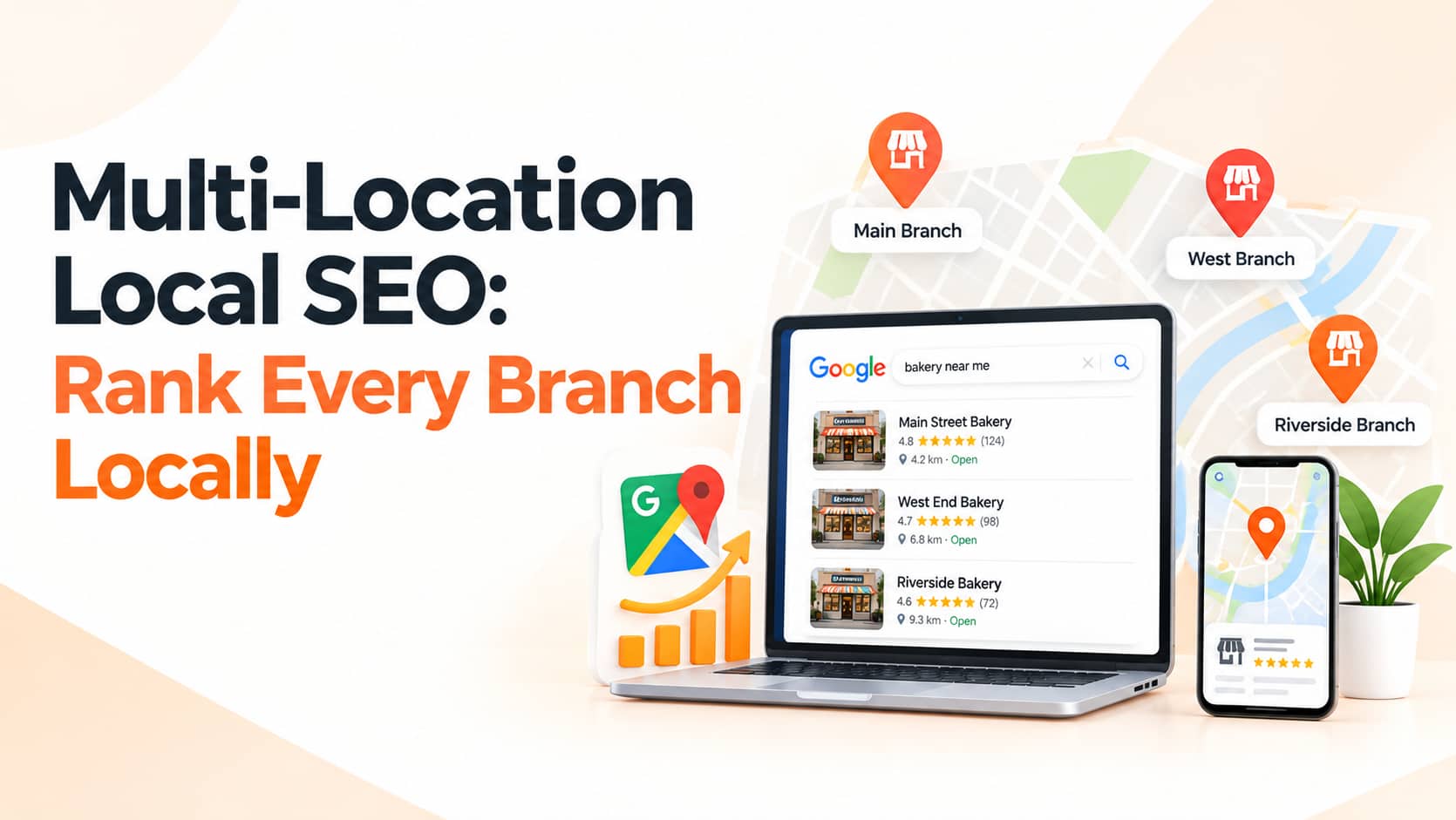
Businesses with several branches, showrooms, clinics or service areas face a particular challenge in local SEO: every location needs to be found by people nearby, without creating duplicate, thin or confusing pages. Done well, multi-location SEO helps each branch appear in "near me" searches, Google Maps and local results. Done badly, branches compete with each other and none ranks. This guide explains how to structure Google Business Profiles, location pages, reviews and citations for multi-location businesses in India.
Why Multi-Location SEO Is Different
Local searchers want the closest relevant branch. Google weighs relevance, distance and prominence for each location separately, so your brand needs a strong, accurate presence at every address. A single generic contact page cannot compete with rivals who have detailed pages and profiles for each area. For a refresher on the fundamentals, read our guide to why SEO still matters.
One Google Business Profile for Every Real Location
Create a profile for each physical location that customers can visit or that has staff present during stated hours. Use business names that follow Google's guidelines, without stuffing keywords or adding city names unless they are part of the real name, and give each branch a local phone number where possible so customers reach the right team. Set location-specific hours, photos, categories, services and attributes. Never create profiles for virtual offices, PO boxes or addresses without real operations, because that can lead to suspension. If you manage many locations, Google offers bulk management tools that save time.
A Dedicated Page for Every Location
Each branch deserves its own page on your website with unique, genuinely useful content. Include the full address, an embedded map, phone number and opening hours, the services or products available at that branch, photos of the real premises and local team, reviews from that location, directions, parking details and nearby landmarks, plus local offers, events and branch-specific FAQs. Resist the temptation to copy the same text and swap the city name, because duplicate or doorway-style pages offer little value and may be ignored by search engines.
Build a Clear Site Structure
Create a location hub page that lists all branches and links to each one, and link every Google Business Profile to its matching location page rather than always to the home page. Use clean URLs such as /locations/ludhiana-model-town, add breadcrumb navigation and link to location pages from relevant service pages and blog posts. A clear structure helps visitors and crawlers understand which page serves which area.
Keep Name, Address and Phone Consistent
NAP stands for name, address and phone number, and it should match across your website, Google profile, social pages and directories such as JustDial, Sulekha, IndiaMART and industry sites. Inconsistencies confuse customers and search engines alike. Audit your listings regularly, remove duplicates and update changes everywhere at once whenever a branch moves, changes hours or closes.
Add Local Business Schema
Structured data helps search engines read each location page correctly. Use LocalBusiness markup with the specific details of each branch, including address, geo-coordinates, phone number and opening hours, and make sure the markup matches what visitors see on the page.
Manage Reviews for Each Branch
Ask customers for reviews at every location, using branch-specific review links or QR codes, and reply from the right branch voice, mentioning details where appropriate. Treat feedback as a diagnostic tool: recurring complaints about waiting times or staff behaviour at one branch point to a fix that benefits customers and ratings alike. Never buy reviews or offer incentives in exchange for them.
Create Local Content and Link Opportunities
Content that reflects local life earns local links and mentions that boost prominence. Neighbourhood guides, local events, community initiatives, case studies from nearby customers and partnerships with local organisations all help. Our guide on social media strategy offers ideas for promoting this content. If you serve nearby towns where you have no branch, create genuinely helpful service-area pages with real examples, coverage details and local testimonials rather than dozens of near-identical pages.
Track Results by Location
Review Google Business Profile insights for searches, calls, direction requests and website clicks at each branch. Use Search Console to see queries and pages by location, Google Analytics 4 to measure conversions and calls from each location page, and a rank tracker to monitor key terms in each service area. Common mistakes include letting one profile or page represent all branches, duplicate content across location pages, inconsistent details, ignoring reviews at smaller branches and forgetting to update listings when a branch moves or closes.
Frequently Asked Questions
Can two branches share a phone number?
It is better to use a local number for each so customers reach the right team and Google can verify each location.
Should my blog target each city?
Only where you have real local expertise, news or customers to feature. Avoid thin city-name pages.
How do I handle a branch that has moved or closed?
Update the profile or mark it closed or moved, update your website and directories and redirect the old page where appropriate.
Conclusion
Successful multi-location SEO comes down to giving every real branch its own accurate Google Business Profile, a unique location page, consistent details, local schema, branch-level reviews and local content. Structure your site clearly, keep information consistent and measure results by location.
OM Enterprises manages local SEO for multi-branch brands across India. Request a free multi-location audit and help every branch win its neighbourhood.