

Meta Pixel and Conversions API: How to Set Up Reliable Tracking for Facebook and Instagram Ads

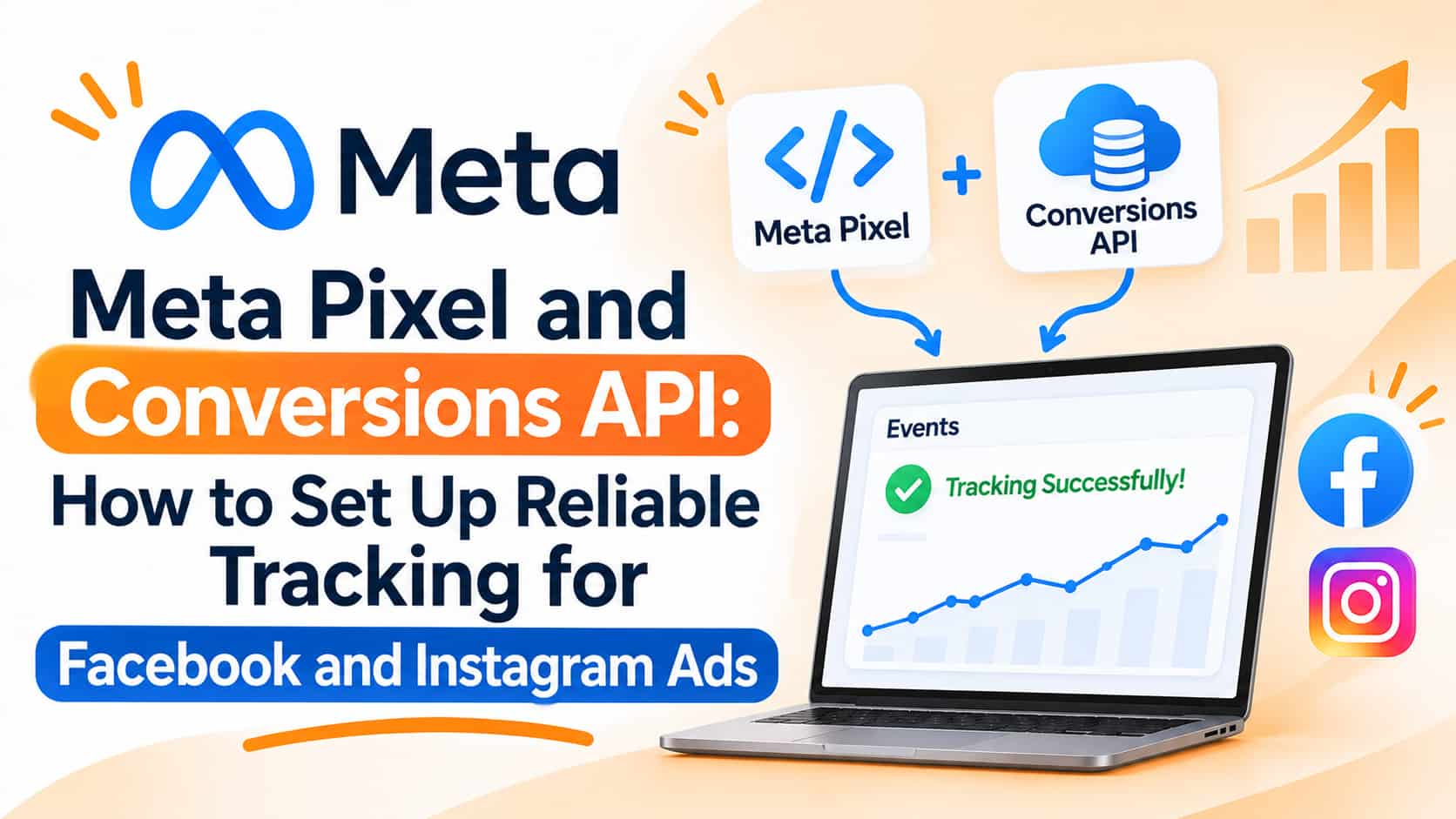
Facebook and Instagram advertisers have noticed something over the past few years: the numbers in Ads Manager do not always match the sales in the bank account. Orders appear in the store but not in the ad report, leads vanish between the form and the CRM and optimisation seems to work with less information than before. Much of this comes from changes in browsers, device privacy settings and consent rules that limit what browser-based tracking can see. The answer Meta offers is to combine its browser tool, the Meta Pixel, with a server-side connection called the Conversions API. This guide explains both and how to set them up sensibly.
What the Meta Pixel does
The Meta Pixel is a piece of code added to your website. It records visitor actions, such as page views, add to cart, lead form submissions and purchases, and sends them to Meta. Meta uses this data to measure conversions from your ads, to build audiences for retargeting and to teach its delivery system what kind of person is likely to convert, which improves optimisation. Because the pixel runs in the visitor's browser, it can miss events when browsers block tracking scripts, when users decline cookies, when pages load slowly or when ad blockers are active.
What the Conversions API adds
The Conversions API, often shortened to CAPI, sends event data directly from your server, or from a connected system such as your CRM, to Meta, without relying on the visitor's browser. Meta recommends using it alongside the pixel in a redundant setup. When the same event reaches Meta through both routes, a shared event identifier lets Meta deduplicate it, so conversions are not counted twice. The two together usually capture more events and give more resilient measurement than the pixel alone, though results vary by site and how well the setup is done.
Why it matters for performance
Meta's ad system learns from conversion signals. Richer, more reliable signals help it find customers more efficiently and give you better reporting. Missing signals can lead to higher costs, unstable delivery and confusion about which campaigns work. Server-side events also let you send conversions that happen away from the website, such as a lead that becomes a qualified opportunity or a sale closed on a phone call or WhatsApp chat. Optimising for real business outcomes rather than form fills can improve lead quality.
Plan your events first
Before installing anything, decide which actions matter. For an e-commerce store, standard events include view content, add to cart, initiate checkout, add payment info and purchase, with value and currency. For lead generation, track lead submissions and, if possible, later stages such as qualified lead or sale. For services, consider events such as booking or contact. Use standard event names where possible, since Meta understands them, and send consistent parameters, such as value, currency, content IDs and categories.
Setting up the pixel
Create a pixel, or dataset, in Meta's Events Manager and install the base code on all pages, either directly, through a plugin on platforms such as WordPress or Shopify, or via Google Tag Manager. Add event code to key actions, then verify that events fire correctly using Meta's testing tools and the Pixel Helper browser extension. Check that purchase events carry the correct value and that events do not fire twice. Confirm domain verification in Meta Business settings, which is required for several tracking and optimisation features.
Setting up the Conversions API
There are several routes depending on your technical resources. Many e-commerce platforms and tag managers offer built-in or partner integrations that enable CAPI with a few settings. Server-side tagging through a tag management server lets you route events from your site to Meta from a server you control. Custom API integration lets your developers send events straight from your backend or CRM, using an access token generated in Events Manager. Choose the simplest approach that fits your platform, and consider managed options if you lack technical staff.
Match quality and customer information
Meta tries to match each event to a person using identifiers. The more reliable information you can send, the better the matching. Examples include a hashed email address and phone number, the browser identifier from Meta's cookie, a click identifier added to your landing page URL when someone arrives from an ad, and IP address and user agent. All personal identifiers must be hashed as Meta requires, and you must have a lawful basis and consent to share them. Meta shows an event match quality score in Events Manager, which helps you see where to improve. Do not send sensitive information, and avoid sending data you do not need.
Deduplication
When both pixel and server events report the same action, Meta needs to treat them as one. Send the same event name and a matching event ID with both. Check the deduplication information in Events Manager to confirm that duplicates are being merged, since double counting inflates results and confuses optimisation.
Consent and privacy
Tracking must respect user choices and applicable laws. Set up a consent banner where needed, and configure the pixel and server events to respect consent signals. Explain your data use in your privacy policy. India's data protection framework emphasises consent and purpose, and customers from other regions may be covered by additional rules. Never send data of users who have declined tracking when that is required by law or your policy.
Testing and monitoring
Use the Test Events tool in Events Manager to see whether both browser and server events arrive correctly, with proper parameters. Compare the number of purchases or leads in Meta with your store or CRM to find gaps, remembering that exact matches are unlikely because of attribution differences. Monitor diagnostics for warnings about missing parameters, low match quality or event delays. Review after any website change.
Common mistakes
Common errors include installing the pixel twice, sending events without deduplication, wrong purchase values, missing currency, sending unhashed personal data, forgetting domain verification, ignoring consent and optimising campaigns for events that happen too rarely for the system to learn.
Frequently asked questions
Do I still need the pixel if I use the Conversions API?
Meta generally recommends using both together, with deduplication.
Will it fix all tracking gaps?
No. It improves resilience, but attribution and privacy limits remain.
Is it only for large advertisers?
No. Many platforms offer simple integrations suitable for small businesses.
Track what your ads really deliver
OM Enterprises sets up Meta Pixel, Conversions API and reporting so your campaigns learn from real sales. Request a tracking audit.