

IVR for Small Business: Benefits, Setup & Use Cases (India)

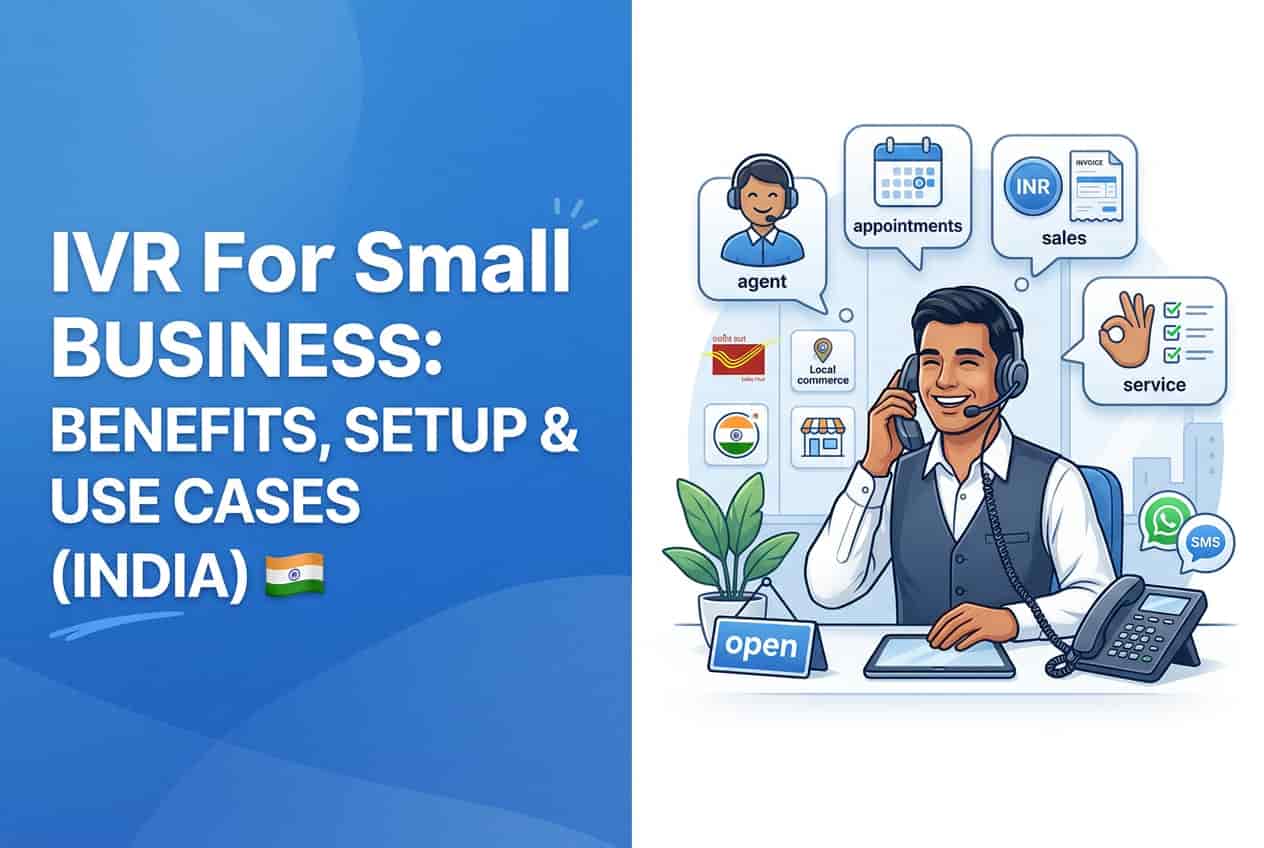
Every missed call is a missed customer. For small businesses in India, phones still ring all day: customers asking about prices, patients booking appointments, buyers checking delivery. An IVR system (interactive voice response) lets even a small team answer calls professionally, route them to the right person and provide information around the clock. This guide explains how IVR for small business works, where it helps most, how to design a menu customers actually like and how to connect IVR with SMS and WhatsApp.
What Is an IVR System?
An IVR is an automated phone menu. When a customer calls, a recorded voice offers options such as "Press 1 for sales, press 2 for support, press 3 for store timings." Based on the keypad (or sometimes voice) input, the system plays information, routes the call to a department or agent, or records a message. Modern cloud IVR runs on your existing business number and needs no special hardware. Learn more about voice campaigns in our guide to bulk voice call services and how they work.
Key Benefits of IVR for Small Businesses
- Fewer missed calls, especially after hours, during lunch breaks or when all agents are busy.
- Professional first impression, with a branded greeting and organised menu.
- Faster routing, so customers reach the right person without transfers.
- Multi-language support, with menus in Hindi, Punjabi, English and regional languages.
- Call logs and analytics, showing peak call hours and most-requested options.
- Lower support cost, as routine questions get answered automatically.
Best IVR Use Cases by Industry
- Clinics and hospitals: appointment booking, doctor timings, report status and emergency routing
- Coaching institutes and schools: course details, fee dates, counsellor call-back requests
- Real estate: project information, site visit booking and lead capture
- Logistics and delivery: order status, agent contact and complaint registration
- Retail and restaurants: store timings, offers, table reservations
- Service businesses: after-hours messages and call-back scheduling
How to Design an IVR Menu Customers Like
- Keep it to four or five options. Long menus frustrate callers.
- Put the most common request first, based on your call data.
- Always offer a human option, such as "Press 0 to speak with an executive".
- Record in a clear, friendly voice, in the languages your callers speak.
- Keep prompts short. Nobody enjoys a two-minute greeting.
- Update recordings whenever timings, offers or numbers change.
Sample IVR Script
"Welcome to City Care Clinic. For appointments, press 1. For doctor timings, press 2. For lab reports, press 3. To speak with our reception, press 0."
Connect IVR with SMS and WhatsApp
IVR becomes far more powerful when it triggers messages. After a call, you can automatically send:
- An appointment confirmation or reminder by SMS
- A brochure, price list or location link on WhatsApp
- A feedback request after support calls
- A call-back confirmation for missed calls
This combination gives customers the information in writing, reduces repeated calls and moves conversations to cheaper, trackable channels. See how bulk voice calls compare with bulk SMS to choose the right mix.
Missed Call Services: A Simple Starting Point
If a full IVR feels like too much, a missed call service is an easy first step. Customers give a missed call to a dedicated number to request a call-back, join a loyalty programme or register for an event. You get the lead without any cost to them, and you can respond with an automated SMS or call.
Common IVR Mistakes to Avoid
- Too many menu layers and long recordings
- No option to reach a human
- Outdated information in recordings
- Poor audio quality or an unnatural voice
- Ignoring call data that shows what customers ask most
Frequently Asked Questions
Do I need special hardware for IVR?
No. Cloud-based IVR works with your existing phone numbers and mobiles through a provider's platform.
Can IVR work in Punjabi or Hindi?
Yes. Menus can be recorded in any language your callers prefer, and many businesses offer language selection at the start.
Is IVR suitable for very small businesses?
Yes. Even a two-person business benefits from after-hours messages and call routing, and cloud plans scale with usage.
Conclusion
An IVR system helps small businesses sound professional, capture every call and serve customers faster, without hiring more staff. Keep the menu short, record in your customers' languages, and connect IVR with SMS and WhatsApp to turn calls into confirmed bookings and sales.
OM Enterprises provides IVR and voice call solutions integrated with bulk SMS and WhatsApp. Request a free demo today and never miss another customer call.