

Internal Linking for SEO: A Simple System That Helps Google (and Customers) Find Your Best Pages

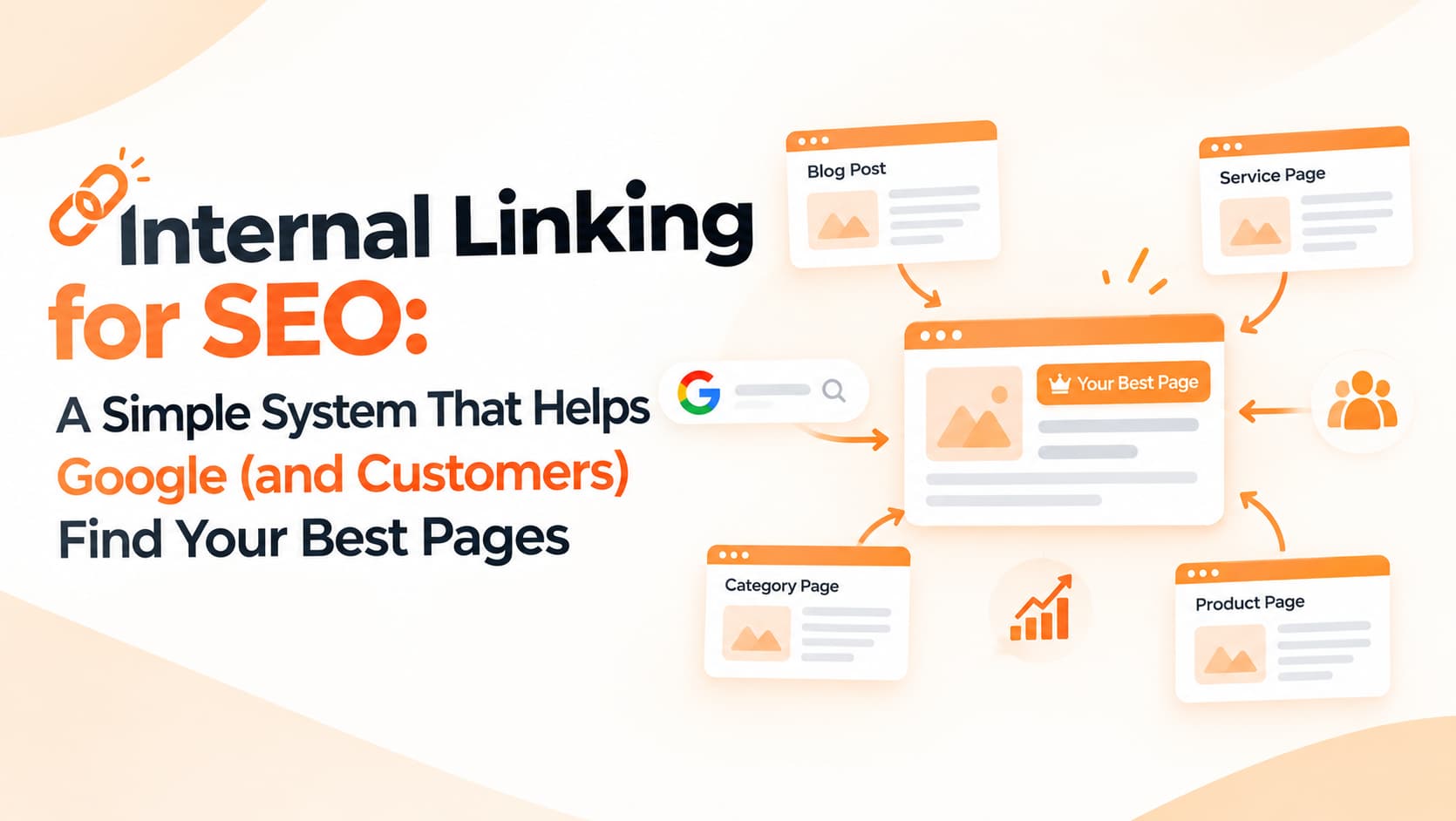
Most businesses that invest in SEO spend a lot of energy chasing backlinks from other websites. At the same time, they ignore the links they fully control: the ones between their own pages. Internal linking quietly tells Google which pages matter most, how your topics relate to one another and where a visitor should go next. Done well, it can lift rankings for important pages without publishing a single new article. Done badly, or not at all, it leaves valuable pages buried and invisible.
What internal links actually do
Internal links serve four connected purposes. First, they help discovery. Google finds new pages largely by following links, so a page that nothing links to may be found late or not at all. Second, they signal importance. When many relevant pages on your site point to one page, it suggests that page is central to what you offer. Third, they explain context. The anchor text, meaning the clickable words in a link, gives Google strong hints about what the destination page is about. And fourth, they guide visitors. A reader who finishes a helpful blog post can move naturally to a related service page and make an enquiry, instead of leaving.
Start with your priority pages
Before adding a single link, decide which pages matter most to your business. For most companies this is a list of ten to twenty pages: main service pages, top product categories, key city or location pages and pricing pages. These are the pages that generate leads and revenue, and they should receive the most internal links from across your site. Writing this list down sounds simple, but it changes how every future link decision is made.
Organise content into hubs
A hub, sometimes called a pillar page, covers a broad topic and links out to more specific pages beneath it. For a messaging company, a "Bulk SMS Services" hub might link to pages on transactional SMS, promotional SMS, OTP SMS, DLT registration and SMS pricing. Each of those specific pages then links back to the hub and to closely related siblings where it genuinely helps the reader.
This creates a clear, logical structure that both users and search engines can understand. It also prevents a common problem in which several pages compete for the same search terms because nobody planned how they relate to each other.
Write descriptive anchor text
Anchor text should describe the destination. Links that say "click here", "read more" or "our services" waste an opportunity, because they tell neither the reader nor Google what to expect. Compare those with anchors such as "WhatsApp Business API pricing", "how DLT template approval works" or "local SEO services in Ludhiana". The second set is clearer for people and more meaningful for search engines.
That said, keep anchors natural and varied. Repeating the exact same keyword phrase in every link looks manipulative and reads awkwardly. Write the sentence for the reader first and then link the words that best describe the destination.
Link from your strongest pages
Not all pages carry the same weight. Your homepage, popular blog posts and any pages that have earned links from other websites usually pass more value through their internal links. If a priority page is struggling on page two of Google, adding a contextual link to it from one of these strong pages is often one of the quickest wins available.
Find and fix orphan pages
Orphan pages are pages with no internal links pointing to them. They are often forgotten landing pages from old campaigns, early blog posts or new location pages that were added to the sitemap but never linked from anywhere. You can find them with a website crawler or by comparing your sitemap with the pages a crawl actually reaches. Link to the useful ones from relevant sections, and redirect or remove the ones that no longer serve a purpose.
Make every blog post work for the business
Informational content attracts visitors, but it should also guide them somewhere useful. Every helpful article should link to at least one relevant commercial page. A guide to reducing cart abandonment should naturally point to your WhatsApp automation or e-commerce services; an explainer on Google core updates should lead to your SEO audit offer. The link should feel like a helpful next step, not an advertisement.
Common mistakes to avoid
The most frequent problem is important pages buried four or five clicks from the homepage, where neither visitors nor crawlers find them easily. Menus stuffed with dozens of links dilute focus, while footers packed with keyword-heavy anchors on every page look spammy. Linking to URLs that redirect or no longer exist wastes value and frustrates users. Using the same anchor text for different pages confuses search engines, and cramming twenty links into one paragraph makes content hard to read.
A simple monthly routine
Set aside thirty minutes each month. In Search Console, look for pages with plenty of impressions but few clicks, or pages ranking just outside the first page. For each one, find three to five existing pages on your site that could naturally link to it, add those links with descriptive anchors, and fix any broken internal links your crawler reports. Small, regular improvements compound over time.
Frequently asked questions
How many internal links should a page have?
There is no fixed number. Add links where they genuinely help the reader and avoid cramming.
Do internal links help with AI-powered search?
A clear site structure helps search engines understand your content, which supports visibility across search features.
Should internal links be nofollow?
Generally no. Use normal links for pages you want discovered and ranked.
Strengthen your site structure
OM Enterprises maps your content, builds topic hubs and implements internal linking that supports both rankings and conversions. Ask us for an internal linking audit.