

Google Display Ads Are Moving to Demand Gen: What Advertisers Should Do Before the Auto-Migration

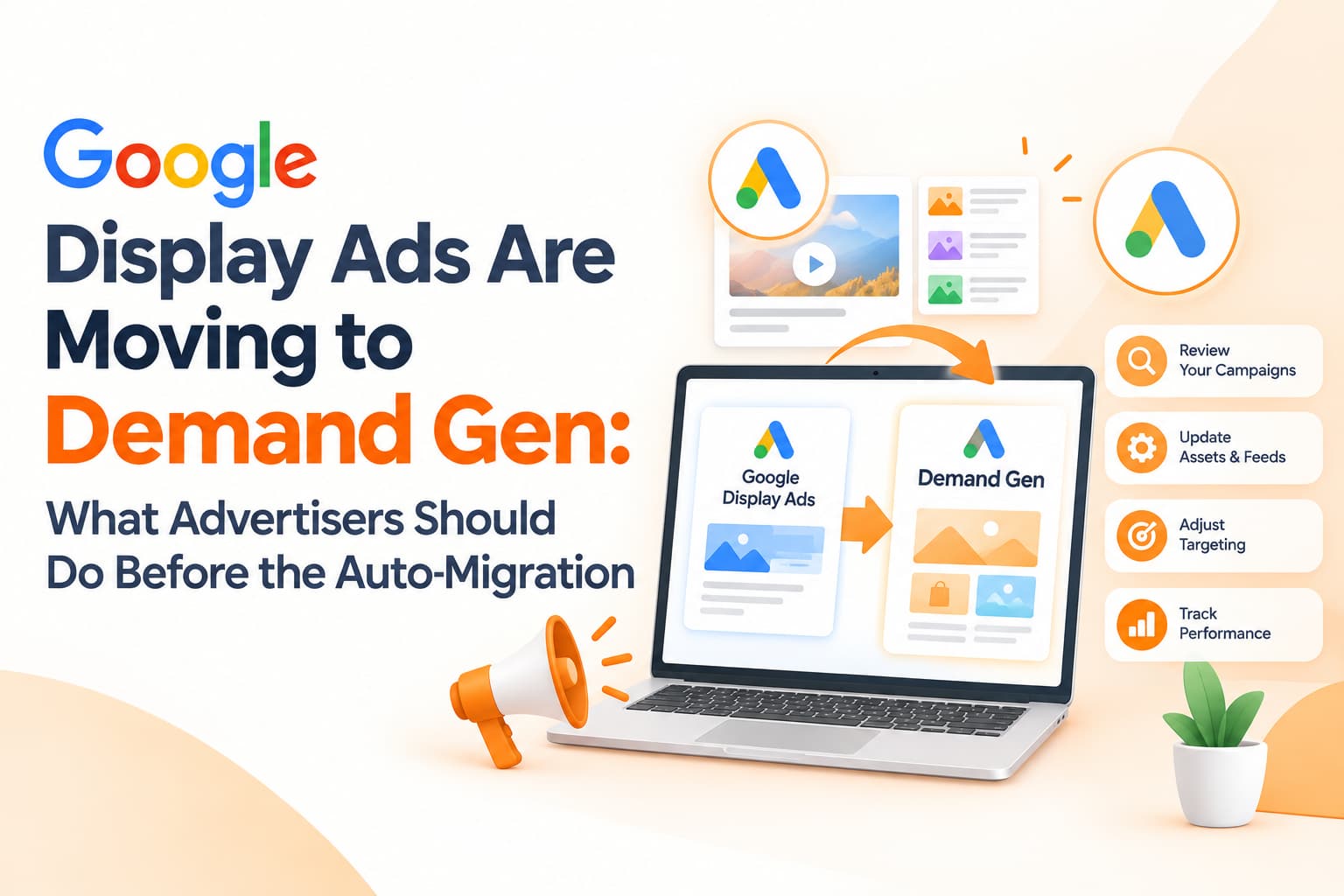
If your business runs banner ads on the Google Display Network, the campaign type you have relied on for years is being retired. In May 2026, Google announced that standalone Display campaigns are moving into Demand Gen. A migration tool began rolling out to eligible accounts in June, and Google has said that remaining eligible campaigns will eventually be migrated automatically, with the full transition expected to complete by 2027.
You can wait for Google to move your campaigns for you, or you can move them on your own terms with time to test and adjust. For most advertisers, the second option is far safer. This guide explains what Demand Gen is, what you gain and lose, and how to plan the switch without a dip in performance.
What Demand Gen actually is
Demand Gen is Google's visual, AI-driven campaign type for reaching people while they browse rather than search. Before this change it already covered YouTube, including Shorts, along with Discover, Gmail and Google Maps placements. With the migration, Google Display Network inventory sits inside Demand Gen too. In practice, that means a single campaign can show your ads across websites and apps in the Display Network, YouTube videos and Shorts, the Discover feed and Gmail.
Google has said that advertisers who added Display Network inventory to Demand Gen campaigns saw an average 9.5% increase in return on investment, based on its internal data. It is a useful signal of direction, but treat it as an average rather than a promise. Your own results will depend heavily on creative quality, conversion data and how clearly you define your goals.
What you gain from the move
The biggest advantage is format variety. Traditional Display campaigns were largely built around static banners and responsive display ads. Demand Gen supports images in multiple ratios, carousels, videos and vertical Shorts-style assets, which gives Google's systems more ways to match the right creative to the right person. Brands with strong visuals, such as fashion, home décor, food, travel and automobiles, usually benefit most from this.
Demand Gen also offers channel controls, which let you decide which surfaces your campaign runs on, and audience options that can build lookalike-style segments from your customer lists. Reporting has improved as well, with clearer breakdowns by format that help you see whether video or image creative is doing the heavy lifting.
What you may lose or need to adjust
The move is not entirely painless. Manual CPC bidding is not supported in Demand Gen, so advertisers who carefully controlled bids by hand will need to switch to automated strategies such as target CPC, target CPA or maximise conversions. That only works well when conversion tracking is reliable, which is why tracking deserves attention before migration rather than after.
Some legacy targeting and placement settings may behave differently or may not carry over exactly. Budget can also flow across surfaces more freely, which is good for performance but can blur reporting if your team is used to judging Display Network results in isolation. Finally, accounts with a library of old static banners will find they are competing against advertisers using fresh video and carousel creative, and they are likely to underperform until the creative is refreshed.
A sensible migration plan
Start with an honest audit. List every active Display campaign along with its objective, audiences, placements, exclusions, bidding strategy, budget and the conversion it optimises for. Many Indian SME accounts contain old remarketing or awareness campaigns that nobody has reviewed in months. This is a good moment to pause what is not contributing rather than carrying it into a new structure.
Next, invest in creative. Prepare square, landscape and vertical images, a handful of short videos and several headline variations. The videos do not need a film crew; simple 10 to 15 second edits showing your product, your premises or a customer speaking can perform surprisingly well. Make sure your logo and business name are consistent across assets.
Then check conversion tracking carefully. Automated bidding is only as good as the signals it receives. Confirm that purchases, leads, calls and WhatsApp clicks are tracked correctly, and consider enhanced conversions or importing qualified leads from your CRM so the system learns from real outcomes rather than cheap clicks.
With that groundwork done, test before the forced migration. Use the migration tool on one or two campaigns first, or build a fresh Demand Gen campaign alongside an existing Display campaign and shift budget gradually. Set channel controls deliberately: if brand safety rules or internal reporting require Display-only delivery, configure that; otherwise, let the test run across surfaces and see what the data says. When you compare results, focus on cost per conversion and lead or sale quality rather than click-through rate, because Demand Gen often reports engagement differently from old Display campaigns.
Who benefits most
D2C and e-commerce brands with strong product visuals tend to see the clearest gains, as do education, real estate and auto brands that need mid-funnel consideration before a lead converts. Advertisers already running YouTube campaigns are in a good position too, because they can reuse video assets they have already produced. Pure B2B lead generation accounts with limited creative may need more preparation before the switch delivers results, but the same principles apply.
Frequently asked questions
Will my Display campaigns stop running immediately?
No. Google plans to migrate remaining eligible campaigns automatically at a later stage, with completion expected by 2027. You have time to prepare, but not unlimited time.
Can I still target only the Display Network?
Demand Gen includes channel controls that let you choose surfaces. Check the current options in your account before migrating.
Does campaign history carry over?
The migration tool is designed to move existing campaigns into Demand Gen, but review every setting carefully after the move.
Migrate with confidence
OM Enterprises audits Display accounts, builds Demand Gen creative sets and runs controlled migrations so your performance does not dip during the switch. Contact our Google Ads team today.