

Google Business Profile Suspended? Common Reasons and How to Get Reinstated

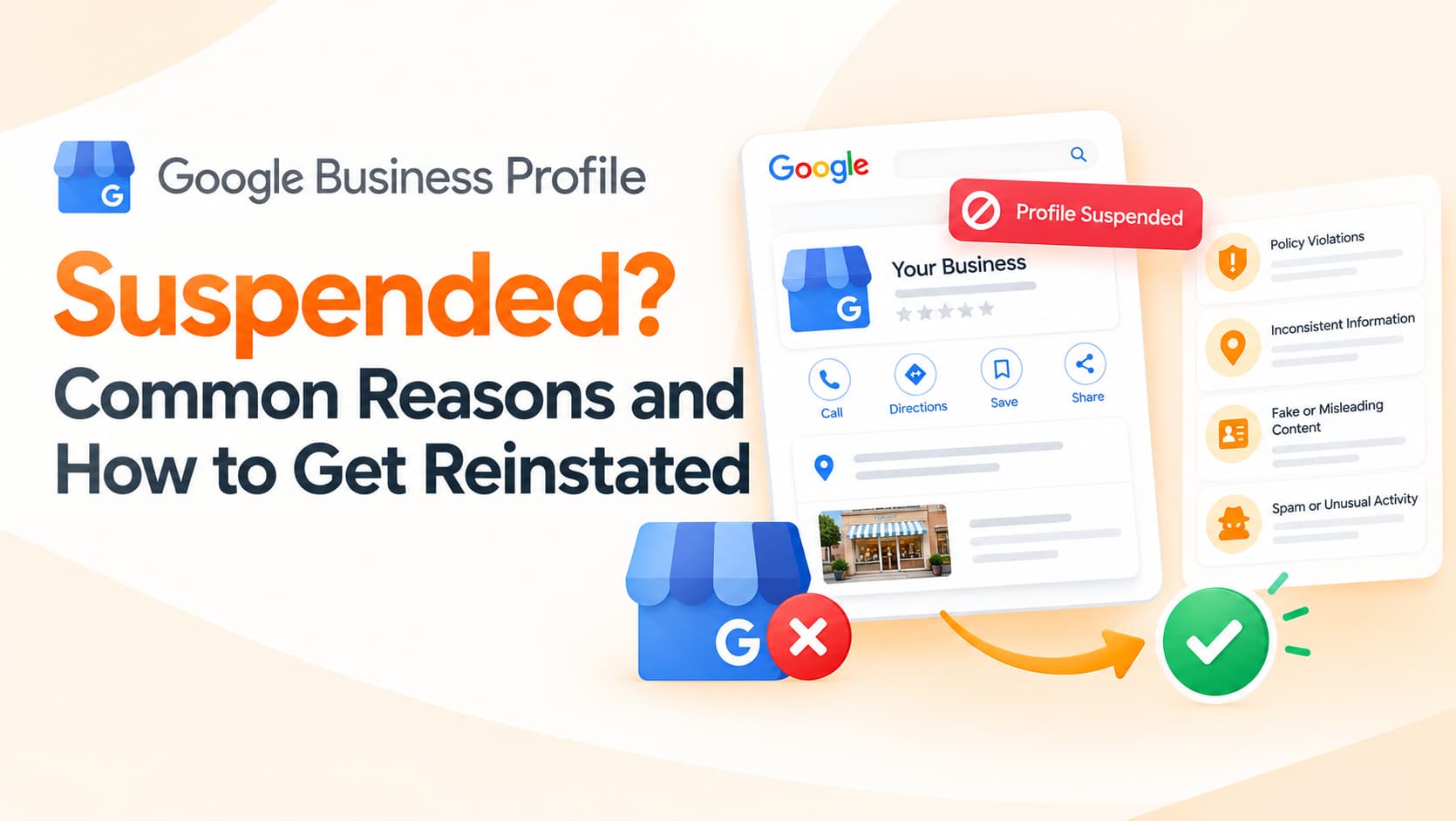
One morning, the calls stop. Customers say they cannot find your clinic on Google Maps. When you log in, your Google Business Profile shows a warning that it has been suspended, or it has simply vanished from search. For local businesses such as clinics, salons, restaurants, coaching centres, repair shops and showrooms, the Google Business Profile is often the single biggest source of calls and walk-ins, so a suspension can hurt immediately.
Suspensions are stressful, but they are usually fixable. The key is to understand why they happen, correct the underlying issue and request reinstatement carefully rather than in panic.
Why profiles get suspended
Google suspends profiles when it believes they break its guidelines for representing businesses, or when it cannot confirm that a business is genuine. Sometimes the cause is obvious; often it is an innocent change that triggered automated checks.
One of the most common causes is keyword stuffing in the business name. Changing "Sharma Dental Clinic" to "Sharma Dental Clinic Best Dentist Ludhiana Root Canal Implants" may seem like a clever SEO move, but it violates Google's guidelines, which require the name to match your real-world branding. Another frequent cause is an address problem. Using a virtual office, a co-working address you do not staff, a post office box or a residential address for a business that does not serve customers there can lead to suspension. Service-area businesses that do not receive customers at their address are expected to hide it and specify service areas instead.
Sudden or frequent changes can also trigger reviews. Editing the name, address, category and phone number all at once, or changing them repeatedly, may look suspicious to automated systems. Duplicate listings for the same location, multiple profiles for different services at one address, or listings for businesses that are not yet open can cause problems too. Finally, suspicious review activity, such as a sudden burst of reviews from new accounts or incentivised reviews, can draw scrutiny, as can categories that do not reflect your actual business.
Understand the type of suspension
There are broadly two experiences. In some cases, the profile remains visible but you lose the ability to manage it, often because of ownership or verification issues. In more serious cases, the profile disappears from Maps and Search entirely. Google's messages in your Business Profile dashboard and any email notifications usually offer clues, so read them carefully before taking action.
Fix the problem before appealing
The most important step is correcting whatever likely caused the suspension before you request reinstatement. Rename the business to match the exact name on your signage, letterhead, registration documents and website. Correct the address so it reflects a real, staffed location, or hide it if you serve customers at their premises. Choose categories that genuinely describe your core business rather than every service you offer. Remove duplicate listings and make sure your website, phone number and opening hours are accurate and consistent with what customers see in real life.
Avoid creating a new profile to replace a suspended one. That often makes matters worse and can be treated as an attempt to circumvent the suspension.
Prepare evidence
When you request reinstatement, Google may ask for proof that the business is real and operates at the stated location. Useful evidence typically includes photographs of permanent exterior signage showing the business name, interior photos showing the premises in operation, a business registration certificate or GST registration, utility bills or lease documents for the address, and a website that matches the profile details. Make sure documents show the same business name and address as the profile, because inconsistencies slow down or derail reinstatement.
Submit the reinstatement request
Google provides an appeals process through the Business Profile interface and its help centre. Submit one clear, honest request with the evidence requested. Explain briefly what you corrected, without arguing or blaming. Then wait for a response. Submitting multiple appeals in quick succession usually does not help. If the request is rejected, review the guidelines again, check for issues you may have missed and consider asking Google's support channels or the Business Profile community for guidance.
Prevent future suspensions
Keep your business name exactly as it appears in the real world, make changes sparingly and only when your business genuinely changes, and keep consistent details across your website, social profiles and directories. Earn reviews honestly by asking satisfied customers, never by buying or incentivising them. Assign profile management to a trusted person within your business rather than unknown freelancers, and review the profile regularly so unexpected edits are noticed quickly.
Frequently asked questions
How long does Google Business Profile reinstatement take?
Timelines vary from days to several weeks depending on the case and the evidence provided.
Will I lose my reviews after a suspension?
Reviews are often restored when a profile is reinstated, though this is not guaranteed in every case.
Can I use a virtual office address for my profile?
Virtual offices that are not staffed during business hours generally do not meet Google's guidelines.
Protect your local visibility
OM Enterprises audits Google Business Profiles, fixes guideline issues, supports reinstatement requests and builds sustainable local SEO for businesses across India. Get a Google Business Profile review.