

Google Business Profile Optimisation: 10-Step Local SEO Guide

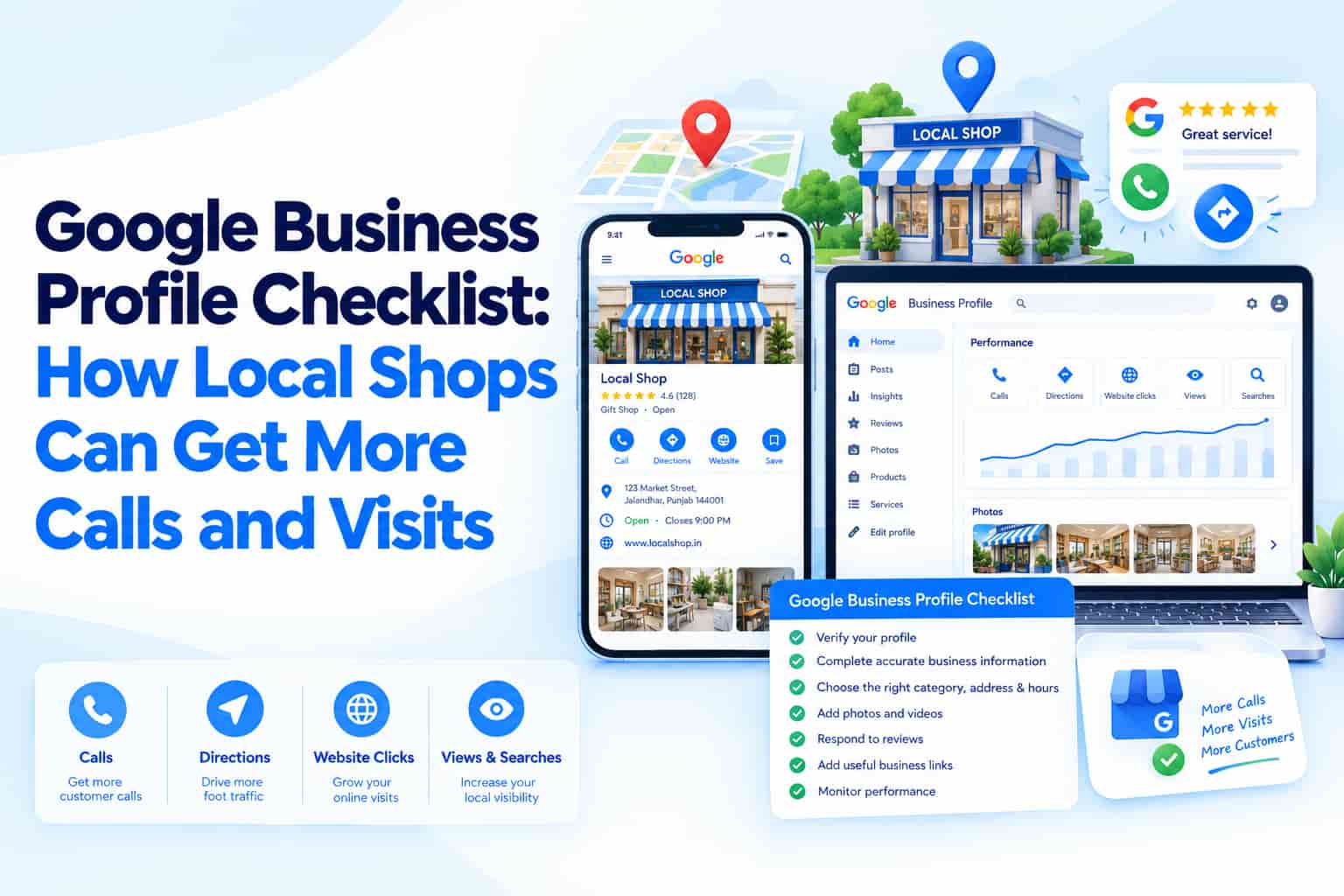
When someone searches "dentist near me" or "mobile shop in Ludhiana", the businesses at the top of Google Maps get the calls, direction requests and walk-ins. Your Google Business Profile (formerly Google My Business) is the single most important free asset for local SEO. A fully optimised profile can bring customers without spending a rupee on ads. This Google Business Profile optimisation checklist shows local shops, clinics and service businesses exactly what to fix.
Why Google Business Profile Matters for Local SEO
Google's local results rely on three broad factors: relevance (how well your profile matches the search), distance (how close you are to the searcher) and prominence (how well known and trusted you are). You cannot change distance, but you control relevance and prominence through your profile, reviews and website. Our guide on why SEO is still worth it explains how local visibility fits into the bigger search picture.
Step 1: Get the Basics Exactly Right
- Business name: use your real, public name. Adding keywords such as "Best Cheap Dentist" can get your profile suspended.
- Address and service area: make them accurate and consistent with your website and other listings.
- Phone number: use a number that is answered during listed hours.
- Opening hours: keep them current, including special hours for Diwali, Dussehra and other holidays.
- Website link: point to the most relevant page, such as the location page, not always the home page.
Step 2: Choose the Right Categories
Your primary category is one of the strongest relevance signals. Pick the most specific option, such as "Orthodontist" rather than "Doctor", then add secondary categories for other services you genuinely offer. Study the categories your top-ranking competitors use.
Step 3: Write a Keyword-Smart Business Description
Use all 750 characters to explain what you do, who you serve and where. Mention your main services and city naturally. Avoid promotional pricing, links and keyword stuffing, which are against guidelines.
Step 4: Add Services, Products and Attributes
- List every service with a short description and, where possible, a price range.
- Add products with photos for retail businesses.
- Select attributes that apply, such as parking, wheelchair access, online appointments or women-led.
Step 5: Upload Real Photos and Videos
Customers trust real images of your storefront, team, work and products. Add a cover photo, logo, interior and exterior shots, and update them regularly. Avoid generic stock imagery.
Step 6: Collect and Answer Reviews
Reviews influence both rankings and conversions.
- Ask satisfied customers right after a good experience, using a direct review link or QR code.
- Reply to every review, positive and negative, politely and specifically.
- Never buy reviews or offer rewards in exchange for them.
Step 7: Post Updates Regularly
Use Google Posts for offers, events and news. Festive offers, new arrivals and seasonal services give people a reason to click. Aim for at least one post a week.
Step 8: Use Q&A and Messaging
Seed the questions customers often ask, answer new questions quickly and make sure the contact options on your profile actually work.
Step 9: Keep Your NAP Consistent Everywhere
NAP stands for name, address and phone number. They should match across your website, Google profile, JustDial, IndiaMART, Facebook and other directories. Inconsistencies confuse Google and customers.
Step 10: Track Insights and Improve
Review profile performance for searches, calls, direction requests, website clicks and bookings. Compare month to month, note what changed and double down on what works.
Common Mistakes to Avoid
- Keyword stuffing the business name
- Creating duplicate profiles for the same location
- Using a virtual office or PO box as an address
- Ignoring negative reviews
- Leaving old hours or closed-for-holiday settings in place
Frequently Asked Questions
How long until Google Business Profile changes show?
Some edits appear within minutes, while others go through review and can take a few days.
Can I have a profile without a physical shop?
Service-area businesses can have profiles, with specific rules for hiding the street address.
Does having a website help my Google Business Profile?
Yes. A fast, mobile-friendly website with matching business details strengthens trust and relevance.
Conclusion
A well-optimised Google Business Profile is one of the highest-return investments in local SEO. Get your basics right, choose precise categories, add real photos, earn genuine reviews and post consistently. Small, steady improvements compound into more calls, visits and enquiries month after month.
OM Enterprises sets up and manages Google Business Profiles as part of complete local SEO services. Contact us for a free profile review and start winning more local searches.