

Email Deliverability: How SPF, DKIM and DMARC Keep Your Marketing Emails Out of Spam

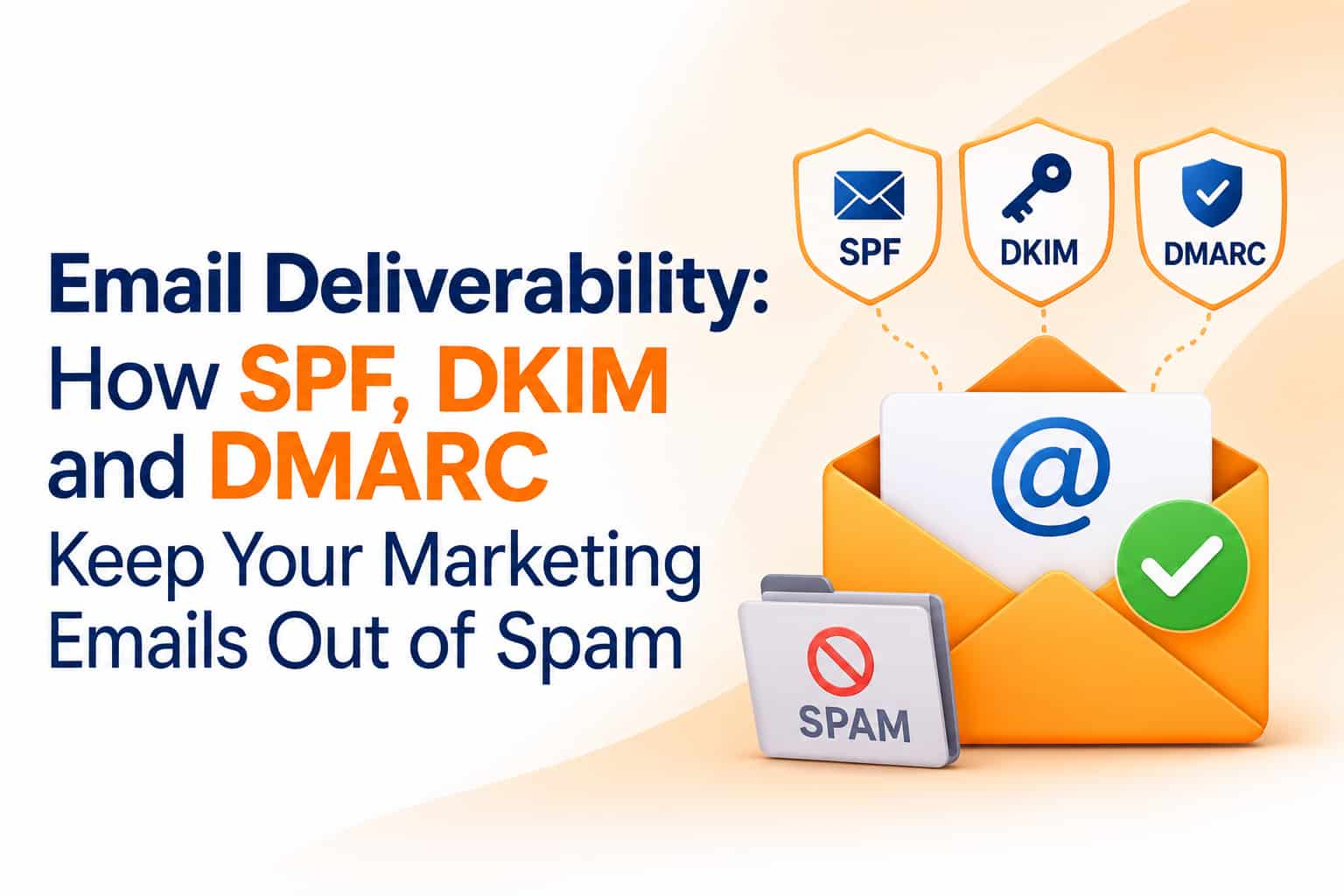
A company sends an important offer to ten thousand customers. The email platform reports "delivered". Yet the sales team sees almost no response. The reason is often invisible: most of those messages landed in the spam folder, or were quietly rejected, because the sending domain was not set up correctly. Email deliverability, the ability to reach the inbox, depends heavily on three technical records called SPF, DKIM and DMARC. This guide explains email authentication in plain language and shows how to set it up.
Delivered does not mean inboxed
Email platforms usually report "delivered" when the receiving server accepts the message. That does not tell you whether it went to the inbox, the promotions tab or the spam folder. Mailbox providers judge each message on sender reputation, authentication, content, recipient behaviour and complaint rates. Without proper authentication, your messages look suspicious because anyone can forge a sender address. Authentication gives mailbox providers a way to verify that you really sent the message.
Why it matters more than before
Large mailbox providers have tightened rules for bulk senders. Google and Yahoo announced requirements in 2024 for senders who send large volumes, including proper authentication with SPF and DKIM, a DMARC policy, easy unsubscribe options for marketing email and low spam complaint rates. Microsoft later announced similar expectations for high-volume senders to its consumer mail services. Thresholds and enforcement details can change, so check the providers' current sender guidelines. The practical message is clear: authentication is now a basic requirement, not an optional extra.
SPF: who may send for your domain
SPF, or Sender Policy Framework, is a DNS record that lists the servers and services allowed to send email using your domain. When a message arrives, the receiving server checks whether the sending server appears in your SPF record. If you use several services, such as your email provider, a marketing platform and a CRM, all must be included, but there are limits on how many lookups an SPF record may trigger, so keep it tidy. A domain should have only one SPF record. Adding a second one by mistake can break authentication.
DKIM: a digital signature
DKIM, or DomainKeys Identified Mail, adds a cryptographic signature to each outgoing message. The signature is created with a private key held by the sending service, and receiving servers verify it using a public key published in your DNS. A valid signature shows that the message really came from an authorised sender and was not altered in transit. Each sending service usually gives you DNS records to add so that it can sign mail on your behalf. Set up DKIM for every platform that sends email using your domain.
DMARC: the policy and reporting layer
DMARC builds on SPF and DKIM. It tells receiving servers what to do if a message fails authentication and requires that the domain in the visible "From" address aligns with the domains validated by SPF or DKIM. A DMARC record also asks for reports, so you can see who is sending email using your domain, including legitimate services you forgot about and impersonators. Policies come in three levels: none, which only monitors, quarantine, which sends failing messages to spam, and reject, which blocks them. Most organisations start with monitoring, study the reports, fix problems and then tighten the policy gradually.
Step-by-step setup
Step 1: List every service that sends email for your domain. Include your main mailbox provider, newsletter tools, e-commerce platform, CRM, support desk and any developer-built systems that send transactional email.
Step 2: Set up SPF. Create one record that includes all authorised services, following each provider's instructions.
Step 3: Set up DKIM. Add the DKIM records for each service. Verify in the platform that the domain is authenticated.
Step 4: Publish a DMARC record in monitoring mode. Include an address to receive reports, and consider using a reporting tool to read them, since raw reports are hard to interpret.
Step 5: Review reports for a few weeks. Identify unauthorised or unknown senders and fix authentication for legitimate ones.
Step 6: Move to a stricter policy. When you are confident, move to quarantine and then reject, to protect your brand from spoofing.
Step 7: Test. Send messages to different mailbox providers and check the message headers for passing SPF, DKIM and DMARC results.
Use a dedicated sending domain or subdomain
Many companies send marketing email from a subdomain, such as one reserved for newsletters, separate from the main business domain used for everyday mail. This isolates reputation, so a problem with a campaign does not affect messages between your staff and clients. Warm up new domains slowly by sending small volumes first and increasing gradually.
Protect your sender reputation
Authentication opens the door, but reputation decides where you land. Send only to people who asked to hear from you. Keep spam complaints very low, since providers publish thresholds that senders should stay well below. Remove invalid addresses and long-inactive subscribers, and handle bounces promptly. Use a clear sender name and honest subject lines. Include a visible unsubscribe link, and for marketing email also support one-click unsubscribe headers as required by major providers. Avoid sudden spikes in volume.
Content and design factors
Keep a healthy balance between text and images, avoid spammy phrases and excessive capital letters, and ensure that links lead to your own domain or well-known destinations. Use a plain-text version alongside HTML. Avoid URL shorteners from untrusted services. Include your physical address and a clear explanation of why the recipient is receiving the email.
Monitor and maintain
Use postmaster tools offered by major mailbox providers to watch domain reputation and spam rates. Review DMARC reports regularly. Re-check records whenever you add or remove a sending service. Monitor open and click patterns, since sudden drops can signal inbox placement problems.
Common mistakes
Common errors include multiple SPF records, forgetting a sending platform, using a "From" address from a free mailbox domain for bulk sending, publishing a strict DMARC policy before checking reports, ignoring bounces and buying email lists.
Frequently asked questions
Do small senders need DMARC?
It is strongly recommended. Even small senders benefit from authentication and brand protection.
Will authentication guarantee inbox placement?
No. It is necessary but not sufficient. Reputation, content and engagement still matter.
How long does setup take?
DNS changes can be quick, though monitoring and tightening policies takes weeks.
Reach the inbox, not the spam folder
OM Enterprises sets up email authentication, warm-up and campaign tracking for business senders. Request an email deliverability check.