

Duplicate Content and Canonical Tags Explained: Stop Your Own Pages From Competing With Each Other

An online store sells a cotton kurta in five colours. Each colour has its own URL, with almost identical descriptions. The same kurta also appears under "New Arrivals", "Festive Collection" and "Women's Ethnic Wear", each creating yet another address for the same product. Add filter and sort options, tracking codes from campaigns and versions with and without "www", and a single product can exist at dozens of URLs. To a search engine, that looks like a crowd of near-identical pages competing for the same searches.
This is duplicate content, and it is one of the most common technical SEO issues on business websites. The good news is that it is rarely a penalty problem. It is a clarity problem, and canonical tags are one of the main tools for solving it.
What duplicate content really means
Duplicate content refers to substantial blocks of identical or very similar content appearing at more than one URL, either on your own site or across different sites. Contrary to a popular myth, Google does not generally punish websites for ordinary duplication, such as product variants or printer-friendly pages. Instead, it tries to choose one version to show in search results and folds the others together.
The problem is that Google might not choose the version you want. Ranking signals, such as links pointing to different versions, can be split between duplicates. Crawlers waste time fetching near-identical pages instead of discovering your new content. And the URL that appears in search results might be an ugly filtered version rather than your clean main page.
Common causes on business websites
Many duplicates are created accidentally by technology rather than by copying text. Websites that load at both http and https, or both with and without "www", create two versions of every page unless redirects are set up properly. URL parameters added by filters, sorting, session IDs and campaign tracking create endless variations. E-commerce platforms often place the same product in multiple category paths, each with its own URL. Printer-friendly pages, separate mobile URLs on older sites and paginated archives can all add duplicates.
Content choices cause duplication too. Location pages that repeat the same text with only the city name changed, blog posts that cover the same topic in nearly identical ways, and product descriptions copied directly from manufacturers, which appear on dozens of other websites, are all common in India's SME websites.
How canonical tags work
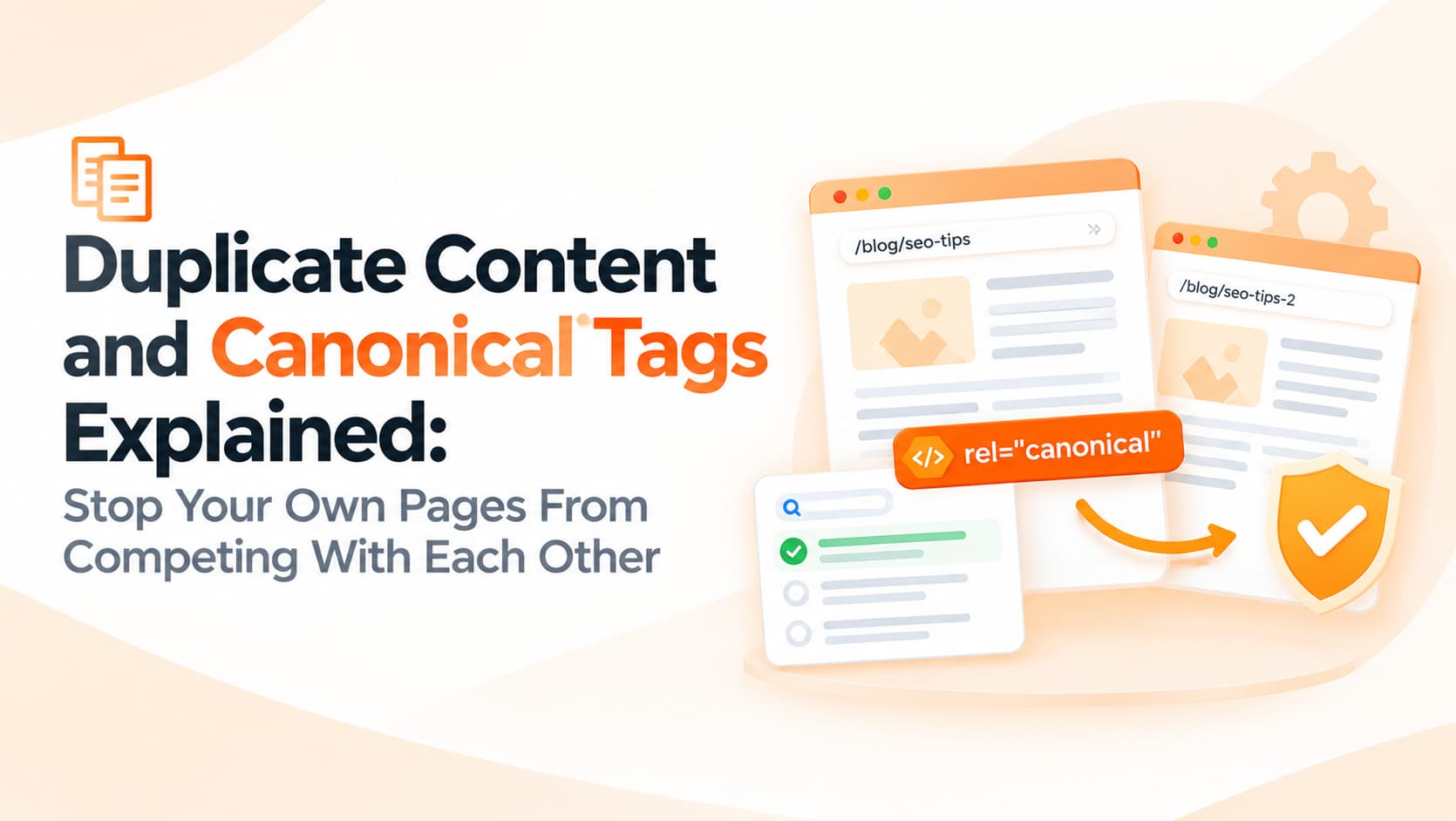
A canonical tag is a small line of code in a page's HTML head that tells search engines which URL is the preferred, main version of that content. For example, a product page reached through a filtered category link can include a canonical tag pointing to the clean product URL. Search engines treat the canonical tag as a strong hint, combining signals from duplicate versions into the preferred one.
It is important to understand that a canonical tag is a hint rather than a command. Google usually respects it, but it may choose differently if other signals, such as internal links, sitemaps and redirects, contradict it. That is why canonical tags work best as part of a consistent setup.
Practical fixes
Start with the basics. Choose one preferred version of your domain, for example https with "www", and permanently redirect all other versions to it with 301 redirects. Make sure every page has a self-referencing canonical tag pointing to its own clean URL, which prevents parameter variations from being treated as separate pages.
For e-commerce sites, point product variants and products reached through multiple category paths to a single canonical product URL, unless each variant genuinely deserves its own page because people search for it specifically. Keep filtered and sorted category pages canonicalised to the main category page, or prevent unimportant combinations from being indexed. Make sure internal links point to canonical URLs, and list only canonical URLs in your XML sitemap.
For content duplication, the fix is editorial rather than technical. Merge overlapping blog posts into one stronger article and redirect the others. Rewrite location pages with genuinely local information, such as local team details, projects completed in that city and area-specific frequently asked questions. Write original product descriptions rather than copying manufacturer text, at least for your most important products.
How to check your own site
Google Search Console's Page indexing report often reveals duplication through statuses such as "Duplicate without user-selected canonical" or "Duplicate, Google chose different canonical than user". The URL Inspection tool shows which canonical Google selected for any page. A site crawler can identify duplicate titles, duplicate descriptions and pages with missing or conflicting canonical tags. Searching Google for a distinctive sentence from your page in quotation marks can also reveal where else that text appears online.
Frequently asked questions
Will duplicate content get my site penalised?
Ordinary duplication usually is not penalised. Deliberately copying content at scale to manipulate rankings is a different matter.
Should I use noindex or canonical tags for duplicates?
Canonical tags consolidate signals into a preferred page, while noindex removes a page from search entirely. Choose based on whether the page has value.
Can I canonicalise to a page on another domain?
Yes, cross-domain canonicals are possible, for example when content is syndicated, though they should be used carefully.
Clean up your site's signals
OM Enterprises audits websites for duplicate content, canonical issues and redirect problems, then implements fixes that help search engines focus on your best pages. Request a technical SEO audit.