

DLT Template Rejected? Common Reasons and How to Get SMS Templates Approved Faster

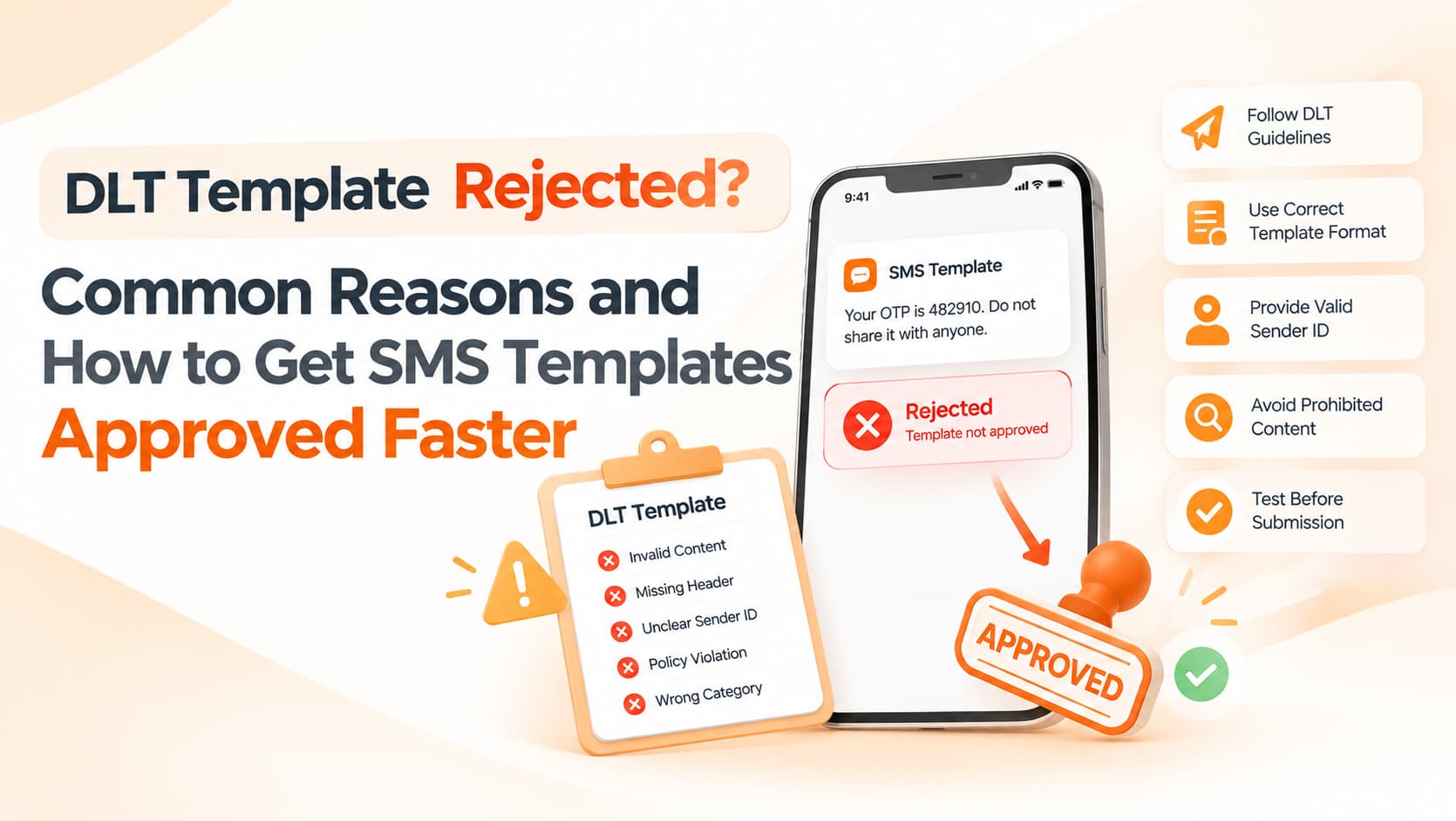
The festive campaign is ready, the offer is live on the website and the customer list is cleaned. Then the SMS template you submitted on the DLT portal comes back with a single word: Rejected. There is rarely a detailed explanation, so you edit something, resubmit and wait again, while the sale window gets shorter. For many Indian businesses, template rejections are one of the biggest causes of delayed or failed SMS campaigns.
The good news is that most rejections come from a small set of avoidable mistakes. Once you understand how templates are assessed, approvals become far more predictable.
A quick refresher on how DLT templates work
Under TRAI's commercial communication framework, businesses register as Principal Entities on a Distributed Ledger Technology platform run by the telecom operators. They register sender headers, the short names that appear as the sender, and they register message templates. Every commercial SMS must match an approved template, with only the variable portions changing from message to message. Templates are scrutinised because the system exists to prevent misuse, spam and fraud. A template that looks like it could be used to send almost anything is exactly what reviewers are trained to stop.
Why templates get rejected
The single most common reason is choosing the wrong category. Templates are classified as transactional, service-implicit, service-explicit or promotional, and each category has different rules about consent and timing. If a message contains an offer, a discount or an upsell, it is promotional, no matter how it is framed. Submitting a festive offer as a service message is one of the fastest ways to get rejected.
The second common problem is variable misuse. A template made up almost entirely of variables, with very little fixed text, looks like a loophole that would allow a business to send any content it likes. Reviewers want the purpose of the message to be clear from the fixed wording alone. Variables should replace genuinely dynamic information such as a customer's name, an amount, a date or an order number, not the core message itself.
Brand identification matters too. Templates should clearly identify your business, and the brand name should be consistent with your registered entity and header. Linking a template to a header that was registered for a different purpose or category causes trouble, as does including links or phone numbers that have not been whitelisted. Since 2024, URLs, APKs, OTT links such as WhatsApp links, and callback numbers in commercial messages need to be registered in advance, and generic public link shorteners are viewed with suspicion.
Finally, content and presentation can trigger rejection. Misleading or exaggerated claims, language associated with gambling or prohibited categories, sloppy grammar, excessive capital letters and strings of special characters all raise red flags. Submitting many near-identical templates repeatedly can also be flagged, and certain categories require consent requirements to be properly met and linked.
What approval-friendly templates look like
Compare a template that reads "{#var#} {#var#} - BRAND" with one that reads "Dear {#var#}, your order {#var#} has been shipped and will arrive by {#var#}. Track: {#var#} - BRAND". The first could carry any message at all; the second has an obvious, legitimate purpose, with variables used only for details that genuinely change. Similarly, "BIG SALE!!! CALL NOW {#var#}" invites rejection, while "Diwali offer at BRAND: get {#var#} off on selected items till {#var#}. Shop: {#var#} - BRAND" is clear, polite and correctly categorised as promotional.
Checks to run before you submit
Before pressing submit, ask yourself a handful of questions. Is the category correct for what the message actually does? Would someone reading only the fixed text understand the purpose? Are variables limited to dynamic data? Is your brand name included and consistent with your header? Are all links and phone numbers already whitelisted? Is the language clear, polite and correctly spelt, and is the template linked to the right header? A few minutes spent on these checks can save days of back-and-forth.
How to speed up approvals over time
The most effective habit is building a template library in advance. Identify the messages you send repeatedly, such as OTPs, order and delivery updates, appointment reminders, payment reminders and seasonal offers, and get them approved well before you need them. Keep a simple change log so everyone knows which version is approved and active, because even small wording changes can cause live messages to fail. Working with an SMS provider that reviews templates before submission also helps, since experienced eyes catch problems that are easy to miss.
Frequently asked questions
How long does DLT template approval take?
It varies by operator portal and workload, so submit well before your campaign date rather than on the day.
Can I edit an approved template?
Changes usually require a fresh submission, so design templates with sensible, legitimate variables from the start.
Why does an approved template still fail when sending?
The message sent must match the template exactly apart from the variables. Extra spaces, changed words or unregistered links can all cause failures.
Get your templates approved the first time
OM Enterprises helps businesses register entities, headers and templates on DLT, and reviews every template before submission to reduce rejections and delays. Contact our SMS team.