

Core Web Vitals Explained: LCP, INP & CLS Fixes (2026)

A slow website costs you visitors, leads and search visibility. Core Web Vitals are Google's way of measuring real-world page experience, and they are part of the page experience signals that support how your site performs in search. The good news: you do not need to be a developer to understand them. This guide explains LCP, INP and CLS in plain English, shows how to measure them and lists practical fixes that help any business website.
What Are Core Web Vitals?
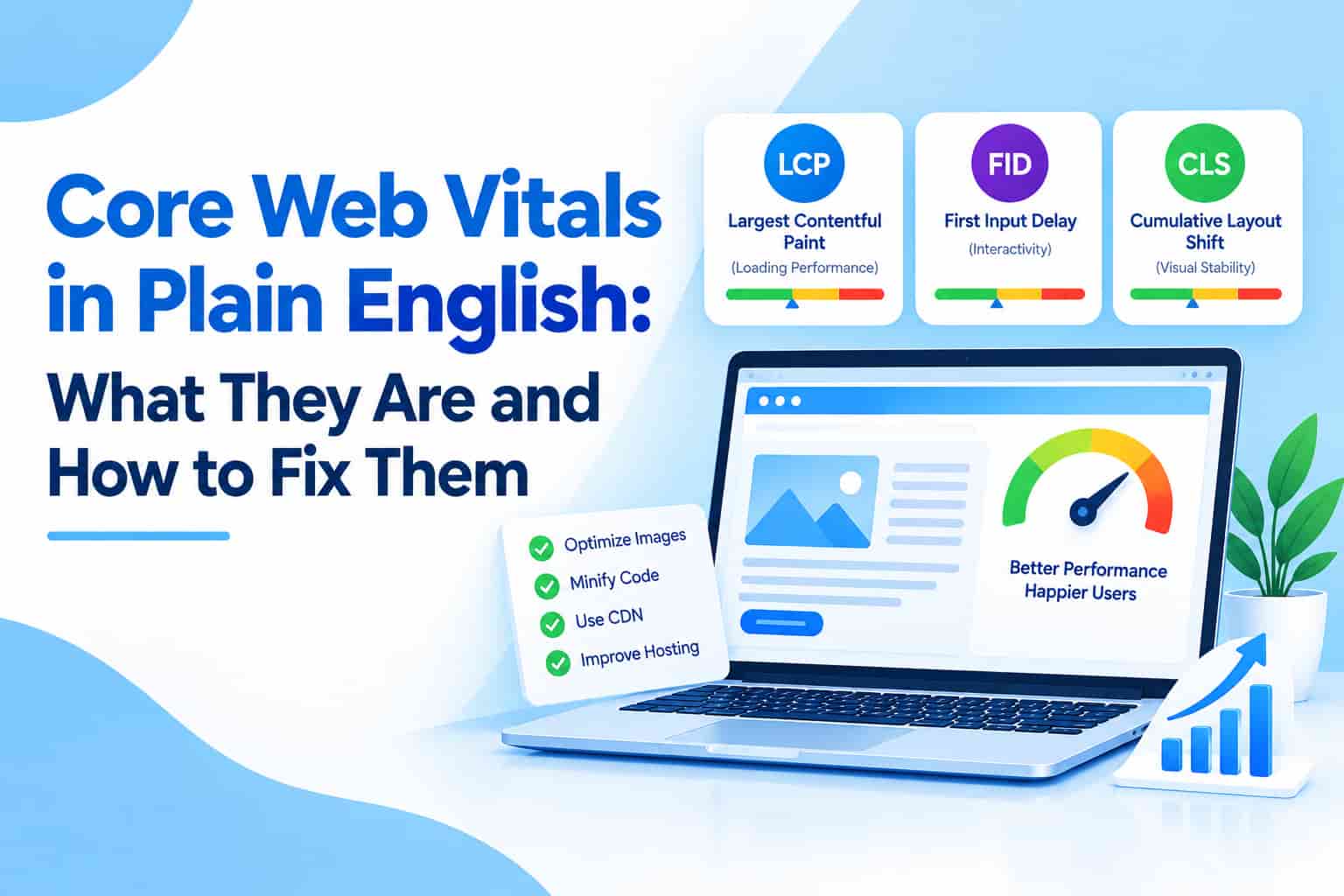
Core Web Vitals are three user-experience metrics measured from real visitors' devices (field data):
- Largest Contentful Paint (LCP): how quickly the largest visible element, usually a hero image or main heading, loads. A good LCP is 2.5 seconds or less.
- Interaction to Next Paint (INP): how quickly the page responds when someone taps, clicks or types. INP replaced First Input Delay in March 2024. A good INP is 200 milliseconds or less.
- Cumulative Layout Shift (CLS): how much content jumps around while the page loads. A good CLS score is 0.1 or less.
Google assesses these at the 75th percentile of visits, so most of your visitors, including those on budget phones and slow mobile data, need a good experience.
Why Core Web Vitals Matter for SEO and Sales
Page experience is one of many ranking signals, and relevant, helpful content still matters most. But speed has a direct business impact: slow pages lose impatient visitors, especially on mobile networks. Better vitals mean lower bounce rates, more enquiries and higher conversion rates. Read our guide on modern SEO in 2025 to see where technical performance fits in.
How to Measure Core Web Vitals
- Google Search Console: the Core Web Vitals report groups your URLs as good, needs improvement or poor using real-user data.
- PageSpeed Insights: shows field data when available, plus lab diagnostics and specific recommendations for each page.
- Chrome DevTools and Lighthouse: useful for testing changes before they go live.
Lab scores and field data can differ. When both exist, trust the field data, because it reflects what real visitors experience.
How to Fix Slow LCP
- Compress and resize images, and serve modern formats such as WebP or AVIF.
- Do not lazy-load the main hero image, and consider preloading it.
- Use quality hosting with server-side caching and a content delivery network (CDN).
- Remove or defer render-blocking CSS and JavaScript that is not needed immediately.
- Avoid heavy sliders and autoplay video at the top of the page.
How to Improve INP
- Remove unnecessary third-party scripts such as extra chat widgets, trackers and pop-up tools.
- Reduce heavy JavaScript on pages that are mostly text.
- Break up long tasks and load non-essential scripts after the page is usable.
- Test on a mid-range Android phone, not only on a fast laptop.
How to Reduce CLS
- Set width and height attributes on images, videos and embeds so space is reserved.
- Avoid inserting banners or ads above existing content after load.
- Load fonts carefully, using font-display settings, so text does not jump.
- Reserve space for cookie notices and dynamic widgets.
Quick Wins for WordPress and Small Business Sites
- Install a reliable caching and image optimisation plugin.
- Choose a lightweight theme and remove unused plugins.
- Move to better hosting if your server response time is slow.
- Limit fonts to one or two families.
- Test key pages monthly and after every major change.
Hosting also plays a major role. Our guide on building a search-ready site pairs well with a proper hosting review.
Frequently Asked Questions
Do I need a perfect score of 100?
No. Aim for the "good" range on your most important pages, such as the home page, service pages and top landing pages.
Why is my mobile score worse than desktop?
Phones have less processing power and slower networks, so performance problems appear there first. Google also uses the mobile version of pages for indexing.
How long does it take for improvements to show in Search Console?
Field data is collected over roughly 28 days, so allow several weeks to see the full effect of your fixes.
Conclusion
Core Web Vitals measure what visitors feel: how fast the page loads, how quickly it responds and how stable it looks. Focus on compressing images, trimming scripts, reserving space for content and choosing solid hosting. Measure with field data, fix the biggest problems first and recheck regularly.
OM Enterprises audits and improves site speed, technical SEO and user experience for growing businesses. Request a free performance audit and turn a slow website into a lead-generating machine.