

Core Web Vitals Explained: How to Measure and Fix LCP, INP and CLS on Your Website

A customer taps your ad on a mid-range phone, on a patchy mobile connection. The page starts to load, the layout jumps as images appear, and the button they wanted to press moves just as they tap it. A few seconds later, they are gone. Website speed and stability are no longer technical details for developers. They shape conversions, advertising costs and search visibility. Google measures part of that experience through a set of metrics called Core Web Vitals, and every business owner should understand them.
What Core Web Vitals are
Core Web Vitals are three measurements that Google uses to describe real-world user experience on a page: how quickly the main content loads, how fast the page responds to interaction, and how stable the layout is while loading. They are part of Google's page experience signals. Google has said that they are one of many ranking factors and that great content can still rank even when page experience is imperfect, so do not expect speed alone to lift weak pages. But slow, unstable pages lose visitors regardless of ranking, which is reason enough to care.
The three metrics
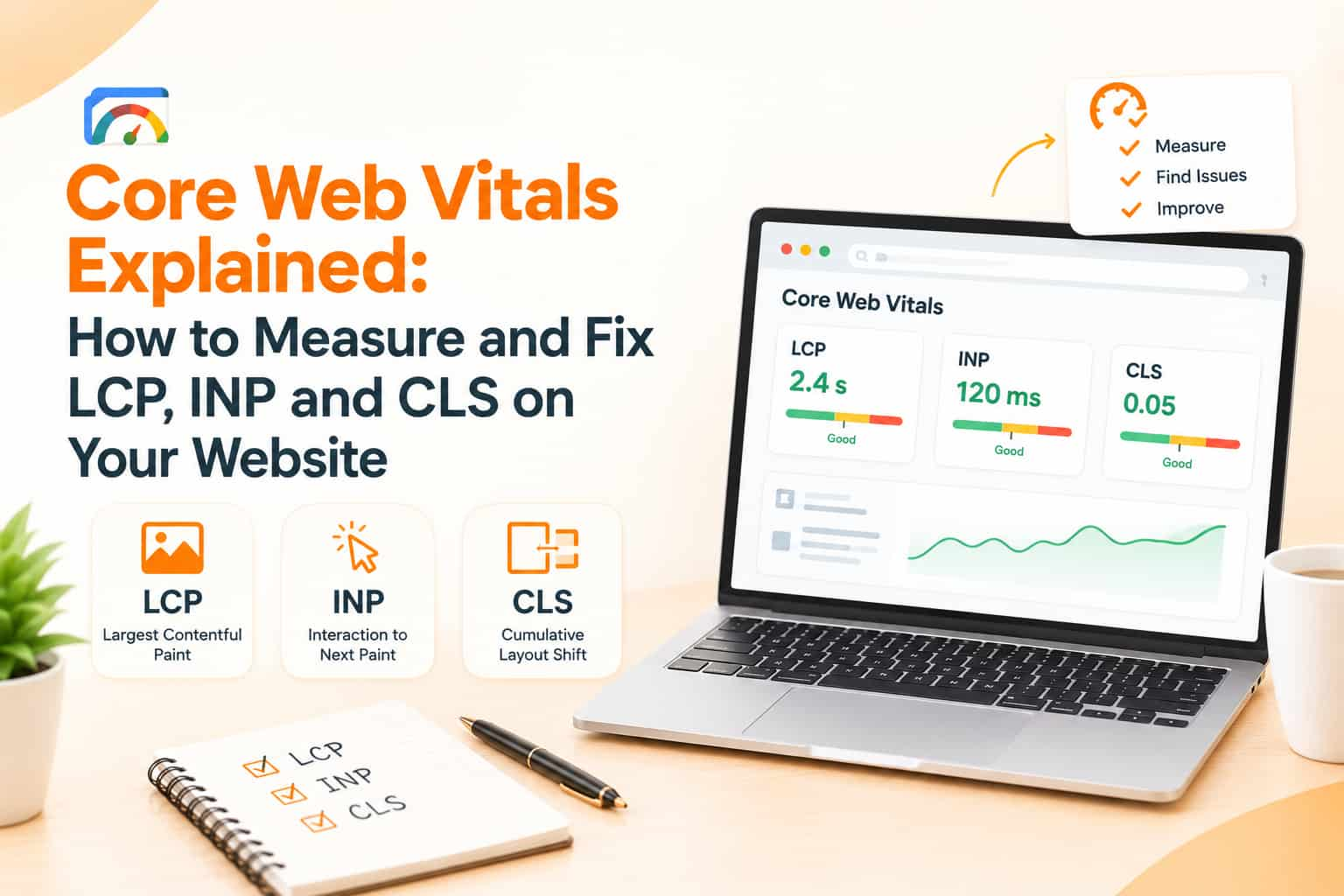
Largest Contentful Paint, or LCP. This measures how long it takes for the largest visible element, usually a hero image, banner or main block of text, to appear. Google's guidance considers an LCP of 2.5 seconds or less to be good, and above 4 seconds to be poor.
Interaction to Next Paint, or INP. This measures how quickly the page responds visually after a user interacts, such as tapping a button or opening a menu, looking at responsiveness across the visit. INP replaced an earlier metric called First Input Delay in 2024. A good INP is 200 milliseconds or less, and above 500 milliseconds is poor.
Cumulative Layout Shift, or CLS. This measures how much visible content unexpectedly moves while the page loads. A score of 0.1 or less is considered good, and above 0.25 is poor.
These thresholds can be updated by Google over time, so check current documentation. Google evaluates them at the 75th percentile of real user visits, meaning that most of your visitors need to have a good experience, not only those on fast connections.
Lab data and field data
There are two kinds of measurement. Field data comes from real users, collected through Chrome and shown in tools such as the Core Web Vitals report in Google Search Console and PageSpeed Insights. Lab data comes from simulated tests, such as Lighthouse, run in controlled conditions. Lab tests are useful for debugging, but field data reflects what customers actually experience. Treat field data as the judge and use lab data to find fixes. Small sites with little traffic may not have enough field data, in which case lab tests are your main guide.
How to measure your site
Start with Google Search Console, which groups your pages by status for mobile and desktop and flags URL groups that need improvement. Then run important pages through PageSpeed Insights to see both field and lab results with suggestions. Chrome's developer tools include Lighthouse for deeper testing. Test on a real mid-range Android phone over a normal mobile connection, since many Indian visitors use such devices and a developer's fast laptop on office Wi-Fi hides the problems.
Fixing slow loading
Most LCP problems come from large images, slow servers or code that blocks the page from displaying. Compress images and serve modern formats such as WebP or AVIF, at the size needed rather than huge originals. Do not lazy-load the main hero image, since that delays the largest element. Use a fast host and a content delivery network to bring content closer to visitors. Reduce unused CSS and JavaScript, and load non-essential scripts later. Use caching so that repeat visits are quicker. For font files, serve only the styles you use and make sure text shows while fonts load.
Fixing slow interaction
INP problems usually come from heavy JavaScript that keeps the browser busy. Audit third-party scripts such as chat widgets, tag managers, heatmaps, review plug-ins and ad pixels, because each adds weight, and remove those that do not pay for themselves. Break long tasks into smaller ones, defer scripts that are not needed immediately and avoid complicated animations on low-end devices. On WordPress sites, too many plug-ins and page builder add-ons are common causes. Keep forms and menus simple.
Fixing layout shifts
Layout shifts happen when elements appear without reserved space. Always set width and height, or aspect ratio, on images, videos and embeds, so the browser reserves space before they load. Reserve room for ad slots, banners and cookie notices instead of inserting them above existing content. Avoid inserting new content at the top of the page after load, and use stable fonts or careful font loading to prevent text from jumping. Test with the page loading slowly to see where movement occurs.
Mobile first
Google primarily uses the mobile version of pages for indexing, so mobile performance matters most. Keep pages lightweight, with a limited number of images above the fold, large readable text and tap targets that are easy to press. Test the layout on small screens, and ensure that pop-ups do not block content.
Prioritise your effort
Start with the pages that matter most: the homepage, top landing pages from ads, product and service pages, and checkout or enquiry forms. Fix issues that affect many pages together, such as a heavy theme or a slow server, before polishing single pages. Re-test after each change, and allow time for field data to update, since Chrome's data is collected over about a month.
Measure the business impact
Track bounce rates, enquiry or purchase conversion rates, and ad landing page performance before and after improvements. Faster pages often lower the cost of advertising clicks because more visitors stay long enough to act. Record improvements, so that the team understands the value of performance work.
Common mistakes
Common errors include testing only on fast devices, chasing a perfect lab score while ignoring real users, adding more plug-ins to fix problems, using oversized images, ignoring third-party scripts and redesigning without budgeting for performance.
Frequently asked questions
Do Core Web Vitals guarantee better rankings?
No. They are one set of signals among many, but they improve user experience and conversions.
What replaced First Input Delay?
Interaction to Next Paint replaced it as a Core Web Vital in 2024.
How long until improvements show?
Search Console field data usually takes several weeks to reflect changes.
Make your website fast and stable
OM Enterprises audits and improves website performance, from images and hosting to scripts and layout. Request a free speed audit.