

Clinic Appointment Reminders: SMS & WhatsApp to Cut No-Shows

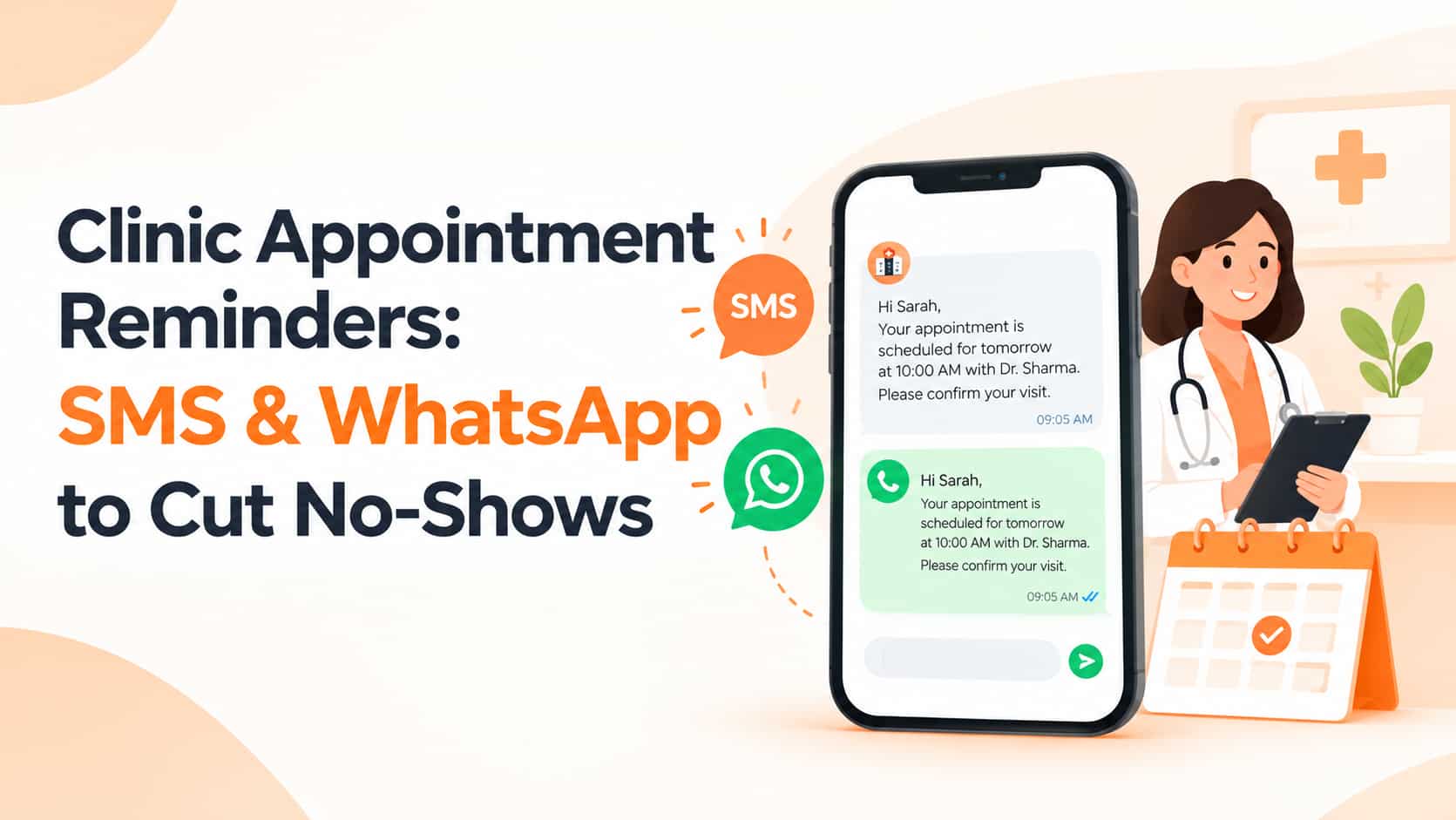
Missed appointments cost clinics time, income and the chance to care for patients who needed treatment. Doctors, dentists, physiotherapists, diagnostic labs and hospitals across India lose a meaningful share of their schedule to no-shows. Simple, well-timed appointment reminders by SMS and WhatsApp are among the most effective and affordable ways to reduce them. This guide explains what to send and when, which channel to use, how to protect patient privacy and how to measure the results.
Why Patients Miss Appointments
Most missed appointments are not acts of carelessness. People forget, especially when a booking was made days or weeks earlier. Work or family emergencies come up, rescheduling feels awkward or difficult, or patients are simply unsure about the time, the doctor or the address. Fear, cost worries and travel distance play a part too. The encouraging news is that clear confirmations, friendly reminders and easy rescheduling can address most of these causes.
The Appointment Reminder Journey
A good reminder journey starts the moment a booking is made. Send an immediate confirmation with the doctor's name, date, time, clinic name, address and a map link. A day before the appointment, send a brief reminder that includes a way to reschedule or cancel. A few hours before, a short message with the location link and contact number helps patients who are already planning their day. After the visit, a follow-up can share instructions, prescription reminders or a feedback request, and later reminders can prompt check-ups, vaccinations, dental cleanings, refills or annual health tests.
Choosing the Right Channel
Each channel has strengths. SMS reaches every phone and suits confirmations and reminders, provided you use DLT-registered service or transactional templates. WhatsApp is excellent for two-way conversations such as rescheduling, sharing directions and sending documents, though it requires patient consent and approved templates. Automated voice calls or IVR work well for older patients who prefer to hear a call, and email is useful for longer preparation instructions or forms. Our guide to bulk voice call services explains the voice option in more detail.
Sample Messages
A confirmation might say: "Dear Mr. Sharma, your appointment with Dr. Kaur is confirmed for 12 Oct at 5:30 PM at City Care Clinic, Model Town. Map: [link]. - City Care". The day-before reminder could read: "Reminder: your appointment with Dr. Kaur is tomorrow at 5:30 PM. To reschedule, call 98XXXXXXXX. - City Care". After the visit, you might send: "Thank you for visiting City Care. Please take your medicines as advised. Your next check-up is due on 12 Nov. - City Care".
Protect Patient Privacy
Health information is sensitive. Never put diagnoses, test results or other medical details into SMS or unencrypted messages, and share only what is needed, such as name, time, doctor and clinic. Collect and record consent for reminders at registration, limit staff access to patient contact data and follow India's data protection requirements. A privacy-first approach builds the trust that makes patients open your messages in the first place.
DLT and WhatsApp Compliance
For SMS, register your sender header and templates on the DLT portal under the correct category, and make sure the text you send matches the approved template exactly. For WhatsApp, use approved templates for business-initiated messages and contact only patients who have agreed. To connect reminders directly to your appointment software, see our guide on SMS API automation.
Make Rescheduling Effortless
Patients who can reschedule in one step are far less likely to simply not show up. Offer a reply keyword, a short link for choosing a new slot or a direct call number, and give cancelled slots immediately to patients on your waiting list so the day's schedule stays full.
Timing Tips
Send reminders at reasonable hours, usually between morning and early evening. Two reminders suit most appointments, one the day before and one on the day itself, and long-lead bookings such as surgery or dental treatment benefit from an additional reminder a week earlier. For elderly patients, a voice call alongside the message can make a real difference.
Measure the Impact
Compare your no-show rate before and after introducing reminders, and track reschedule and cancellation rates, delivery rates and invalid numbers, patient feedback and the revenue recovered from filled slots. Common mistakes include sharing too much medical detail, forgetting the clinic name or contact number, sending reminders at night or too frequently, failing to update the schedule after cancellations and ignoring replies on WhatsApp.
Frequently Asked Questions
How many reminders are enough?
Two is common: one a day before and one on the day. Adjust by patient group and appointment type.
Can reminders be sent in Punjabi or Hindi?
Yes, with templates registered in the language your patients prefer.
Do patients need to opt in?
Collect and record consent at registration, especially for WhatsApp and for promotional or health-awareness messages.
Conclusion
Automated appointment reminders reduce no-shows, improve how your schedule is used and help patients stay on track with their care. Combine SMS for reach, WhatsApp for conversation and voice for those who prefer calls, keep messages private and make rescheduling easy.
OM Enterprises provides appointment reminder systems for clinics and hospitals via SMS, WhatsApp and voice. Request a free demo and reduce your no-shows this month.