

Web Hosting Guide: Shared, VPS, Cloud or Managed? (India)

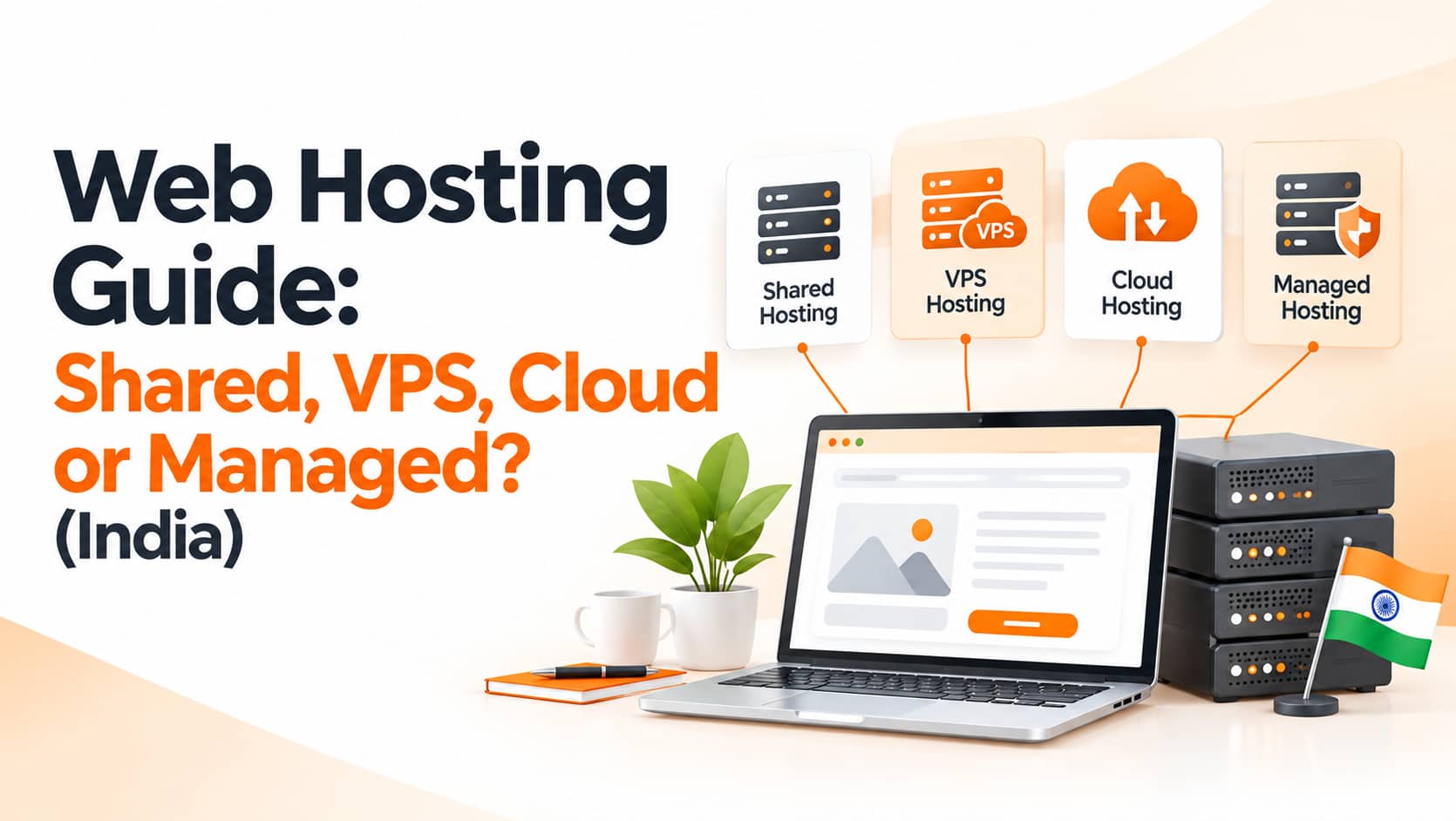
Your website's hosting is the foundation of its speed, uptime and security. Choosing the cheapest plan often leads to slow pages, frequent downtime and expensive migrations later. For Indian businesses, the right web hosting also affects SEO, because Google considers page experience and reliable access. This guide explains the main hosting types, what features matter, how to speed up your site beyond hosting and the signs you have outgrown your plan.
Why Hosting Matters for Speed and SEO
Hosting determines how quickly your server responds, how many visitors it can handle and how well it resists attacks. A slow server increases load times, hurts Core Web Vitals and frustrates visitors, especially on mobile networks. Frequent downtime means lost leads and can prevent search engines from crawling your site properly. Our guide on why SEO still matters explains how technical foundations influence rankings.
Shared and VPS Hosting
With shared hosting, many websites share one server's resources. It is the cheapest option and suits small brochure sites with modest traffic, but a busy neighbour can slow your site, and you have limited control and security isolation. A virtual private server, or VPS, gives you a dedicated slice of a server. It offers better performance, more control and stronger isolation, which makes it a good balance for growing business sites and small online stores, although it usually demands more technical skill unless the VPS is managed for you.
Cloud, Managed and Dedicated Hosting
Cloud hosting runs your site across a network of servers with resources that scale up and down, which handles traffic spikes such as festive sales or campaigns well and offers high reliability, though pricing may be usage-based. Managed WordPress hosting is optimised and maintained specifically for WordPress, often including caching, automatic updates, security scanning, backups and expert support. It costs more than basic shared plans but saves time and reduces risk for business-critical sites. A dedicated server gives one website an entire physical machine, which suits very high-traffic sites or special compliance needs but carries the highest cost and technical responsibility.
What to Look for in a Provider
Server location matters, because data centres close to your customers reduce latency, so for Indian audiences hosting in India or nearby regions is usually best. Look for a strong uptime commitment backed by a genuine track record and honest customer reviews. Speed technology such as SSD or NVMe storage, server-side caching, modern protocols and an optional CDN makes a visible difference. Security should include free SSL, firewalls, malware scanning, DDoS protection and regular backups, and responsive support, ideally in your time zone and language, matters more than most people expect until something breaks. Finally, check how easily you can upgrade, how often backups run and how simple restores are, and compare renewal prices rather than introductory offers, which are often much lower.
Speed Tips Beyond Hosting
Even good hosting cannot rescue a heavy website. Use caching and a content delivery network to serve pages faster to visitors across India and abroad, compress and resize images and use modern formats such as WebP. Keep plugins, scripts and tracking tools lean, update PHP, your CMS and plugins regularly, choose a lightweight, well-coded theme and enable compression and minification for CSS and JavaScript. For measuring progress, test your pages with PageSpeed Insights and Search Console, and read our post on search performance and page experience for context.
Signs You Have Outgrown Your Plan
Several warning signs suggest it is time to upgrade. Your site slows down during campaigns, sales or festive traffic, your host sends resource or CPU limit warnings, the admin area times out or feels sluggish, your database, media library or email volume keeps growing, time to first byte stays high even after optimisation or you suffer repeated downtime and slow support responses.
Plan for Backups, Domains and Migration
Keep your own backups stored away from the hosting server, register your domain in your own name and, ideally, with a separate registrar account from your hosting, and document logins, DNS records and email settings. When you migrate, test the new server first, lower DNS time-to-live values in advance and monitor closely after switching. If you send email from your own domain, configure SPF, DKIM and DMARC records and consider a dedicated email service for campaigns, because poor email setup can send messages to spam even when the website runs perfectly.
A Simple Way to Choose
For a small brochure site or portfolio, quality shared hosting or a managed starter plan is usually enough. A growing local business or blog is better served by managed WordPress or an entry-level VPS. An online store with steady orders should look at a VPS or cloud plan with caching and a CDN, and a campaign-driven or high-traffic site needs scalable cloud resources or dedicated capacity.
Frequently Asked Questions
Is cheap hosting always bad?
Not always, but check support quality, backups, security and performance under load before committing.
Will faster hosting improve SEO?
Faster loading supports a better user experience and Core Web Vitals, which can help overall performance, though content quality still matters most.
Should I host my website in India?
If most of your customers are in India, hosting locally or using a CDN with Indian edge locations usually reduces latency.
Conclusion
The right web hosting gives your business a fast, secure and reliable base. Match the hosting type to your traffic and goals, prioritise server location, security, backups and support, optimise your site beyond hosting and watch for signs that you have outgrown your plan.
OM Enterprises offers website hosting, migration and performance tuning for business sites and online stores. Ask for a free hosting recommendation and keep your website fast and online.