

How to Choose a CRM for Your Small Business Without Overbuying

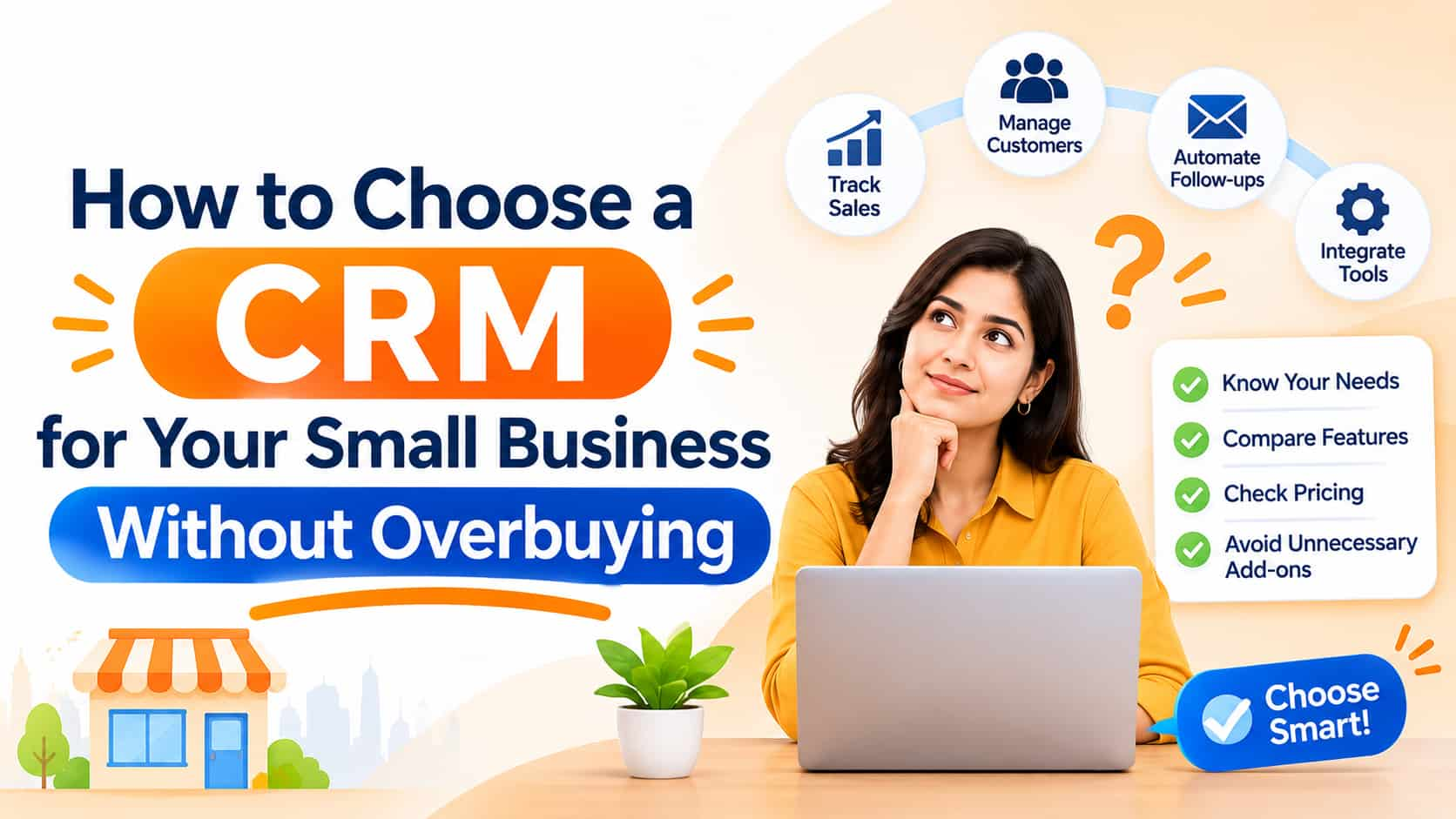
Most small businesses keep customer information in too many places: phone contacts, WhatsApp chats, a notebook, a spreadsheet, email threads and the memory of one or two employees. It works until the business grows, someone leaves, or a lead goes cold because nobody remembered to call back. That is the moment owners start asking about a CRM. A customer relationship management system is a tool that keeps every lead, customer and conversation in one organised place, with reminders, history and reports. This guide explains how to choose a CRM for a small business without overbuying or underbuying.
What a CRM does
A CRM stores contact records with details such as name, phone number, email, company, source and notes. It tracks every interaction: calls, messages, emails, meetings and quotations. It organises potential sales into a pipeline with stages such as new enquiry, contacted, quotation sent, negotiation and won or lost. It reminds you to follow up, assigns leads to team members and produces reports on sales activity, conversion rates and revenue. Many CRMs also connect with email, WhatsApp, SMS, website forms, advertising platforms and accounting tools.
Signs you need one
You may need a CRM if leads are lost because follow-ups are forgotten, if different people hold different parts of the customer history, if you cannot tell which marketing source brings customers, if you spend hours updating spreadsheets, or if you are starting to hire sales staff. If you run advertising campaigns, a CRM shows which leads turn into paying customers, which tells you what is really working.
Define your needs first
List the problems you want to fix. Do you need to capture leads from your website and ads automatically? Assign them to sales staff? Send follow-up messages by WhatsApp and email? Track quotations and orders? Manage customer service tickets? Keep service history for repeat customers? Different businesses need different tools. A coaching institute tracking admissions enquiries has different needs from a manufacturer tracking dealers or a clinic managing appointments. Write down the five most important tasks, and judge each system against them.
Key features to look for
Lead capture. Integration with website forms, landing pages, Facebook and Instagram lead ads, Google Ads leads, call tracking and chat tools, so enquiries arrive automatically.
Pipeline management. A visual board where you can move deals between stages, with the ability to customise stages to fit your process.
Task and follow-up reminders. Automatic reminders and scheduled activities help ensure no enquiry is forgotten.
Communication tools. Email integration, call logging and, ideally, WhatsApp and SMS integration, since many Indian customers prefer chat. Check whether messaging features use the official WhatsApp Business Platform with proper consent.
Automation. Rules that assign new leads, send welcome messages, move deals when conditions are met and trigger reminders when leads go quiet.
Reporting. Dashboards for lead sources, conversion rates, sales team performance, pipeline value and revenue forecasts.
Mobile app. Salespeople work on the move. A good mobile app lets them view customers, log calls and update deals quickly.
Customisation. Custom fields for your own data, such as course interest, property budget or machine model.
Data import and export. Easy import of existing spreadsheets and the ability to export your data if you leave.
Permissions and security. Role-based access so staff see only what they should, plus backups and data protection controls.
Consider your budget realistically
CRM pricing models vary. Many charge per user per month, with tiers that unlock automation, reporting and integrations. Some offer free plans with limits on users or records, which can suit very small teams. Beyond the subscription, consider costs for setup, data migration, training, extra integrations and paid add-ons for WhatsApp messaging or calling. Count the total yearly cost for your team size, and compare it with the value of leads saved. A modest tool that your team actually uses beats an expensive one nobody updates.
Think about ease of use
Adoption is the biggest risk. If entering data feels like extra work, staff will avoid it, and the system will fill with gaps. Choose software with a clean interface, minimal clicks to log an activity and good mobile design. Involve the team in selection, and test with real tasks. A simple CRM that people love is better than a powerful one they ignore.
Check integrations and local fit
Make sure the CRM works with the tools you already use: your website, email provider, accounting or billing software, telephony and messaging platforms. For Indian businesses, check for GST-friendly quotations and invoices if needed, regional language support where relevant, rupee pricing and local support hours. Ask whether the provider has customers in your industry and region.
Plan data security and privacy
Customer data is valuable and sensitive. Ask where data is hosted, how it is protected, who can access it and how backups work. Check that the provider supports consent records and deletion requests in line with India's data protection requirements. Use strong passwords and two-factor authentication, and remove access promptly when staff leave.
Run a trial before committing
Shortlist two or three options. Sign up for free trials and load a small set of real contacts. Set up your pipeline stages and let a few team members use the system for one or two weeks on real work. Test lead capture from your website, WhatsApp connection if offered, reporting and the mobile app. Ask support a few questions and judge response quality. Compare which tool your team prefers.
Implementation tips
Start simple. Import clean data, create a small number of pipeline stages and define clear rules about what must be recorded. Train staff with short sessions and written instructions. Name one person responsible for the system. Review after thirty days, remove unused fields and add automation gradually. Make using the CRM part of the daily routine, for example by holding sales meetings from the pipeline view.
Common mistakes
Common errors include buying the most feature-heavy system, not defining processes first, importing messy data, giving no training, ignoring mobile usability, failing to connect lead sources and not reviewing reports. Another mistake is treating the CRM as a place for management to monitor staff rather than as a tool that helps them sell.
Frequently asked questions
Can I just use a spreadsheet?
For a handful of customers, yes. As volume and team size grow, a CRM prevents errors and lost follow-ups.
Is a free CRM enough?
For very small teams, possibly, but check limits on users, records and features.
How long does setup take?
Basic setups can be done in days. Adoption and refinement take a few weeks.
Organise your customer relationships
OM Enterprises helps businesses choose and set up CRM systems connected to websites, ads and WhatsApp. Talk to our business solutions team.